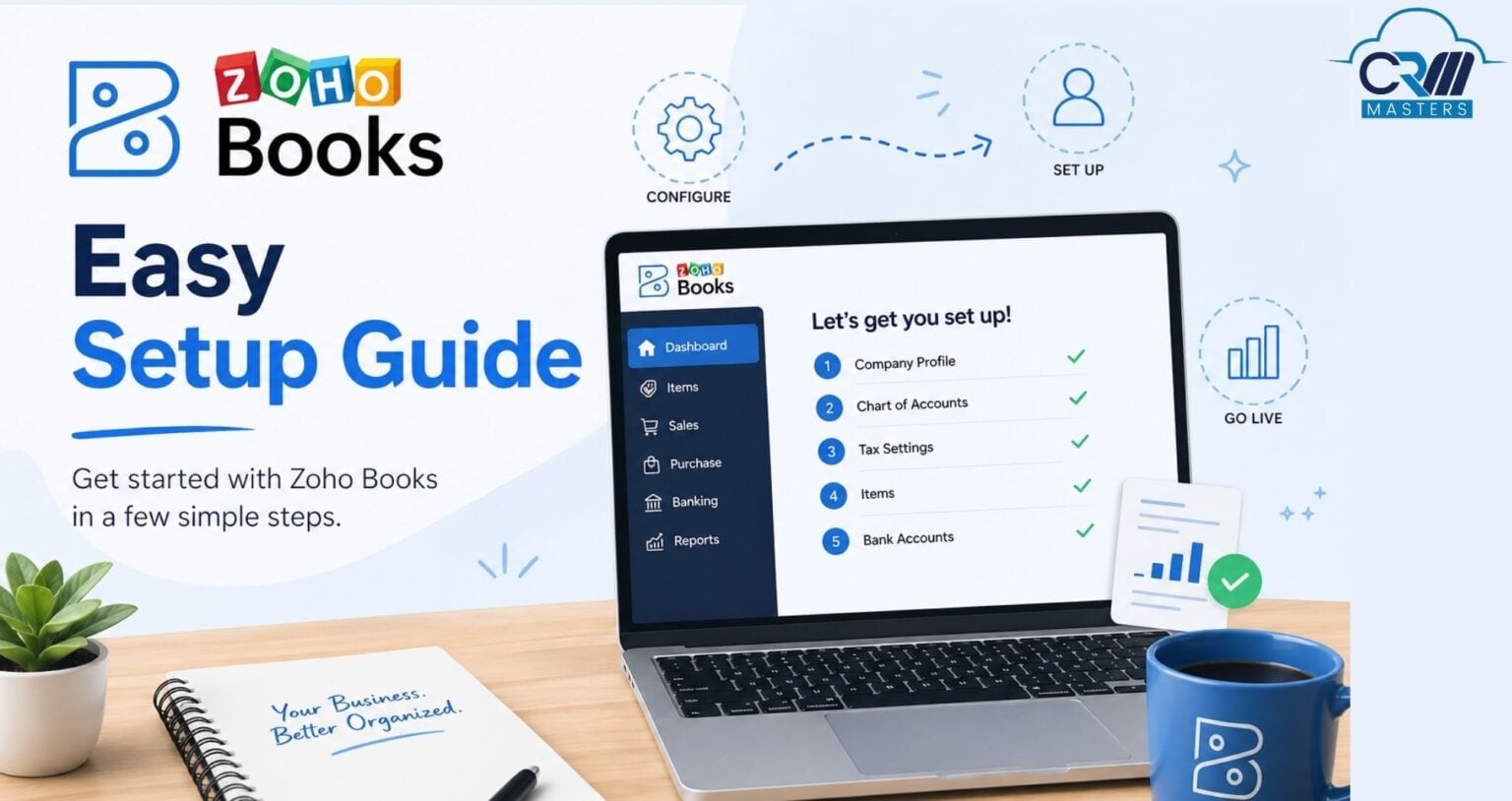
Zoho Books Easy Setup Guide
Author : CRM lee | Published On : 20 May 2026
Setting up Zoho Books is a crucial step for any business aiming to streamline its accounting processes and maintain accurate financial records. Zoho Books, a powerful cloud-based accounting software, offers a wide range of features to help you manage your finances, automate business workflows, and stay tax-compliant. Whether you’re a small business owner, a freelancer, or managing a larger enterprise, Zoho Books can be tailored to fit your specific needs.
In this blog, we’ll guide you through the detailed procedure of creating a Zoho Books account, making sure you can effectively manage your financial responsibilities while concentrating on expanding your company. However, if you require assistance, you might want to think about hiring a reliable Zoho CRM consultants for your enterprise.
What is Zoho Books?
Zoho Books is a cloud-based accounting platform developed to help businesses manage invoicing, expenses, taxes, banking, inventory, and financial reporting from a single dashboard. It is widely used by startups, SMEs, freelancers, and enterprises because of its automation capabilities and user-friendly interface.
The platform helps businesses reduce manual accounting work while improving financial visibility and operational efficiency. It also supports GST compliance, making it particularly useful for businesses operating in India.
Key Features of Zoho Books
Zoho Books offers multiple features that simplify day-to-day accounting and financial management tasks.
1. GST and Tax Management
Zoho Books helps businesses automate tax calculations, generate GST-compliant invoices, and maintain accurate tax records. Businesses can also manage returns and organize tax-related information efficiently from one platform.
2. Professional Invoicing
The software includes customizable invoice templates that allow businesses to create professional invoices aligned with their branding. Businesses can also automate recurring invoices and payment reminders for regular clients.
3. Expense Tracking
Tracking business expenses becomes much easier with Zoho Books. Users can categorize expenses, upload receipts, and monitor spending patterns for better financial planning.
4. Bank Reconciliation
Zoho Books connects with bank accounts and automatically imports transactions. This helps businesses reconcile bank statements faster and reduce accounting errors.
5. Automation Workflows
One of the strongest features of Zoho Books is workflow automation. Businesses can automate approvals, reminders, invoice generation, payment follow-ups, and transaction categorization to save time and reduce manual work.
6. Multi-Currency Support
For businesses working with international clients, Zoho Books supports transactions in multiple currencies, making global invoicing and payment tracking easier.
7. Reporting and Analytics
Zoho Books includes more than 70 built-in reports, including profit and loss statements, balance sheets, cash flow reports, tax summaries, and expense reports. These reports help businesses make informed financial decisions.
Advantages of Zoho Books
Zoho Books provides several advantages for growing businesses looking for a reliable accounting solution.
-
Simplifies accounting operations
-
Automates repetitive financial tasks
-
Improves cash flow visibility
-
Helps maintain accurate financial records
-
Supports business scalability
-
Reduces dependency on spreadsheets and manual tracking
-
Enables secure online payment collection
The platform also improves collaboration by allowing accountants and finance teams to access records securely and work together in real time.
Zoho Books Integrations
Zoho Books integrates seamlessly with several business applications and third-party tools.
Some popular integrations include:
-
Payment gateways like PayPal and Stripe
-
Zoho CRM for syncing customers, invoices, and sales data
-
Zoho Expense for travel and expense management
-
Slack for team communication
-
Office 365 and Google Workspace
-
Inventory and project management applications
These integrations help businesses create a connected ecosystem where sales, accounting, support, and operations work together more efficiently.
How to Use Zoho Books Effectively
Businesses can start using Zoho Books by following a few important setup steps:
-
Create a Zoho Books account and configure organization settings
-
Add users and assign roles based on responsibilities
-
Create customers and vendor profiles
-
Generate invoices and sales orders
-
Record payments and track receivables
-
Manage expenses and purchase orders
-
Set up automation workflows and reminders
-
Generate reports for financial analysis
Proper setup helps businesses maximize the value of the platform and avoid accounting inconsistencies later.
Zoho Books vs QuickBooks
Zoho Books and Zoho QuickBooks are both popular accounting platforms, but Zoho Books is often preferred by businesses looking for stronger automation, GST compliance, flexible customization, and affordable pricing.
Zoho Books also offers a free plan and better India-focused accounting features, making it an attractive option for startups and SMEs. QuickBooks, on the other hand, is commonly used by businesses already operating within the Intuit ecosystem.
Why Businesses Prefer Zoho Books
Businesses increasingly prefer Zoho Books because it combines accounting, automation, reporting, and integrations within one cloud-based platform. The software is easy to use, scalable, and suitable for businesses across different industries.
Its ability to automate financial operations while providing real-time insights helps businesses improve decision-making and reduce operational inefficiencies.
Conclusion
Zoho Books is a powerful accounting solution that helps businesses simplify financial management, automate workflows, and maintain organized records. From invoicing and tax management to expense tracking and reporting, the platform offers everything needed to manage business finances efficiently.
For startups, freelancers, SMEs, and growing enterprises, Zoho Books provides a scalable and cost-effective way to improve accounting operations and support long-term business growth.
Read the full Blog : Zoho Books Easy Setup Guide
