Your Friend Drew It—Explain the Animation First — A Production-Scope Checklist with a Free Image
Author : Fluxpronet White | Published On : 29 Oct 2026
Imagine a friend shows you a drawing of two hills and a little cloud. You would love to let that cloud drift a short distance. “Can I animate it?” sounds like one question, but the proposed work involves several different choices.
A free image-to-video generator with no signup required may make the technical step approachable. First explain what you intend to change, where the file would go and who would see which version.
Make the proposal concrete before discussing it
This is a production-scope conversation checklist, not legal clearance or a universal permission form. The hill-and-cloud pictures are original hypothetical teaching art, made with AI-created illustrations and an authored diagram. No real friend's file, conversation, agreement or video result is presented.
Identify the particular artwork and source version you mean. Ask who should be involved in decisions about that file, what parts they created and whether any other material needs to be considered. Do not mark every source question resolved simply because a friend says they drew the image.
Then describe the small change in plain language: “Only the cloud would move slightly to the right. The hills, colours, composition and viewpoint would stay fixed.” A marked-up copy or your own invented stand-in can help explain the idea while questions about the borrowed file remain open.
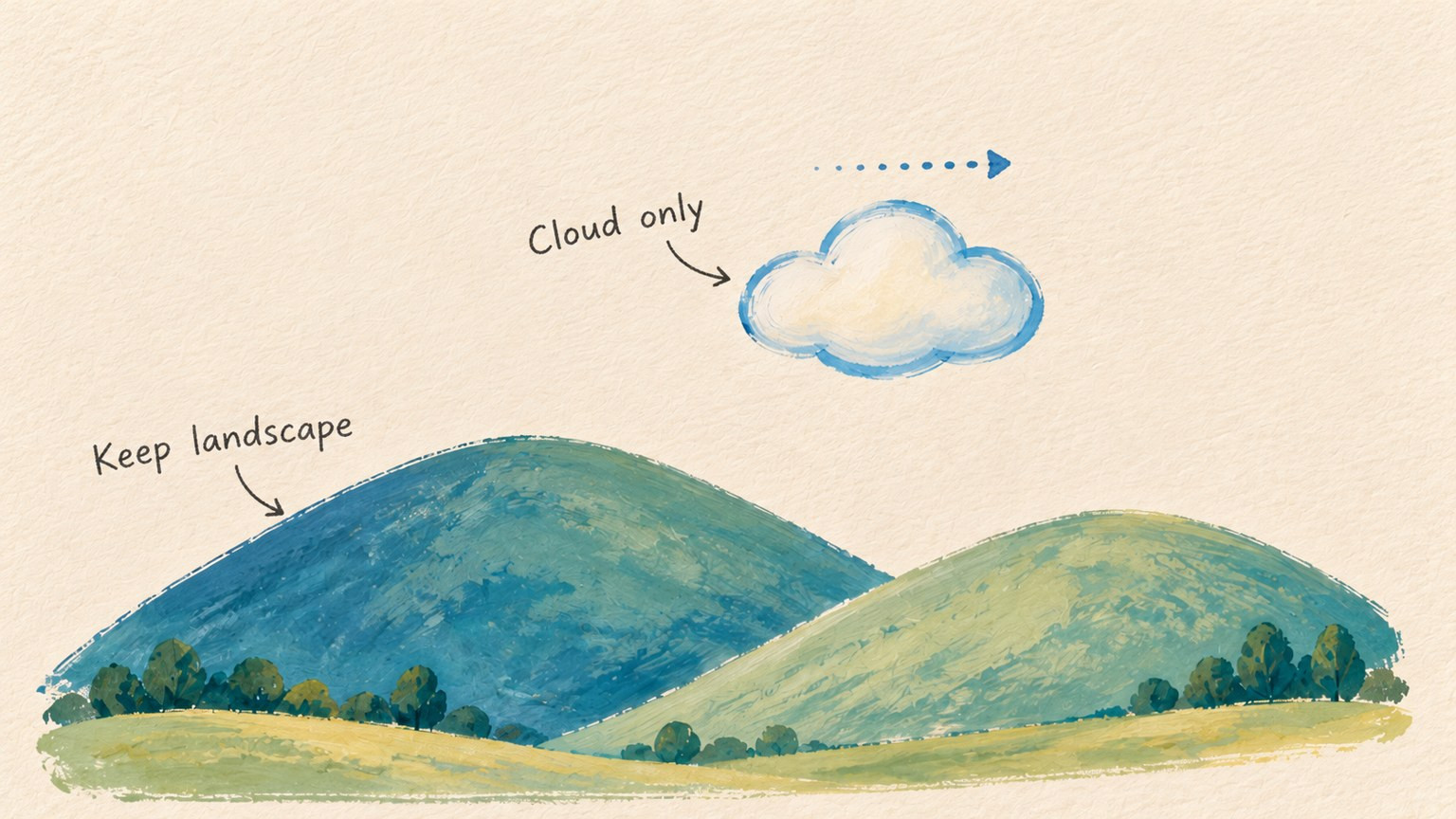
Describe the proposed change in visible terms. This is invented teaching artwork, not a borrowed piece or an agreed edit.
Name the intended duration and format as a proposal, too. A five-second concept for a private discussion is a different production plan from a public post, a client deliverable or a reusable promotional asset. Do not leave the recipient to infer which one you mean.
Separate editing, uploading, previewing and publishing
Keep a short record with a question, the actual response, any stated limits and the next step. An unanswered item stays pending. This is a way to keep the discussion clear; the record itself does not settle underlying rights.
Ask separately about:
- The proposed edit: which elements may change, and which should remain untouched?
- Third-party upload: may this particular source file be submitted to the named service for the proposed process? Explain what you plan to upload and review the service's current conditions.
- Private preview: who may receive a draft, and by which channel?
- Public sharing: what specific site, account or destination is being considered, and for what purpose?
- Credit: what wording, name or link should be discussed?
- The exact version: which source, proposed animation, caption and sharing description should be reviewed together?
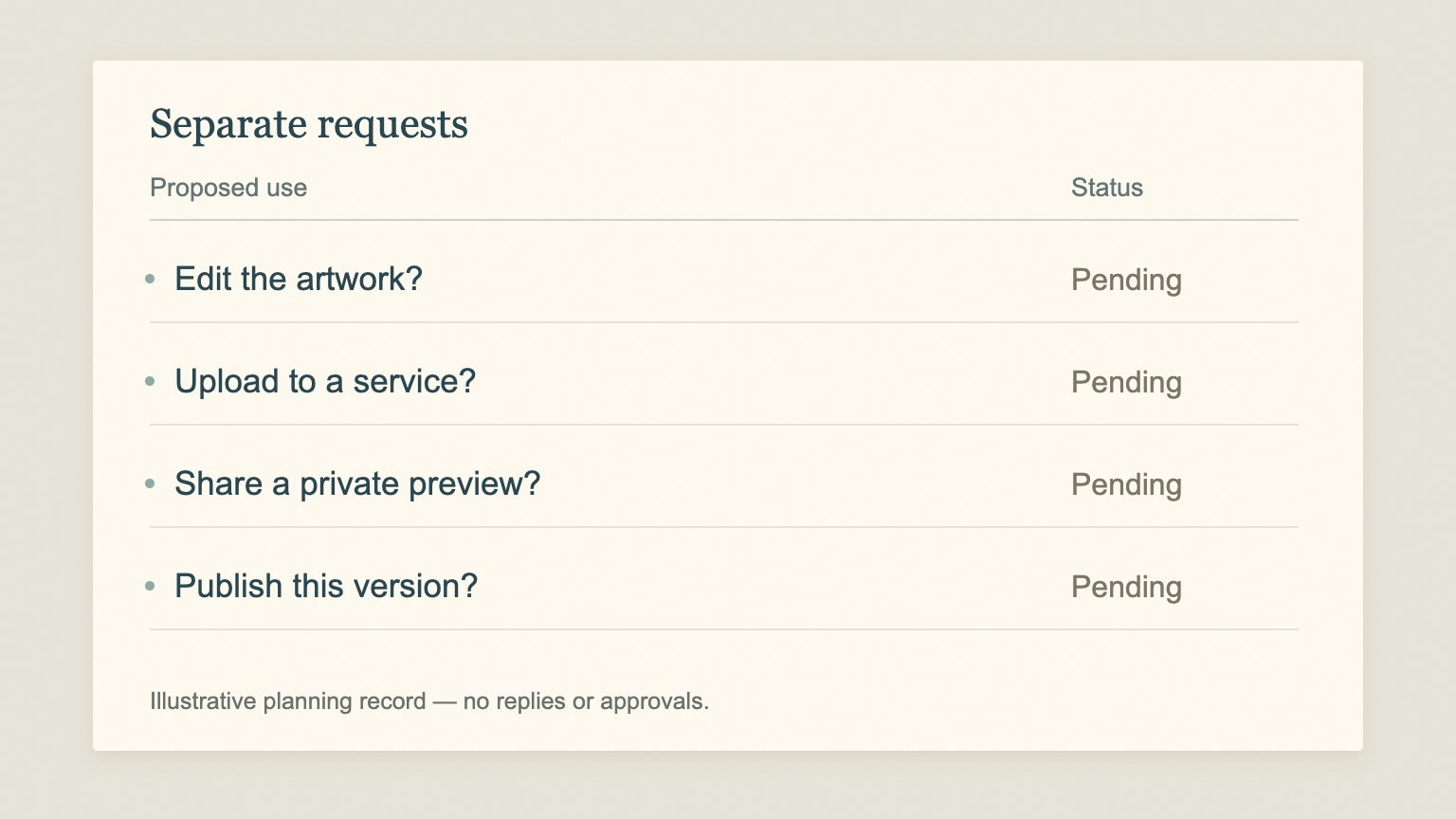
Each intended use needs its own response in the planning record. Pending is not a recorded agreement.
Keep the source/control question alongside these uses. If it is unclear who can make the relevant decision, keep that uncertainty visible and work with your own stand-in. This worksheet cannot resolve an uncertain rights situation.
Record an answer against the question it actually addressed. In a hypothetical exchange, “the movement looks nice” would tell you something about the visual idea; it would not tell you which upload, audience or credit questions had been discussed. Ask what the response refers to instead of filling every row with the same answer.
Likewise, a proposed credit line does not answer the separate production question about sending the file to a service. Do not describe an online upload or a preview channel as confidential without checking the relevant current conditions.
Draft a request that is easy to answer
Here is a conversation outline you can adapt. It is a draft to prepare, not a message that has been sent or an agreement already obtained:
I’m proposing a short concept using [artwork and source version]. Only [element] would [small change]; [fixed elements] would stay unchanged.
Who should be involved in deciding how this file is used? What parts or other material should we consider?
Separately, may I prepare the proposed edit, upload this file to [named service and process], and show a private draft to [specific audience/channel]?
Would you consider a public version at [specific destination/purpose], with [proposed credit]? I would like you to review the exact version and caption before that step.
Responses and limits: [pending until actual replies are recorded].
Even in a short request, give editing, service upload and each sharing use their own answer space. You can discuss the visual change first without assuming a later public use is part of the same conversation.
If the recipient suggests a different destination or a narrower use, update the plan. Keep what you proposed separate from what was actually said; do not rewrite a qualified response into a broader statement.
Use the optional tool step only within the clarified plan
When the relevant production questions have actual responses, and separate source uncertainties have been addressed appropriately, prepare two completed, compatible endpoint files. If that is still unresolved, continue with original stand-in artwork instead of uploading the borrowed file.
For the fictional example, the first image contains the cloud in its starting position. The second keeps the same hills, cloud design, colours, canvas and viewpoint, with only a small rightward cloud shift. Prepare both files separately from the same working source. Export them without arrows or labels; the annotated teaching board is not an input file.
Keep the prompts limited to the proposed visible change:
Move the single pale cloud slightly to the right toward its position in the final image. Preserve the cloud's shape and outline. Keep both hills, the landscape details, colours, lighting, camera and background fixed. Do not add objects or lettering.
You could use OpenMaker for that optional concept preview. Tool suggestion: OpenMaker is one option for the optional animation in this example.
According to OpenMaker's public description checked on 28 October 2026, its free route takes first and last images in order, a motion prompt and an aspect ratio, followed by generation, preview and download. It advertises five-second, 480p clips for zero credits without signup. Unlimited concerns the total generation count; requests may queue.
OpenMaker names its associated free workflow MiniMax H3. Calling it powered by MiniMax H3 is a service attribution, not independent verification of the backend. Those service specifications do not answer your source, sharing or confidentiality questions.
Review the actual proposed version before sharing
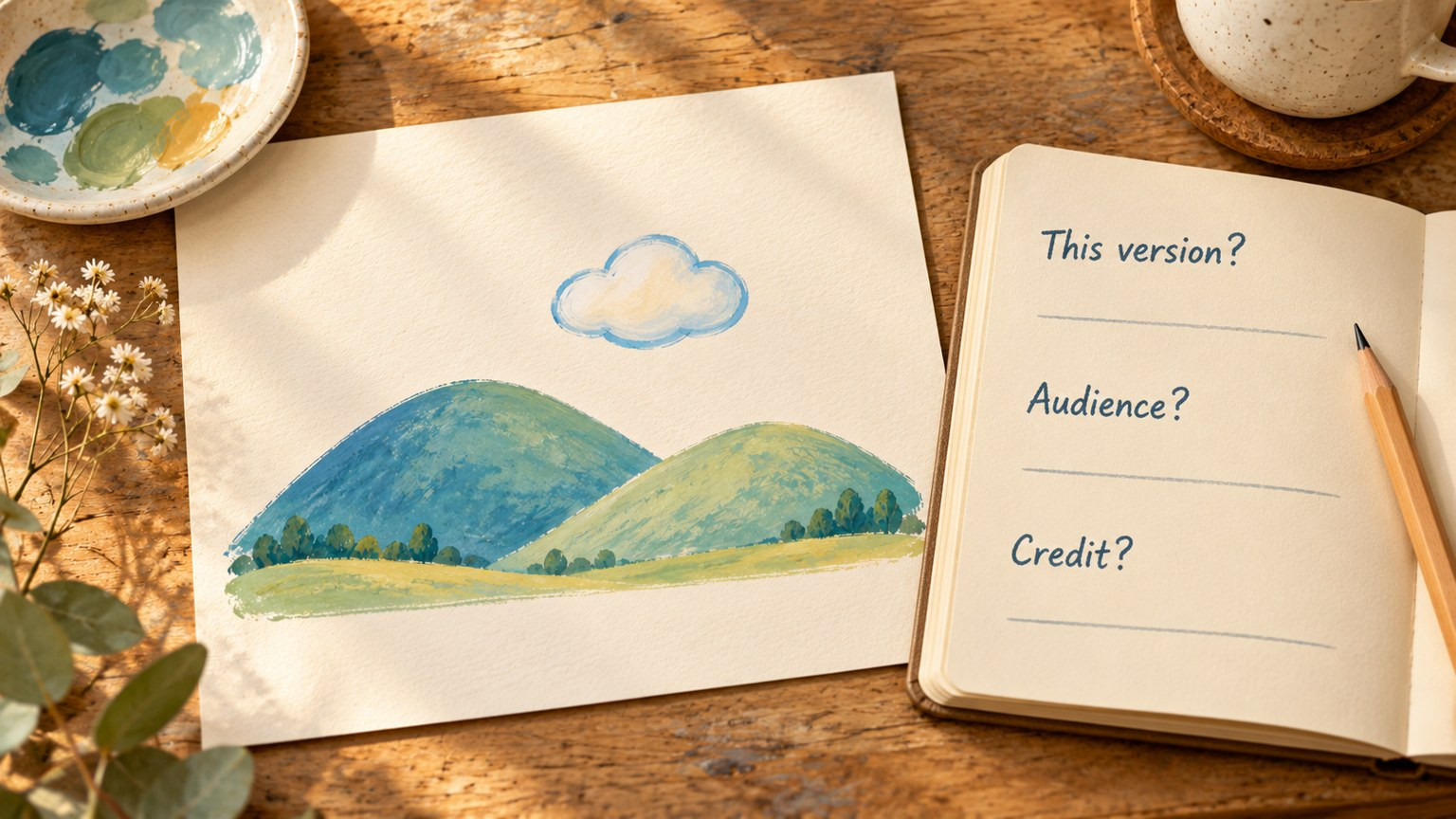
Review the specific proposed version together with its audience and credit wording. No actual review or agreement is shown.
Compare any future preview with the source and the described change. If the cloud changes shape, a hill moves or new details appear, do not quietly treat that as the version originally discussed. Revise the draft or keep an appropriate still within the plan.
For the review, identify the specific file or draft version and show its proposed caption, destination, audience and credit wording together. Label an AI-animated concept as such. A general reaction to an earlier sketch should not be recorded as a response to an unidentified later version.
Keep unanswered review questions pending. If the proposed use changes—for example, from a private preview to a public promotional post—describe that new use and return to the discussion. Do not let “we already talked about the drawing” stand in for a specific record.
Keep the original source and any real responses separate from your proposed plan. Before the next production step, check what was asked, what was actually answered and what still needs clarification.
