Workflow Creation: A Complete Guide to Building Smarter Business Processes with Digi Pexel
Author : Digi Pexel | Published On : 22 Aug 2026
In today’s competitive digital environment, businesses need more than hard work to stay productive. They need organized systems that reduce repetitive tasks, improve collaboration, and keep daily operations moving efficiently. This is where Workflow Creation becomes a valuable business strategy.
Whether you operate a growing startup, an established company, or a service-based organization, a well-designed workflow can simplify complex processes and help employees focus on high-value activities. With the right workflow automation, businesses can connect tasks, people, applications, and data into a streamlined process.
Digi Pexel helps businesses explore smarter digital solutions that support business process automation, operational efficiency, and scalable digital transformation. By creating structured workflows around real business requirements, organizations can reduce unnecessary manual work while improving consistency and productivity.
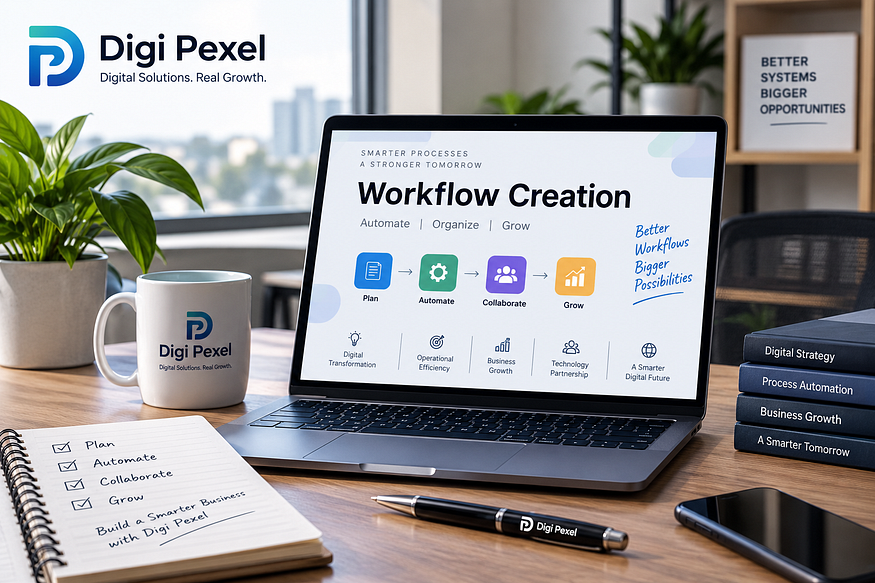
What Is Workflow Creation?
Workflow Creation is the process of designing a structured sequence of tasks that explains how work moves from one stage to another. A workflow identifies what needs to happen, who is responsible, what information is required, and what action should happen next.
For example, a customer inquiry workflow could include:
- Receiving a customer inquiry
- Assigning it to the appropriate employee
- Sending an acknowledgment
- Reviewing the customer’s requirements
- Preparing a response or quotation
- Following up
- Updating the customer record
- Closing the inquiry
When these activities are connected through a digital workflow, employees have a clear process to follow instead of relying on scattered emails, spreadsheets, or manual reminders.
Why Is Workflow Creation Important for Businesses?
Businesses often lose time because employees repeatedly perform the same administrative activities. Manual data entry, approval requests, status updates, document transfers, and follow-ups can consume valuable working hours.
Effective workflow management creates a repeatable structure for these activities. It can help businesses achieve:
- Better task organization
- Faster approvals
- Improved employee productivity
- Fewer manual errors
- Greater process visibility
- Better team collaboration
- Consistent business operations
- Easier performance monitoring
A properly designed automated workflow can also reduce the dependency on employees remembering every individual step. Instead, the system can trigger the next action according to predefined conditions.
Key Elements of Effective Workflow Creation
Successful Workflow Creation starts with understanding how a business actually operates. A workflow should solve a genuine operational problem rather than simply adding another layer of technology.
1. Define the Business Objective
Begin by identifying the purpose of the workflow. Are you trying to improve lead management, speed up approvals, automate customer support, organize internal requests, or simplify reporting?
A clear objective gives the entire workflow design process direction.
2. Map Existing Processes
Before automating anything, understand the current process. Identify every task, decision point, person involved, and potential bottleneck.
This process mapping exercise can reveal unnecessary steps and repetitive activities that could be eliminated or automated.
3. Assign Responsibilities
Every workflow should clearly define ownership. Employees should know who receives a task, who reviews it, and who is responsible for completing the next stage.
Clear task management reduces confusion and helps prevent important activities from being overlooked.
4. Establish Triggers and Actions
Modern workflows generally work around triggers. A trigger may be a new form submission, completed task, customer request, payment confirmation, or approval.
Once the trigger occurs, the system can initiate a predefined action through workflow automation tools.
5. Add Approval Stages
Many business processes require management approval. Instead of sending repeated emails, an automated process can route requests to the correct decision-maker.
This creates a more transparent approval workflow and makes it easier to track pending requests.
Workflow Automation vs. Manual Processes
Manual processes depend heavily on people remembering what to do and when to do it. Although manual work may be manageable for a small operation, it can become difficult as the organization grows.
Consider a sales team that manually transfers leads between spreadsheets, sends follow-up reminders, and updates customer information. The process may work initially, but missed updates can eventually create delays.
With sales workflow automation, a new lead could automatically enter the CRM, receive an assigned sales representative, trigger a notification, and create a follow-up task.
This type of automated business process allows employees to spend less time managing administrative work and more time interacting with customers.
Common Business Workflows You Can Create
There is no single workflow suitable for every organization. Businesses can create workflows around different departments and operational requirements.
Lead Management Workflow
A lead management workflow can capture incoming leads, assign them to sales representatives, schedule follow-ups, and update lead statuses.
This helps sales teams maintain consistent communication and reduce the risk of losing potential customers.
Customer Support Workflow
A customer service workflow can automatically categorize support requests, assign tickets, notify relevant employees, and escalate unresolved issues.
This creates a structured support experience while improving response management.
Employee Onboarding Workflow
An employee onboarding workflow can coordinate documentation, account creation, training activities, equipment requests, and departmental approvals.
Instead of relying on multiple people to coordinate manually, the process can move automatically from one stage to another.
Invoice Approval Workflow
A finance workflow can route invoices to the appropriate employee for verification and approval before payment processing.
This improves visibility and creates a more organized document approval process.
Marketing Workflow
Marketing teams can create workflows for content approvals, campaign management, email follow-ups, lead nurturing, and reporting.
With effective marketing automation, repetitive campaign activities can be organized into a consistent process.
Benefits of Professional Workflow Creation
Investing in professional workflow solutions can deliver advantages beyond simple task automation.
Increased Productivity
Employees spend less time on repetitive administrative tasks and more time on activities that require creativity, analysis, and decision-making.
Improved Accuracy
Automated processes follow predefined rules. This can reduce errors associated with repetitive manual data entry and inconsistent procedures.
Better Visibility
A centralized workflow management system can make it easier for managers to understand where tasks are located, who is responsible for them, and where delays are occurring.
Faster Operations
When tasks are automatically assigned and notifications are triggered at the right time, processes can move more quickly.
Scalability
A strong workflow can help businesses handle increased workloads without requiring every operational step to be performed manually.
How Digi Pexel Can Support Workflow Creation
Choosing the right digital partner is important when a business wants to move from manual operations toward intelligent processes.
Digi Pexel focuses on digital solutions that can help organizations improve their online presence, technology infrastructure, and business operations. For companies exploring workflow automation services, the goal should be to create processes that are practical, scalable, and aligned with business objectives.
A professional approach to workflow development can involve understanding current processes, identifying inefficiencies, planning automation opportunities, and implementing solutions that support measurable business outcomes.
Instead of automating every available task, businesses should prioritize processes where automation can create the greatest value.
Best Practices for Workflow Creation
To build effective workflows, businesses should follow several practical principles.
First, keep the process as simple as possible. A complicated workflow can become difficult to manage and maintain.
Second, define clear responsibilities for every stage. This creates stronger process accountability.
Third, use measurable performance indicators. Businesses can track metrics such as completion time, approval time, error rates, and task volume to evaluate workflow performance.
Finally, review workflows regularly. Business requirements change, and an effective workflow optimization strategy should evolve alongside the organization.
Final Thoughts
Effective Workflow Creation is not simply about connecting software tools. It is about designing smarter ways for work to move through an organization.
From lead management and customer service to finance, HR, and marketing, businesses can use workflow automation, business process automation, and digital process management to reduce repetitive work and create greater operational visibility.
For organizations looking to improve efficiency through practical digital solutions, Digi Pexel can be a valuable technology partner for exploring modern workflow strategies. The right workflow can turn fragmented activities into a connected process, helping teams work more efficiently and businesses operate with greater consistency.
If your organization still depends heavily on spreadsheets, manual approvals, repetitive emails, or disconnected systems, now may be the right time to evaluate your processes. With strategic Workflow Creation, intelligent automation, and continuous workflow optimization, businesses can build operational systems designed for productivity, scalability, and long-term growth.
