What Can AI Chatbots Really Do for Work & Learning?
Author : Jamesh Noha | Published On : 09 Oct 2026
AI chatbots are often presented as writing assistants, search tools, or faster ways to get answers. That description feels increasingly outdated.
I use free AI chatbots for a very different reason. They are useful when I need to think through something, break down a difficult task, challenge an idea, or get from a rough thought to something workable.
AI chatbots aren’t automatically useful because they can generate 1,000 words in a few seconds. The real value comes from what you ask it to do with those words. Here are 10 practical ways AI chatbots can help with work and learning
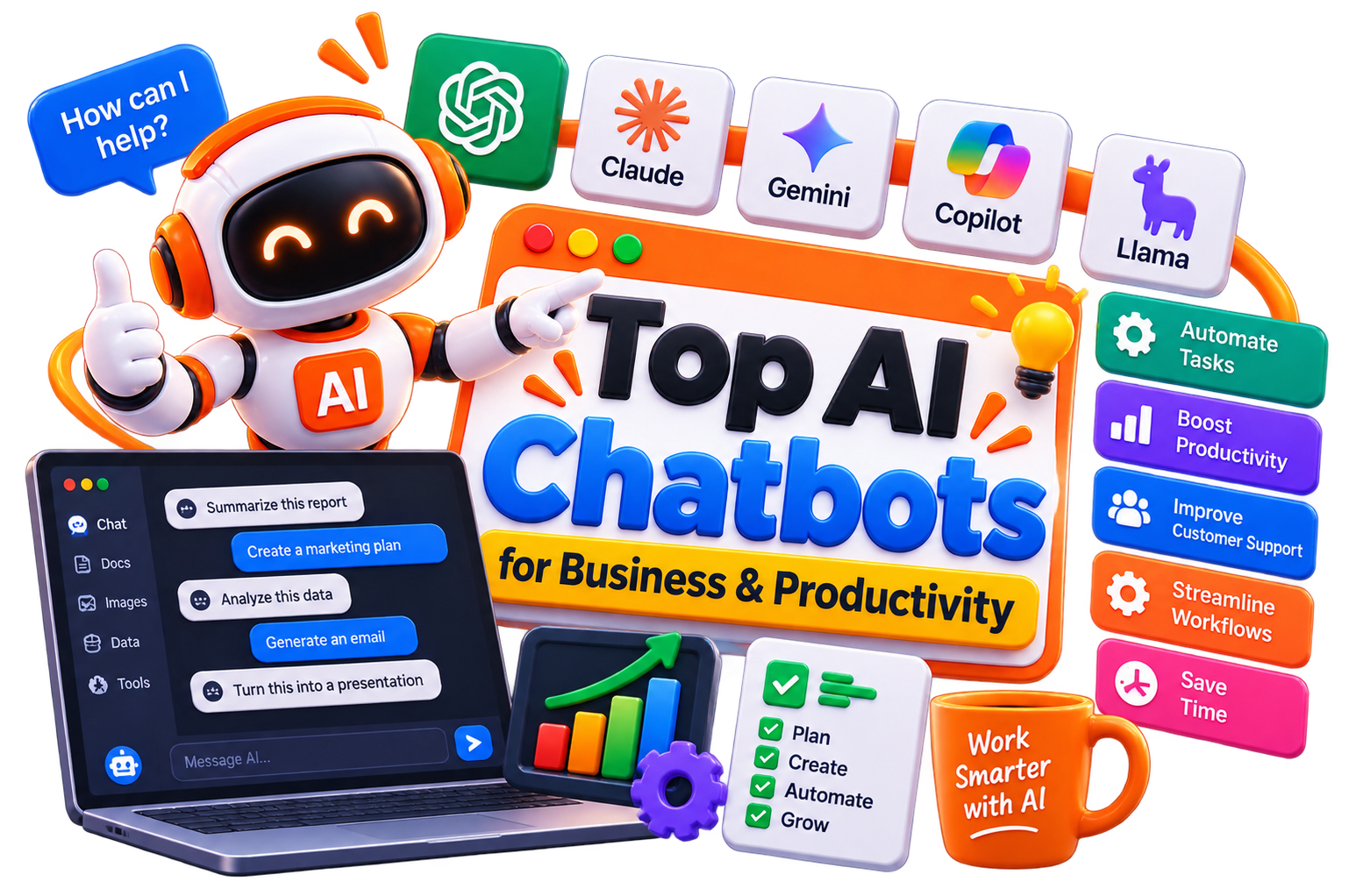
1. Turn messy thoughts into a workable plan
This is one of my favorite uses. You can throw a half-formed idea, meeting notes, project requirements, or a list of problems into a chatbot and ask it to structure them.
The output won’t always be perfect. That’s fine. The useful part is having something concrete to react to instead of staring at a blank document.
2. Learn difficult topics without getting stuck
Students often hit the same problem. A textbook explains something in a way that makes sense to the author, not necessarily to the learner. AI chatbots can explain a concept using simpler language, analogies, examples, step-by-step explanations, or progressively harder questions.
You can also say, “I understand X, but I don’t understand Y. Explain only the gap.”
That kind of conversation is much more useful than repeatedly searching for another article.
3. Use AI as a personal tutor
A chatbot becomes considerably more useful when you stop asking it for answers. Ask it to quiz you.
Give it a topic and tell it to ask one question at a time. Ask it to increase the difficulty when you answer correctly. Tell it not to reveal the answer until you’ve attempted the problem. This changes the interaction from passive reading to active learning.
4. Improve your writing without handing over the entire job
AI can help identify unclear sentences, weak arguments, repetitive phrasing, awkward transitions, and gaps in logic. I prefer using it as an editor rather than letting it write everything.
Give it your draft and ask: “Where does this become vague?”
That’s a much better prompt than “Make this better.” You get feedback you can actually learn from.
5. Research a topic faster
AI chatbots can help you build a research starting point by identifying important concepts, terminology, questions, competing viewpoints, and areas you may have missed. But this is where people get careless.
AI-generated information still needs verification, especially when you’re dealing with statistics, current events, academic claims, pricing, laws, or business decisions. Use the chatbot to accelerate research. Don’t outsource judgment to it.
6. Practice interviews and professional conversations
Job seekers can use AI chatbots to simulate interviews based on a specific role. You can make the exercise harder by asking for follow-up questions, objections, technical questions, or questions based on your CV.
The same approach works for presentations, sales calls, client meetings, and difficult workplace conversations. Practising privately is often less intimidating than improvising when the real conversation happens.
7. Analyze Information
AI chatbots can help summarize documents, compare information, identify patterns, explain spreadsheets, and turn large amounts of text into structured notes.
The quality depends heavily on the information you provide and the instructions you give. If you’re working with important business data, check the output instead of assuming the chatbot interpreted everything correctly.
8. Generate ideas when you’re stuck
AI is surprisingly useful as a brainstorming partner. Give it an idea and ask for opposing arguments, unusual angles, potential objections, alternative approaches, or questions nobody is asking.
I find this more valuable than asking for “50 ideas.” The goal isn’t to accept the first output. It’s to create enough possibilities that you can spot the interesting one.
9. Create personalized study material
A textbook gives everyone roughly the same material. A chatbot can help you create material around your specific weaknesses. Ask for flashcards on the concepts you repeatedly get wrong. Turn a chapter into practice questions. Ask for a mock test. Request explanations for every incorrect answer. That makes studying more targeted.
10. Build a better workflow
This is where AI chatbots become genuinely interesting. Instead of asking, “What can AI do?”
Ask: “Which parts of my workflow are repetitive, slow, or mentally draining?”
Maybe it’s creating first drafts. Maybe it’s summarizing meetings. Maybe it’s organizing research. Maybe it’s preparing reports or converting notes into action items.
Once you identify the bottleneck, an AI chatbot can often take over part of the process. That’s a much better way to think about AI.
Final Words
The biggest mistake is treating a confident answer as a correct answer. Chatbots can hallucinate facts. They can misunderstand context. They can produce convincing explanations that contain subtle errors. They can also reinforce a bad assumption if your prompt starts with one.
Use it as a thinking partner, tutor, editor, researcher, simulator, and workflow assistant. Then bring your own judgment into the process.
The most useful free AI chatbot is the one you can fit into your actual work or learning routine without creating more work for yourself.
