Unlock the Secrets of the Perfect Gaming Monitor: What You Need to Know!
Author : Joshua Robinson | Published On : 15 Jun 2026
Unlock the Secrets of the Perfect Gaming Monitor: What You Need to Know!
Choosing the right gaming monitor is more than just a decision based on aesthetics; it can drastically influence your overall gaming experience. Whether you're navigating through vast open worlds, engaging in intense battle royales, or competing in fast-paced esports, your monitor plays a pivotal role in how you perceive and interact with the game. From vibrant visuals that bring your adventures to life to the responsiveness that can mean the difference between victory and defeat, understanding what makes a monitor suitable for gaming is essential. This article aims to guide you through the key aspects of gaming monitors, ensuring you make an informed choice that aligns perfectly with your gaming style and preferences.
Understanding Gaming Monitor Specifications
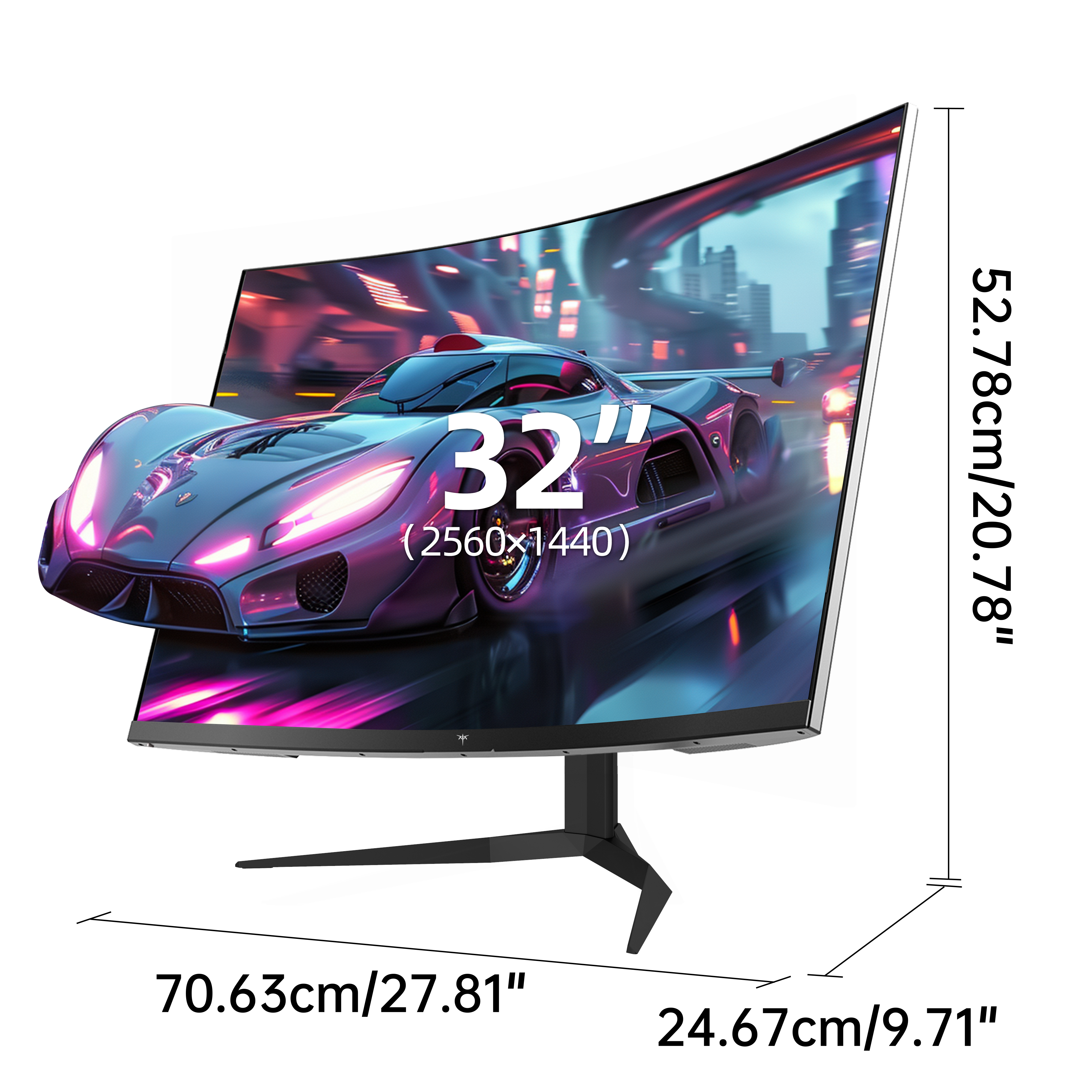
When it comes to gaming monitors, several specifications determine the performance and visual experience you can expect. Key factors include resolution, refresh rate, response time, and panel types. Resolution refers to the number of pixels displayed on the screen; for gaming, higher resolutions like 1440p or 4K provide stunning visuals and clarity that immerses you in the action. However, a higher resolution demands more from your graphics card, so it's crucial to ensure your setup can handle it. The refresh rate, measured in Hertz (Hz), indicates how many times per second the monitor updates the image. A higher refresh rate translates to smoother gameplay, which is particularly beneficial in high-speed games. Response time, measured in milliseconds (ms), is the time it takes for a pixel to change from one color to another. A lower response time reduces ghosting and motion blur, allowing for clearer images during fast movements. Lastly, monitor panel types—IPS, TN, and VA—each offer distinct advantages and disadvantages that affect color accuracy, viewing angles, and speed. Understanding these specifications can help you choose a monitor that meets your gaming needs.
Importance of Refresh Rate and Response Time
Delving deeper into refresh rate and response time reveals their critical roles in enhancing your gaming experience. A higher refresh rate, such as 144Hz or even 240Hz, reduces motion blur and provides a smoother visual experience, allowing you to react more quickly to in-game events. This is especially vital in competitive gaming, where every millisecond counts. For instance, a friend of mine who plays first-person shooters swears by his 240Hz monitor; he claims it has significantly improved his aim and reaction times. On the other hand, response time is equally important. Monitors with a low response time (typically under 5ms) minimize ghosting effects, ensuring that fast-moving objects appear sharp and clear. For gamers who prioritize competitive play, these specifications can create a noticeable difference, providing an edge in high-stakes situations.
Panel Types Explained
The type of panel you choose for your gaming monitor can greatly impact your experience. There are three primary types: IPS (In-Plane Switching), TN (Twisted Nematic), and VA (Vertical Alignment). IPS panels are known for their superior color accuracy and wide viewing angles, making them ideal for immersive gaming experiences and creative work. However, they often have slower response times compared to TN panels. TN panels, while typically offering faster response times, tend to sacrifice color accuracy and viewing angles, which may not appeal to all gamers. On the other hand, VA panels offer excellent contrast and color depth, making them great for darker game environments, but they can sometimes suffer from slower response times. Depending on your gaming style—whether you prioritize speed, color fidelity, or immersion—understanding these panel types can help you select the right monitor that enhances your gaming experience.
Additional Features to Consider
Beyond the fundamental specifications, several additional features can significantly enhance your gaming experience. Adaptive sync technologies, such as FreeSync and G-Sync, help eliminate screen tearing and stuttering by synchronizing the monitor's refresh rate with your graphics card's output. This creates a smoother gaming experience, especially in fast-paced titles. HDR (High Dynamic Range) support is another feature to consider, as it enhances color and contrast, providing a more vibrant visual experience. Connectivity options are also crucial; having multiple ports like HDMI and DisplayPort allows for greater flexibility in connecting to various devices. Other features such as built-in speakers, customizable RGB lighting, and ergonomic stands can also contribute to a more enjoyable gaming setup. Evaluating these additional features can help you find a monitor that not only meets your performance needs but also enhances your overall gaming experience.
Final Thoughts on Choosing the Right Gaming Monitor
In summary, selecting the right gaming monitor involves understanding various specifications and features that can impact your gaming experience. From resolution and refresh rate to panel types and additional features like adaptive sync and HDR, each aspect plays a crucial role in how you interact with your games. As you embark on your search for the perfect gaming monitor, consider your gaming preferences and what elements are most important to you. With the right knowledge, you can make an informed decision that enhances your gaming adventures and ultimately leads to a more enjoyable experience.
