Server Virtualization in Cloud Computing: Benefits and Uses
Author : 10petabyte 10PB | Published On : 23 Oct 2026
Modern businesses rely on computing infrastructure to run websites, applications, databases, and internal services. As these workloads grow, managing physical servers individually can increase hardware requirements, operational complexity, and maintenance effort. Virtualization provides a way to use physical computing resources more efficiently while supporting flexible infrastructure management.
Server virtualization in cloud computing allows multiple virtual server environments to operate on a physical machine through a software layer known as a hypervisor. Each virtual server can run its own operating system and applications while sharing the underlying hardware with other virtual machines.
This approach is widely used in modern infrastructure because it can improve resource utilization, simplify deployment, and provide a foundation for flexible computing environments.
What Is Server Virtualization?
Server virtualization is the process of dividing a physical server's computing resources into multiple virtual machines. Rather than assigning one physical server to every workload, an organization can run several isolated virtual environments on the same hardware when capacity and performance requirements permit.
Each virtual machine receives allocated resources such as CPU capacity, memory, storage, and network connectivity. The hypervisor manages these virtual machines and coordinates their access to the physical server's resources.
For example, a business might operate a web application, a development environment, and an internal database on separate virtual machines hosted by a shared physical server. This can reduce the need to deploy separate hardware for every application.
Virtualization does not eliminate the need for capacity planning. The physical host must have sufficient resources to support its workloads, and poor allocation can cause performance problems.
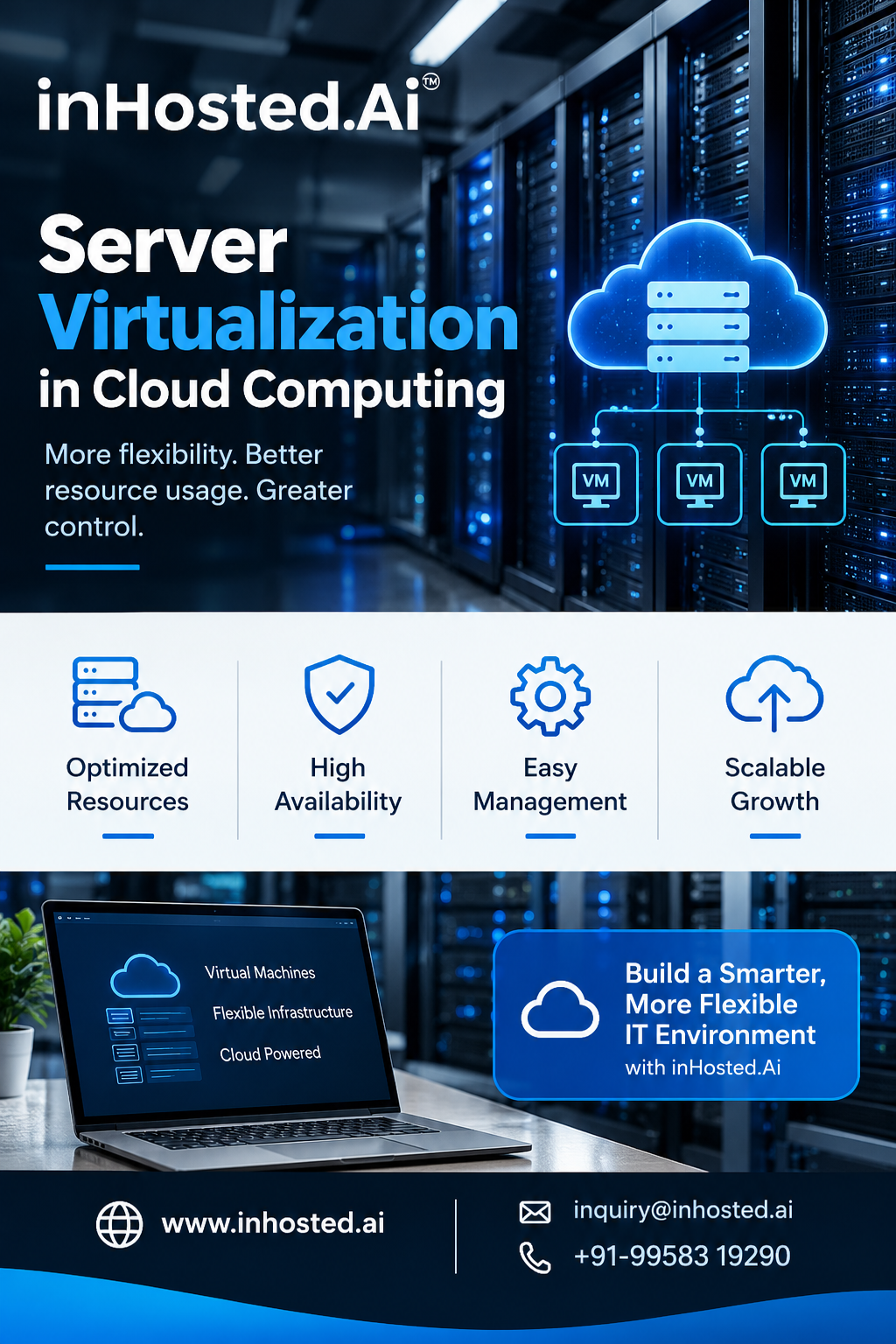
How Server Virtualization Works in Cloud Computing
In a virtualized environment, the hypervisor creates and manages virtual machines on physical infrastructure. Cloud platforms build on this concept by combining computing, storage, networking, and management tools into services that users can provision as needed.
A typical workflow includes the following stages:
- Physical infrastructure: A server provides CPU, memory, storage, and network resources.
- Hypervisor layer: Virtualization software allocates and manages hardware resources.
- Virtual machines: Independent virtual server environments are created for different workloads.
- Operating systems and applications: Each virtual machine runs its supported software.
- Management and monitoring: Administrators track resource usage, performance, access, and availability.
Cloud providers can use virtualization to offer configurable computing environments to different customers. Depending on the platform, users may be able to select server configurations, deploy workloads, and adjust resources through a control panel or API.
The exact capabilities depend on the provider's architecture and service offering.
Key Benefits of Server Virtualization
1. Improved Hardware Utilization
A physical server may have unused processing capacity when it runs only one lightly loaded application. Virtualization can allow multiple workloads to share that capacity, provided their resource requirements are compatible.
Better utilization can reduce the number of physical machines needed for certain environments. However, workloads must be monitored to avoid excessive contention for CPU, memory, storage, or network resources.
2. Faster Server Deployment
Provisioning a physical server can require hardware procurement, installation, configuration, and testing. Virtual machines can often be created from prepared images or templates much more quickly.
This can help development teams launch test environments, support new applications, and respond to changing computing requirements.
3. Workload Isolation
Virtual machines provide logical separation between operating systems and applications. If workloads are configured correctly, this separation can help organizations manage different environments independently.
For example, a company may maintain separate virtual machines for production services, testing, and development. Isolation is not a substitute for security controls, so patching, access management, and network protection remain essential.
4. Flexible Resource Allocation
Virtualized environments allow administrators to assign CPU, memory, storage, and networking resources according to workload requirements.
Some platforms support changing these allocations as needs evolve. Administrators should still evaluate application compatibility and resource limits before making changes.
5. Simplified Management
Virtualization management tools can provide centralized visibility into virtual machines and their resource consumption. Administrators can use these tools to monitor performance, manage configurations, and plan capacity.
Consistent templates and deployment procedures can also help standardize environments across teams.
6. Support for Business Continuity
Virtualization can support backup, replication, and recovery strategies when combined with appropriate infrastructure and procedures.
For example, virtual machine images and configurations may be protected so that systems can be restored after certain failures. Actual recovery capabilities depend on the backup architecture, storage design, and disaster-recovery plan.
Virtualization alone does not guarantee high availability or disaster recovery.
Common Uses of Server Virtualization
Server virtualization supports a variety of workloads across businesses and technical teams.
Web hosting: Virtual machines can host websites, APIs, and web applications with separately managed environments.
Development and testing: Teams can create temporary environments to test software without requiring a separate physical server for each project.
Database workloads: Compatible database applications can run on virtual machines with carefully planned CPU, memory, storage, and networking resources.
Business applications: Internal tools, enterprise applications, and supporting services can operate in dedicated virtual environments.
Legacy systems: Some older applications can continue running in virtual machines when their operating system and software requirements are supported.
Private cloud infrastructure: Organizations can use virtualization as a building block for private cloud environments with centralized provisioning and management.
The best design depends on application performance, availability, security, and licensing requirements.
Server Virtualization and Cloud Computing: What's the Difference?
Server virtualization and cloud computing are related but not identical.
Server virtualization is a technology that abstracts physical hardware into virtual computing environments. Cloud computing is a broader service model that can include on-demand access to computing, storage, networking, automation, monitoring, and billing.
Virtualization is commonly used to deliver cloud infrastructure, but not every cloud service relies exclusively on traditional virtual machines. Some services use containers, dedicated hardware, or other architectures.
Understanding this distinction helps businesses select infrastructure according to their application requirements rather than assuming that every cloud service operates in the same way.
Security Considerations
Virtualized environments need a clear security strategy. Multiple workloads may share a physical host, so administrators must secure both the virtual machines and the underlying infrastructure.
Important practices include:
- Keep hypervisors and operating systems updated.
- Use strong authentication for administrative access.
- Apply least-privilege permissions.
- Segment networks where appropriate.
- Monitor system activity and resource usage.
- Maintain tested backups of important workloads.
- Review virtual machine templates and configurations.
- Remove unused virtual machines and outdated access credentials.
Security responsibility varies depending on whether the infrastructure is hosted on-premises, in a private cloud, or through a third-party provider.
Challenges to Consider
Although virtualization offers several advantages, it also introduces planning requirements.
Resource contention: Too many workloads on one host can reduce performance.
Management complexity: Large virtual environments need consistent monitoring, documentation, and governance.
Licensing considerations: Operating systems and applications may have licensing terms that affect virtualized deployments.
Security risks: Misconfigured hypervisors, excessive privileges, and unpatched software can expose workloads.
Capacity planning: Organizations must account for workload growth, peak demand, and host failure scenarios.
Addressing these challenges requires testing, clear operating procedures, and regular infrastructure reviews.
Frequently Asked Questions
What is server virtualization in cloud computing?
It is the use of virtualization technology to run multiple virtual server environments on physical computing infrastructure. Cloud platforms can use these environments to provide flexible computing services.
What is a hypervisor?
A hypervisor is software or firmware that creates and manages virtual machines by coordinating their access to the underlying physical hardware.
Does server virtualization reduce infrastructure costs?
It can improve hardware utilization and reduce the need for some physical servers. Actual savings depend on licensing, infrastructure costs, workload requirements, and management overhead.
Is server virtualization secure?
It can be secure when implemented with appropriate isolation, access controls, patching, monitoring, and backup procedures. Virtualization does not remove the need for standard security practices.
Is virtualization the same as cloud computing?
No. Virtualization is a technology for abstracting computing resources, while cloud computing provides a broader model for accessing and managing IT services.
Conclusion
Server virtualization in cloud computing helps organizations run multiple virtual server environments on shared physical infrastructure. It can improve hardware utilization, accelerate deployment, support workload isolation, and simplify resource management.
To gain these benefits, businesses should choose suitable configurations, monitor performance, protect virtual environments, and plan for backup and recovery. When implemented carefully, virtualization can provide a flexible foundation for modern applications and evolving business requirements.
Organizations evaluating cloud infrastructure can explore the services available from InHosted.ai and determine which computing options best fit their workloads.
