Route Planning App: Building a Route Drivers Can Finish
Author : wei yi | Published On : 04 Nov 2026
A route drawn on a map is only a draft until the driver tests it. Run a route planning app trial with actual unloading times, time windows and one failed stop.
Clean address duplicates and missing unit numbers before sending stops to a planner. A repeated postcode or missing unit number can create two apparent stops that are actually the same location.
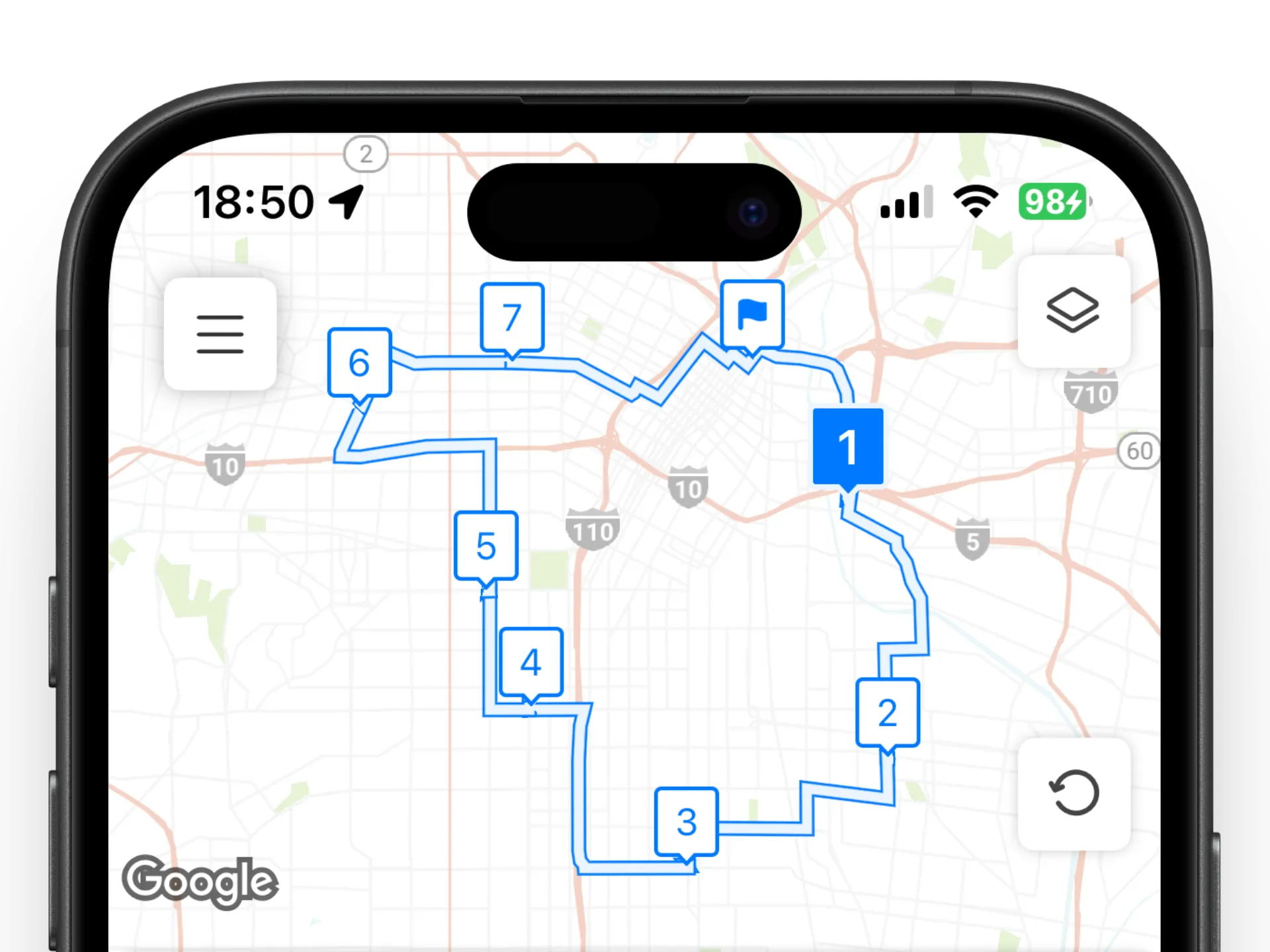
Separate fixed appointment windows from flexible deliveries in the route brief. Fixed appointments need to be marked differently from deliveries that can occur at any time.
Time windows and driver constraints
Check the start depot and final destination because round trips and open routes differ. Include loading time and an honest service duration at every stop. Include unloading, parking and customer contact time or the arrival estimates will be optimistic. Run the same stop set twice to compare distance, order and actual arrival estimates.
Account for vehicle capacity, customer instructions and restricted delivery zones. Compare the route after a failed stop, not just its ideal plan before the driver departs.
Testing a route in the field
Give drivers a clear method to report a failed delivery or changed address. Check whether imports preserve contact details and delivery notes from CSV files.
CSV import should preserve customer notes and authorised contact details where supported. Look at how easily the route can be changed after the driver leaves the depot.
Compare route quality using completed stops per shift rather than a neat map alone. Measure success by completed work and predictable shifts, alongside distance and mileage. Keep proof of delivery and customer data consistent with privacy obligations.
