QUADRO RTX 8000: A Professional GPU for Demanding Workloads
Author : 10petabyte 10PB | Published On : 15 Oct 2026
Professional graphics workloads often require more than standard desktop graphics performance. Architects, designers, engineers, and visualization specialists may work with complex 3D models, detailed textures, large scenes, and rendering projects that place considerable demands on workstation hardware. Choosing a suitable graphics processing unit can help professionals build a system that better matches their software and project requirements.
The QUADRO RTX 8000 is a professional graphics card designed for demanding visualization and workstation applications. Its combination of substantial graphics memory and dedicated ray-tracing hardware makes it relevant to certain professional workflows. However, the right choice depends on the applications being used, the size of the projects, and the performance requirements of the team.
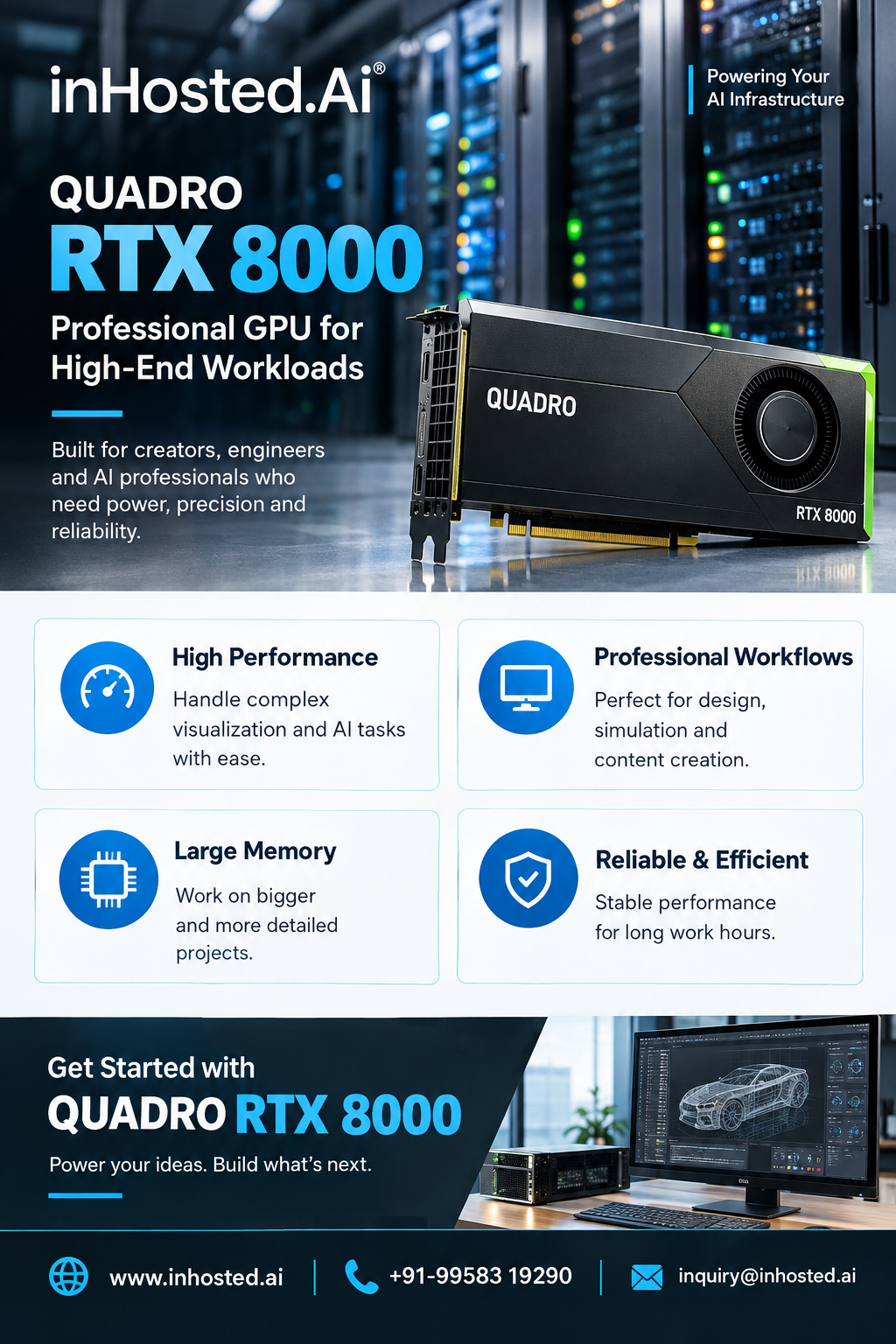
Understanding the QUADRO RTX 8000
The QUADRO RTX 8000 belongs to a generation of professional graphics hardware designed to support demanding visual computing tasks. It provides 48 GB of GDDR6 graphics memory, which can be valuable when compatible applications need to handle complex scenes, detailed assets, or large datasets.
Graphics memory is important because it stores data required by the GPU during processing. When a project contains high-resolution textures, intricate geometry, or multiple visual assets, available memory can influence how comfortably the workload runs. Actual results depend on the software, project size, and complete workstation configuration.
Before choosing a GPU, professionals should review the technical requirements of their primary applications rather than relying on a model name alone.
Applications in 3D Design and Modeling
Three-dimensional design is used across architecture, product development, engineering, animation, and industrial visualization. These workflows can involve creating detailed objects, assembling large scenes, reviewing prototypes, and making changes throughout a project's development.
A professional GPU may help supported applications display complex models and process graphics-intensive tasks. For example, product designers may need to inspect a digital prototype from multiple angles, while architectural teams may work with detailed building models and interior environments.
The value of a QUADRO RTX 8000 configuration depends on the software being used and whether its features align with the demands of the project. Application compatibility, drivers, system memory, and CPU performance should all be considered as part of the workstation evaluation.
Ray Tracing and Rendering
Ray tracing is a graphics technique used to simulate how light interacts with surfaces and materials. It can support realistic reflections, shadows, and lighting effects in compatible applications. These features are useful in visualization workflows where image quality and lighting accuracy matter.
The QUADRO RTX 8000 includes dedicated ray-tracing hardware for supported tasks. This capability may be relevant to professionals working with rendering tools that can use the GPU to accelerate appropriate operations.
Performance is not determined by ray-tracing hardware alone. Rendering speed can also depend on scene complexity, software optimization, memory usage, render settings, and whether the application supports GPU acceleration. Professionals should test representative projects whenever possible before selecting a configuration for ongoing production work.
Why Graphics Memory Matters
Large graphics projects can place significant demands on available GPU memory. High-resolution textures, complex geometry, detailed environments, and multiple assets can all increase memory requirements.
The card's 48 GB of GDDR6 memory may be useful for compatible workflows that need to keep substantial visual data available to the GPU. Nevertheless, more memory does not automatically guarantee faster performance in every application. A workload that does not use much graphics memory may benefit more from other hardware or software improvements.
A practical evaluation should consider typical project sizes, the applications involved, and whether the existing workstation experiences memory limitations.
Evaluating GPU Infrastructure
Some professionals need dedicated local workstations, while others may consider remote or hosted GPU infrastructure. Remote environments can be useful when teams require access to computing resources from different locations or need to evaluate hardware without immediately building a complete physical workstation.
When reviewing hosted GPU options, consider the specific graphics hardware available, CPU resources, system RAM, storage capacity, network performance, operating system support, and compatibility with the required software. Security and access controls also matter when projects contain confidential business or client information.
Not every hosted GPU environment supports every professional application. Confirm software licensing requirements, driver availability, remote-display compatibility, and the provider's actual configuration before making a decision.
Questions to Ask Before Choosing a GPU
A structured assessment can help organizations avoid selecting hardware based only on specifications or marketing claims. Useful questions include:
- Which applications and software versions will the system run?
- How much GPU memory do typical projects require?
- Does the software support the GPU's relevant acceleration features?
- What CPU, system memory, and storage configuration is needed?
- Will the workload run locally or through a remote environment?
- What level of performance is required for daily production?
- Can the proposed configuration be tested with representative projects?
These questions help connect hardware selection to actual working requirements.
Conclusion
The QUADRO RTX 8000 offers professional graphics capabilities that may suit compatible 3D design, rendering, and visualization workloads. Its 48 GB of GDDR6 memory and dedicated ray-tracing hardware are important specifications to evaluate when projects involve substantial visual data or supported rendering operations.
The best configuration still depends on software compatibility, project complexity, the rest of the system, and the performance expectations of the team. Reviewing these factors and testing real workloads can help professionals make a more informed graphics-hardware decision.
Explore InHosted.ai to learn more about available GPU infrastructure options and assess whether a suitable configuration meets your technical requirements.
