One Email Setup Doesn’t Fit Every Team: Is Hybrid Mail Right for You?
Author : NetForChoice Storage solution UAE | Published On : 17 Oct 2026
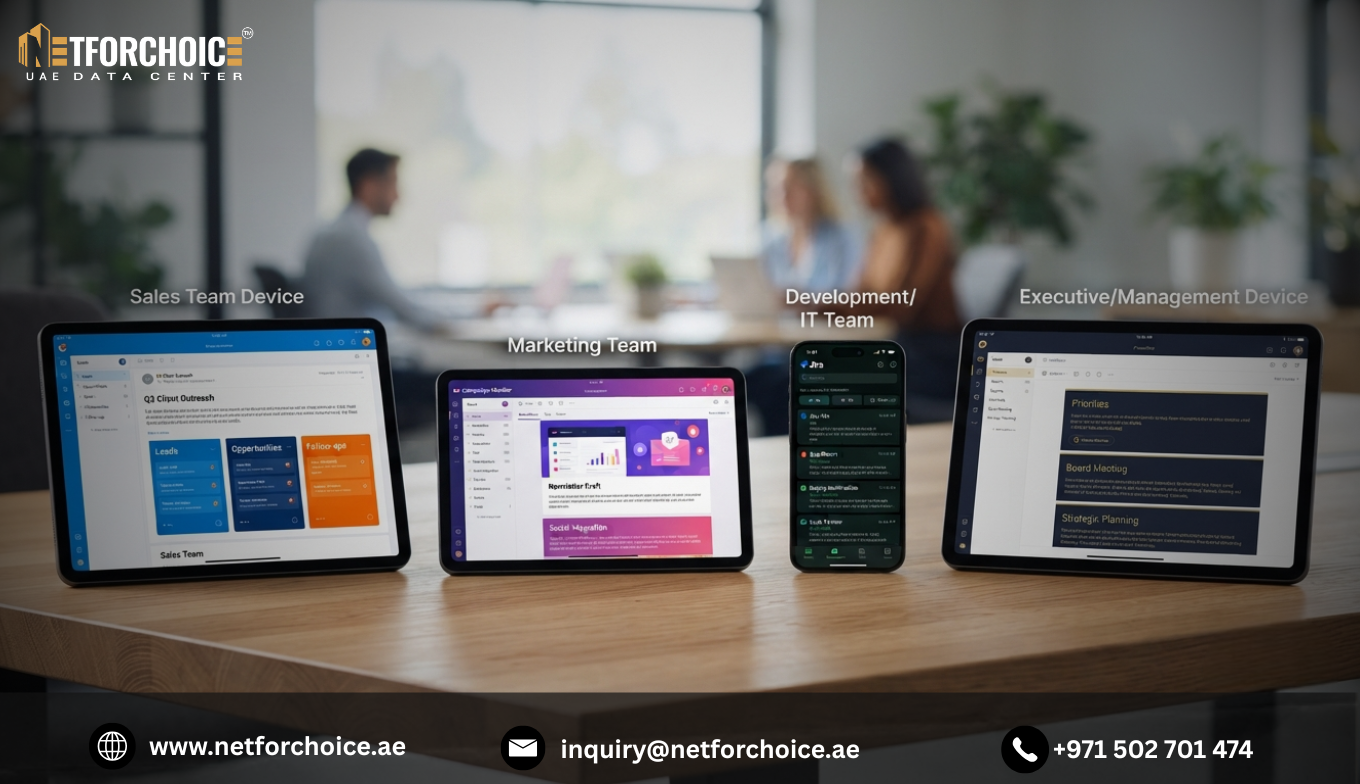
A Hybrid Mail Solution can help businesses manage different email requirements across departments without forcing every employee into the same email environment. Some employees need advanced calendars, meetings and collaboration tools, while others mainly need dependable business email for everyday communication. Providing the same setup to everyone may not be the most practical approach.
For IT managers, business owners and operations teams, the challenge is to find an arrangement that balances licensing costs, user requirements, security and administrative control. Before switching platforms or purchasing additional licences, it is worth understanding how a hybrid approach works and what your organisation needs from it.
Why One Email Setup May Not Work for Every Employee
Business email requirements often vary between departments. A company may have hundreds of users, but their daily tasks and collaboration needs are not necessarily the same.
For example, sales and management teams may depend on shared calendars, meetings and file collaboration. Other employees may mainly send messages, receive documents and communicate with customers. Giving every user an identical set of tools can make email management harder to align with actual business needs.
Three common issues can prompt companies to review their current setup.
Unnecessary licence costs: Employees may have access to features they rarely use. Reviewing user requirements can help businesses determine whether different plans are appropriate for different groups.
Different team workflows: Departments may require different tools, interfaces or collaboration features. A single email environment may not satisfy every requirement equally well.
Complexity during migration: Moving an entire organisation to a new platform can involve mailbox transfers, mail routing, user communication and compatibility checks. Poor planning can disrupt ordinary workflows.
These problems do not automatically mean a hybrid setup is necessary. They do, however, give businesses a reason to assess whether their existing email arrangement still fits their operations.
What Is a Hybrid Mail Solution?
A Hybrid Mail Solution allows an organisation to combine different email environments or platforms to accommodate different user groups. Depending on the technology and configuration, some employees may use one platform while others use another, with the organisation's business email domain maintained across the setup.
For example, a company could assess whether its customer-facing team needs advanced collaboration features while an internal department requires a simpler email plan. Instead of assuming that every employee needs the same package, the IT team can evaluate the requirements of each group.
A hybrid arrangement can also be useful when an organisation needs to maintain an existing email environment while introducing another platform. This may involve a phased migration or ongoing coexistence, depending on compatibility and business requirements.
However, running multiple platforms requires careful configuration. Domain settings, message routing, account management, security policies and user support must be planned properly. A hybrid arrangement should simplify the way the business meets its needs, not create a second layer of avoidable complexity.
How Hybrid Mail Can Address Common Business Email Challenges
1. Match Email Plans to Actual User Requirements
Business email licensing costs deserve regular review, particularly when a company has users with different responsibilities.
Start by grouping employees according to what they actually do. Identify which teams need advanced collaboration tools, which require shared calendars or file access, and which primarily need standard email communication.
This assessment gives the IT team a clearer basis for comparing licensing arrangements. A hybrid approach may allow more flexibility in assigning services, although the actual cost benefit depends on available plans, migration expenses and ongoing administration.
2. Support Different Team Workflows
Different departments may work in different ways. A hybrid email environment can provide flexibility where compatible platforms support the organisation's preferred mix of services.
Before implementation, check whether users can communicate reliably across platforms, whether calendar and contact sharing meet business needs, and whether employees can continue using their existing business email identities.
The aim is to select a practical arrangement for the organisation rather than introduce multiple platforms simply because they are available.
3. Plan Migration Without Overlooking Daily Operations
Email migration involves more than moving mailbox data. Businesses may also need to consider historical messages, contacts, calendars, domain configuration, message routing and employee access.
A phased transition may allow selected user groups to move at different stages while other users remain on the existing platform. Whether this is feasible depends on the systems involved and the migration design.
Before proceeding, establish a migration plan, test message delivery, confirm data-transfer requirements and communicate any necessary changes to employees. Ask the provider how it handles compatibility, coexistence and troubleshooting during the transition.
What to Check Before Choosing a Hybrid Mail Provider
Once a business has identified the need for a more flexible setup, the next step is evaluating potential providers. Focus on the practical requirements that will affect daily operations.
-
Platform compatibility: Confirm that the proposed setup supports your existing email platforms, domain and user requirements.
-
Security controls: Understand how access, authentication, spam protection and malware protection are managed across the environment.
-
Migration support: Ask how mailbox history, contacts, calendars and message routing will be handled.
-
Administration: Check whether IT administrators can manage users and troubleshoot issues without unnecessary complexity.
-
Scalability: Understand how users can be added, removed or moved between plans as organisational requirements change.
-
Total cost: Compare licences, migration, support and administration expenses rather than looking at subscription prices alone.
These checks help turn a broad interest in hybrid email into a more informed provider evaluation.
Is Hybrid Mail Right for Your Business?
A hybrid approach may be worth investigating if your organisation has distinct user requirements, needs to maintain different email environments or wants greater flexibility when allocating email services.
It may be less suitable if every employee has nearly identical requirements and a single platform already meets them effectively. Managing several platforms introduces configuration, security and support responsibilities that must be considered alongside any potential benefits.
Start by reviewing your current email environment, identifying the needs of each department and estimating the cost of your existing arrangements. Then compare possible setups against those requirements.
Explore a Hybrid Mail Approach for Your Organisation
If your business is reviewing its email infrastructure, NetForChoice UAE offers a Hybrid Mail Solution designed to support different user requirements and email environments. Its solution page outlines features such as user segmentation, platform integration and flexible user management.
When discussing your requirements with a provider, prepare details about your existing email platforms, number of users, collaboration needs, security policies and migration plans. This will help determine whether a hybrid arrangement is appropriate for your organisation.
Frequently Asked Questions
What is the difference between hybrid mail and a single email platform?
A single-platform setup uses one primary email environment for users, while a hybrid arrangement can combine different environments for different groups or operational requirements. The available features depend on the platforms and configuration.
Can different employee groups use different email platforms under one business domain?
This may be possible when the platforms support the required domain configuration, mail routing and interoperability. The implementation must be planned and tested to ensure messages reach the correct recipients.
What should a business prepare before migrating to a hybrid email environment?
Review existing mailboxes, historical email data, domain and routing settings, security policies, user requirements and compatibility. A documented migration plan and testing process can help reduce disruption.
