NAS Storage for Smarter Business Data Management
Author : 10petabyte 10PB | Published On : 08 Oct 2026
Businesses rely on digital information for almost every part of their daily operations. From customer documents and spreadsheets to images, videos, project files, application data, and backups, the amount of information organizations handle continues to increase. When these files are spread across different computers and external drives, managing them can become complicated. Finding the right document may take time, duplicate files can appear in multiple locations, and employees may struggle to know which version is current.
A centralized storage environment can make these challenges easier to manage. NAS storage, or Network Attached Storage, provides a shared environment where authorized users can store and access files through a network. It gives businesses a structured way to keep important information together rather than depending entirely on individual devices.
What Is NAS Storage?
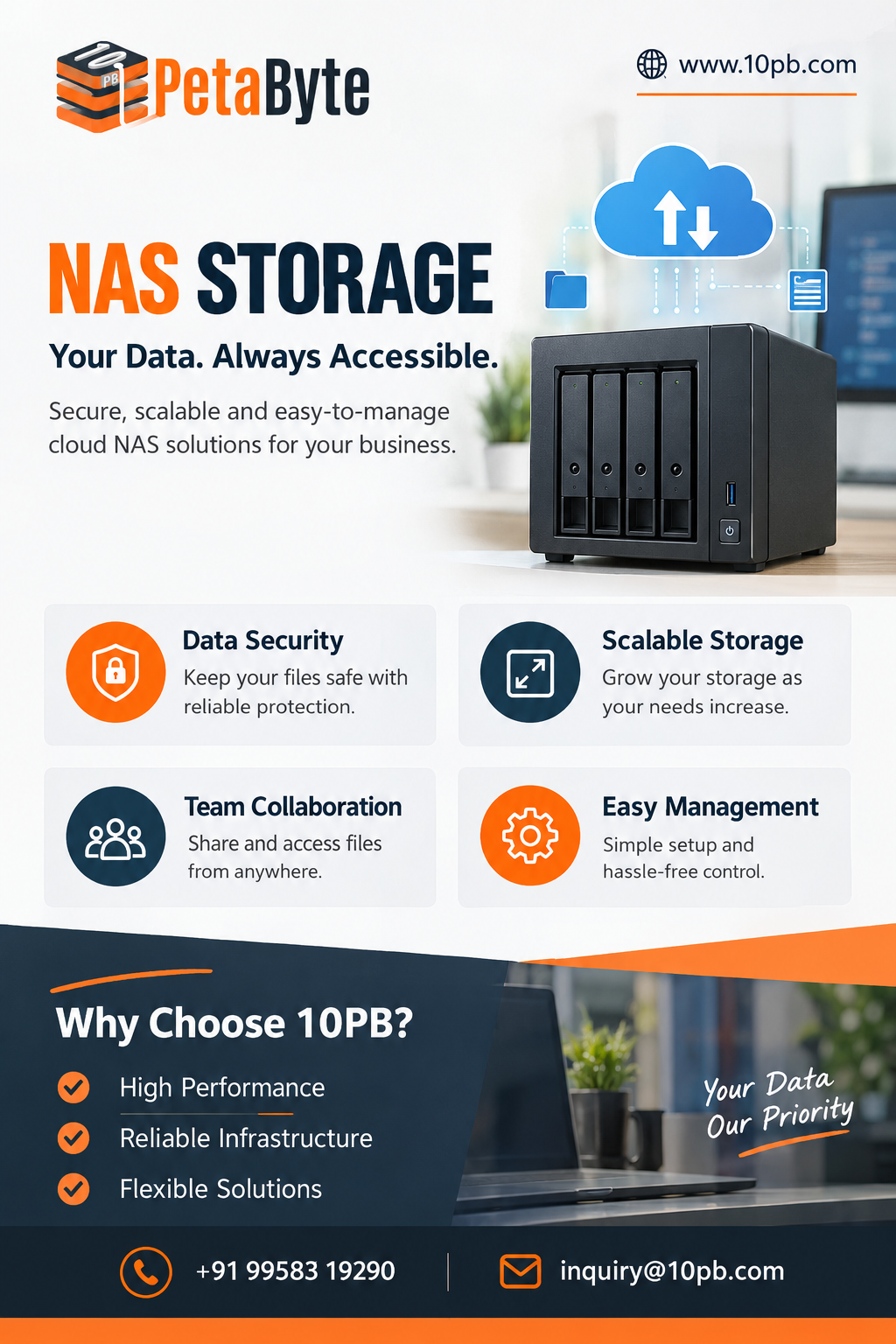
NAS is a storage system designed to provide shared access to files over a network. Instead of connecting a storage device to only one computer, the storage environment can be made available to multiple authorized users and devices.
This makes it useful for teams that regularly work with common files. Businesses can organize information into folders based on departments, projects, customers, file types, or other requirements.
The exact setup depends on the organization's workload, but the overall objective is straightforward: provide a central place where business data can be stored and accessed in an organized manner.
Why Centralization Matters
Scattered data can create unnecessary problems.
Imagine an organization where the sales team keeps customer documents on individual laptops, the marketing department stores campaign assets on external drives, and project managers keep important files in separate folders on their own computers. When someone needs information from another department, they may have to request it manually.
A centralized storage environment can reduce this fragmentation. Teams can establish a consistent structure for storing shared information, making files easier to locate.
Centralization can also help reduce unnecessary copies. Instead of several employees keeping separate versions of the same document, a shared environment can provide a common location for frequently used resources.
Supporting Collaboration
Collaboration is a major part of modern business operations. Employees often need to work with the same documents, images, reports, presentations, or project resources.
Email attachments may be suitable for small files, but they become less convenient when files are large or need to be updated regularly. Shared storage provides another way for authorized users to access common resources.
For example, a marketing team may work on a campaign involving high-resolution images, videos, presentations, and written content. Keeping these assets in an organized shared environment can make it easier for different team members to find the files they need.
This can reduce repeated transfers and make project workflows more consistent.
Controlling Who Can Access Data
Centralized storage also makes access control important.
Not every employee should have access to every business file. Financial information, employee records, customer data, and confidential projects may require restricted permissions.
Organizations can structure access around users or groups so that employees receive access appropriate to their responsibilities.
Permission management should also be reviewed over time. If an employee changes departments or leaves the organization, their access should be updated to reflect the change.
This helps businesses maintain better control over sensitive information without preventing authorized employees from accessing the resources they need.
Handling Growing Data Volumes
Business data rarely remains at the same level. As an organization gains customers, launches projects, hires employees, and adopts new applications, its storage requirements can increase.
Some workloads can grow particularly quickly. Video production, surveillance footage, design files, backups, and application data may require substantial capacity.
This makes future planning important. Businesses should consider not only their current storage usage but also the amount of information they expect to generate in the coming years.
A scalable storage strategy can make it easier to accommodate growth without constantly rebuilding the organization's data environment.
Storage and Backup Are Different
One important consideration is that storage should not be confused with backup.
A storage environment provides a place for working files and everyday access. A backup provides an additional copy that can be used when original information is accidentally deleted, corrupted, or otherwise unavailable.
Hardware failures, malware, accidental deletion, and user mistakes can all affect business data. Depending on a single copy of important information can therefore create unnecessary risk.
Businesses should maintain a separate backup and recovery strategy alongside their storage environment. Depending on their requirements, this can include scheduled backups, additional copies, monitoring, access controls, and recovery testing.
Where NAS Can Be Useful
Centralized storage can support many different industries.
Creative agencies can use it for large graphics, photographs, video files, and project assets. Educational organizations can manage learning materials and administrative records. Software teams can organize documentation and project resources. Professional businesses can maintain customer documents and internal files.
The exact requirements differ, but each organization benefits from having a structured way to manage its digital information.
Important Factors to Consider
Businesses should evaluate several factors before choosing a storage solution.
Capacity is an obvious consideration, but organizations should estimate future requirements instead of looking only at current usage.
Performance matters when many users access files simultaneously or when teams work with large files.
Security should include appropriate authentication, permissions, monitoring, and other protection measures.
Accessibility should match how and where employees work.
Scalability becomes increasingly important as data volumes grow.
Backup and recovery should be planned separately to ensure critical information can be restored when necessary.
Considering these factors together can help organizations select an approach that fits their actual workload.
Building a More Organized Storage Strategy
Effective data management is not simply about having enough storage space. Businesses also need to know where their information is kept, who can access it, how it is organized, and how it can be recovered.
10PB provides cloud storage solutions for organizations with different storage and data-management requirements. Its Cloud NAS Storage Solutions provide a centralized approach for businesses that need an organized environment for managing and accessing files.
The ideal storage setup will vary depending on the organization. A small company handling office documents will have different requirements from a creative business managing large video projects or an enterprise dealing with extensive backups.
Businesses should therefore evaluate their users, workloads, security requirements, file sizes, and expected growth before selecting a storage strategy.
Final Thoughts
As businesses become increasingly dependent on digital information, an organized storage environment can make everyday operations easier. Centralizing files can reduce confusion, support collaboration, and provide businesses with greater control over their information.
NAS storage can serve as a practical foundation for centralized file management and controlled access. When combined with suitable security measures, scalability planning, and a separate backup strategy, it can help organizations create a more reliable approach to managing growing amounts of business data.
The objective is not simply to store more files. It is to create a structured environment where information is easy to manage, accessible to the right users, and prepared for the changing requirements of the business.
