NAS Storage for Home: A Practical Guide to Managing Digital Files
Author : 10petabyte 10PB | Published On : 28 Oct 2026
Homes today contain more connected devices and digital files than ever before. Families store photos, videos, documents, work files, and personal projects across laptops, smartphones, tablets, and external drives. As these collections grow, keeping everything organized and accessible can become difficult.
NAS storage for home offers a way to centralize digital files on a network-connected storage system. Instead of keeping every file on an individual device, users can store selected information in one location and access it from compatible devices on their home network.
Understanding how NAS works can help households determine whether this type of storage is suitable for their needs.
What Is Home NAS Storage?
Network-attached storage, commonly known as NAS, is a storage device connected to a network. It allows authorized users to access shared files from compatible devices without needing to connect a storage drive directly to each computer.
A home NAS system typically includes storage drives, a network connection, and software for managing files and access permissions. Depending on the model, it may support automatic backups, media storage, shared folders, and remote access features.
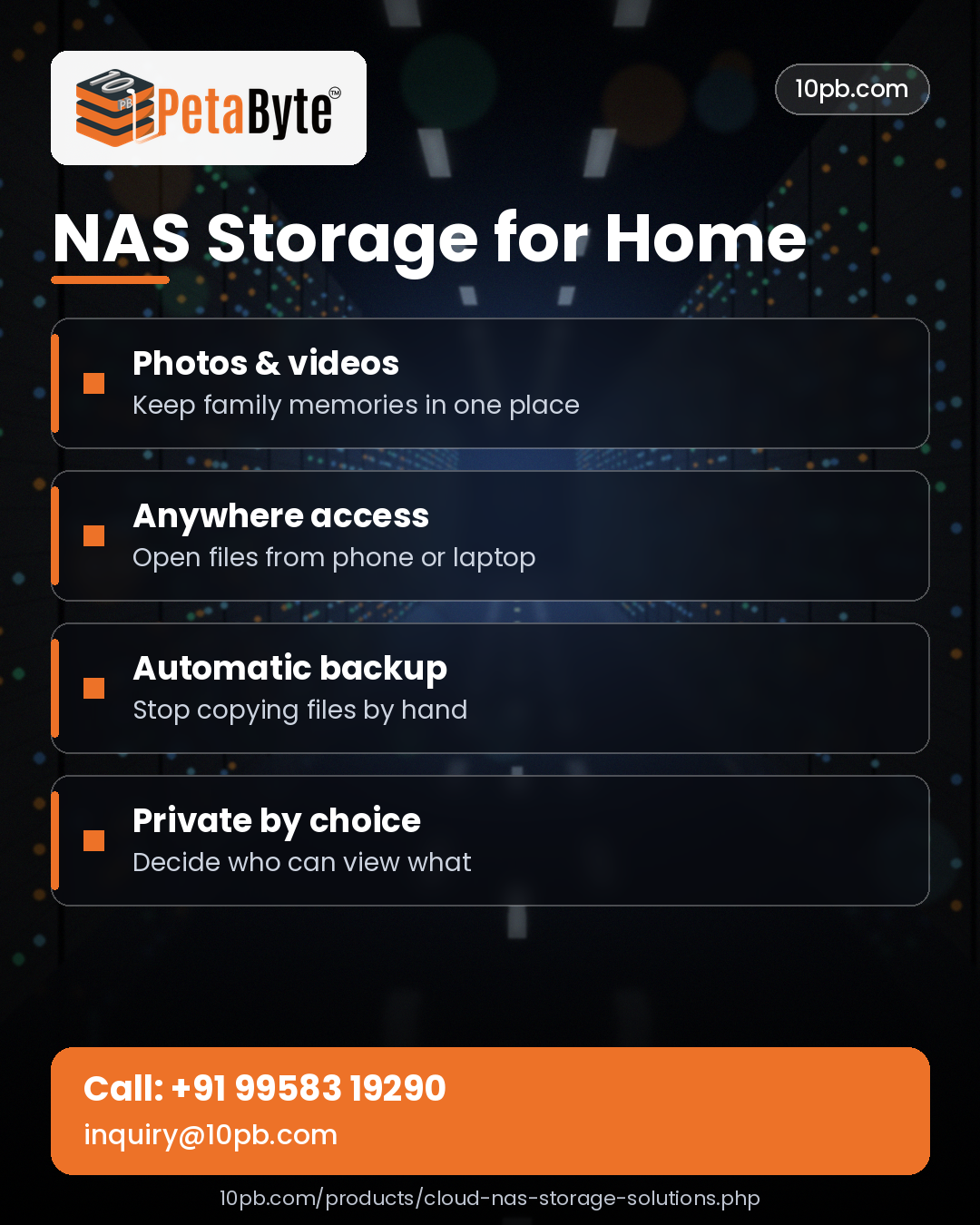
The exact features vary between systems, so users should review the specifications before choosing a device.
Benefits of NAS Storage for Home
1. Keep Files in One Central Location
When digital files are spread across several devices, locating a particular document or photo can take time. A centralized storage system makes it easier to organize files into folders for family documents, photographs, videos, and personal projects.
Users can establish a consistent folder structure and access shared information from compatible devices.
Centralized storage can also reduce the need to maintain multiple manually updated copies of the same files.
2. Organize Photos and Videos
Smartphones and cameras can generate large collections of photographs and videos. These files may consume substantial device storage, particularly when recorded at high resolutions.
A NAS system can provide additional space for organizing media collections. Users can create folders by year, event, family member, or project, making it easier to locate specific files later.
Some systems also provide media browsing or streaming features, although availability depends on the device and its software.
3. Access Files Across Multiple Devices
Households often use a mixture of Windows computers, Mac computers, smartphones, and tablets. A network-connected storage system can make selected files accessible across compatible devices.
For example, someone might save a document from a computer and later access it from another device connected to the same network.
Remote access may also be available on supported systems, but it should be configured carefully with appropriate authentication and security controls.
4. Support Personal Backups
Backing up important information helps protect against accidental deletion, device failure, and other unexpected problems.
Depending on its capabilities, a NAS system may support scheduled backups from computers and other compatible devices. This can help households create a more consistent process for protecting important files.
However, storing files on a NAS does not automatically provide complete protection. If the storage system is damaged, compromised, or affected by accidental deletion, the stored information may still be at risk.
Important files should also have an independent backup, such as a separate drive stored safely or an appropriate off-site backup service.
5. Share Files With Family Members
Family members may need access to shared photographs, household documents, learning materials, and other resources.
A NAS system can provide shared folders while allowing administrators to control who can access particular information. Separate folders can be created for shared family files and private personal documents.
Access permissions should be configured carefully so that confidential files remain available only to authorized users.
What to Consider Before Choosing a Home NAS
Choosing the right system depends on how much information you store and how you intend to use it.
Storage capacity: Estimate your current storage requirements and how quickly your files are growing. Photos, videos, and backups can require substantial space over time.
Drive configuration: Compare the available drive bays and supported storage arrangements. Some systems support redundancy, which can help maintain availability after certain drive failures.
Network connectivity: Check the network interface and connection requirements. Actual file-transfer speeds also depend on the router, network cables, client devices, and storage performance.
Compatibility: Confirm that the system supports the computers and mobile devices you use.
Backup features: Review supported backup tools and determine how you will maintain an independent copy of important data.
Security: Look for user permissions, secure authentication, software updates, and other relevant security features.
Ease of management: Consider how simple the system is to configure, monitor, and maintain.
Comparing these factors can help you select a storage solution that meets your requirements without paying for unnecessary features.
NAS Storage Versus External Hard Drives
External hard drives are useful for adding storage to an individual computer and maintaining portable file copies. They are often straightforward to use and may be suitable for occasional backups.
A NAS system serves a different purpose by making shared files accessible over a network. It can be useful when multiple household members or devices need access to the same collection of information.
Some households may benefit from using both options: NAS for everyday shared storage and a separate external drive for an additional backup copy.
The right choice depends on your budget, the number of devices you use, and how frequently you need to access shared files.
Is Home NAS Storage Secure?
Security depends on how the system is configured and maintained.
Users should change default credentials, create strong passwords, restrict permissions, install software updates, and disable unnecessary services. Remote access should be configured cautiously rather than exposing storage services directly to the internet without suitable protection.
It is also helpful to review which devices and accounts have access to the system.
For households storing sensitive documents or private photographs, appropriate access controls and independent backups are particularly important.
Frequently Asked Questions
What is NAS storage used for at home?
It can be used to centralize photographs, videos, documents, personal projects, and backups so they can be accessed from compatible devices on a network.
Can multiple family members use a NAS system?
Yes. Many NAS systems support multiple user accounts and shared folders, allowing family members to access files according to configured permissions.
Does a NAS replace cloud storage?
Not necessarily. NAS provides network-connected storage under the user's management, while cloud storage can offer remotely hosted access and off-site storage. Some households use both for different purposes.
Is NAS a replacement for backups?
No. A NAS can be part of a backup strategy, but important information should also have an independent backup to help protect against device failure, accidental deletion, or other incidents.
How much storage capacity should I choose?
Estimate the size of your current files, consider future growth, and account for the space required by your backup and storage configuration. Choose capacity based on actual usage rather than the largest available specification.
Conclusion
Managing digital information becomes easier when files are organized and accessible from the devices you use every day. NAS storage for home can help households centralize documents, organize media collections, share files, and support regular backup routines.
Before selecting a system, consider storage capacity, compatibility, network performance, security, and backup requirements. With suitable configuration and ongoing maintenance, a NAS system can become a useful part of a household's digital storage setup.
