Modular Data Center Container: What Goes Into a Deployable IT Facility?
Author : NPOD Data Center Solutions | Published On : 08 Oct 2026
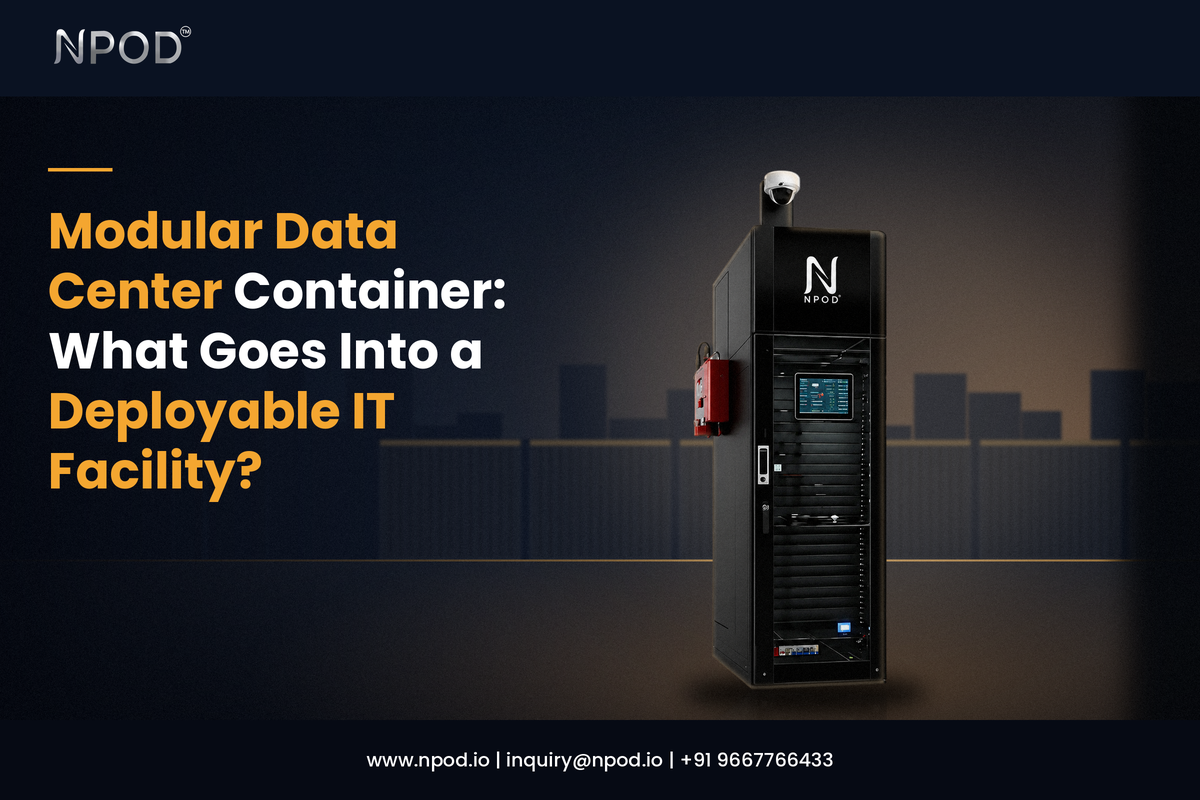
A modular data center is more than a container with servers inside. A working facility needs power, cooling, network equipment, fire protection and monitoring. These systems have to work together inside a limited space.
A container-based setup moves much of this work into a defined structure that can be prepared before it reaches the final site. That makes the planning process different from setting up equipment inside an ordinary room.
The design still depends on the workload. A small edge site will not need the same setup as a facility running dense computing equipment.
What sits inside the enclosure?
The enclosure provides the physical space for the IT equipment and its support systems.
A typical setup can contain server racks, storage systems, network switches, UPS equipment, power distribution units, cooling equipment, fire detection, fire suppression and monitoring devices.
The layout needs to leave enough room for airflow, cable routing and maintenance.
The enclosure also has to suit the location. An indoor installation can have different needs from an outdoor deployment where heat, rain, dust and direct sunlight may affect the equipment.
The container is therefore only the physical shell. The useful work comes from the systems placed inside it.
How the electrical side is arranged
Every server depends on a stable supply of electricity.
A deployable facility may use a UPS, batteries, switchgear and power distribution units to manage that supply. The UPS helps keep equipment running during short power interruptions while the distribution system sends power to the racks.
The electrical design starts with the expected IT load.
A facility running a few racks will have different requirements from one supporting high-density computing. Future additions should also be considered because new racks may need more power than the original design allowed for.
Power monitoring can help the operations team track consumption and spot unusual changes.
Cooling follows the equipment load
Servers turn electrical power into heat.
That heat must be removed continuously to keep the equipment within its operating range.
Cooling is therefore planned around the IT load rather than the size of the enclosure. Rack density also matters. Two facilities with the same number of racks may have very different cooling requirements.
Airflow needs attention as well.
Hot air should move away from server intakes instead of building up around the equipment. Rack placement and cooling position can have a direct effect on how well the system works.
Different sites may use different cooling arrangements based on climate, rack density and available space.
Where fire protection comes in
A technical enclosure needs a way to detect a fire early and respond without causing unnecessary damage to the equipment.
Common elements include smoke detection, alarms and clean-agent suppression systems.
The system should be planned alongside the power and cooling controls. For example, a fire event may need to trigger specific equipment actions based on the design.
This is easier to manage when these systems are considered during the initial layout rather than added after the racks and electrical equipment are already in place.
The network needs its own planning
Servers are only one part of the IT setup.
Network switches, routers, firewalls and other communication equipment also need rack space, power and cooling.
Cable routing should be planned before installation. Poor routing can make maintenance harder and can also interfere with airflow.
For remote facilities another question comes up: how will the site stay connected if one network path fails?
The answer depends on the wider network architecture but it should be settled before the facility is commissioned.
What the monitoring system keeps an eye on
A remote IT facility cannot depend on someone checking it several times a day.
Monitoring can track temperature, humidity, power status and cooling conditions. Additional sensors can report smoke, water leaks or unauthorized access where those functions are included.
This gives the operations team visibility without requiring a person to stand beside the equipment.
It also helps with early response. A temperature alert can be investigated before it turns into a hardware problem. A power alert can point to an issue outside the IT racks.
How much preparation happens before delivery?
One major difference with a deployable facility is that much of the technical work can happen before the unit reaches its final location.
Racks can be installed. Power equipment can be wired. Cooling can be fitted. Monitoring devices can be connected.
The combined system can then be checked before transport.
Uptime Institute has documented prefabricated projects where modules were factory commissioned and load tested before delivery. Site teams then completed installation and final system checks after arrival.
This changes the role of the final site.
The foundation or mounting area must be ready. External power and network connections need to be available. The transport route must also be suitable for the completed unit.
Why the same container can look very different inside
A container used at a telecom site may need a different arrangement from one placed in a factory.
A remote installation may need stronger remote monitoring because site visits are less frequent. A high-density computing site may need a larger cooling system. An indoor installation may have fewer weather-related concerns.
The same basic enclosure can therefore support different technical designs.
That is why the planning process should begin with the equipment, site conditions and expected load rather than choosing the container first.
Where this type of facility fits
A containerized setup can make sense when computing equipment needs a controlled environment outside a conventional data center building.
Possible applications include edge computing, telecom infrastructure, remote offices, manufacturing sites, research facilities and additional capacity near an existing data center.
It can also be useful where a company expects to repeat a similar deployment at more than one location. A defined design can then be adjusted for each site without starting the entire engineering process again.
NPOD is one example of a company offering this type of infrastructure for distributed and modular deployments. The more important point for a buyer is to look at how the complete system matches the site's actual requirements.
What should be checked before the unit arrives?
Several practical details need to be settled before delivery.
The IT load should be confirmed. The rack layout should be fixed. Power and cooling capacity should match the planned equipment. External connections should be ready.
The delivery route also matters.
The project team should check access limits, lifting requirements and the space available for final positioning. Maintenance access should be considered at this stage rather than after installation.
A factory-built facility still depends on good site planning.
What makes it a complete IT facility?
The enclosure alone does not make a data center.
The racks provide the space for computing equipment. The electrical system supplies power. Cooling removes heat. Fire systems handle a physical risk. Monitoring gives the operations team visibility. Network equipment connects the workloads to the rest of the organization.
These parts have to be planned as one system.
That is the main idea behind a modular data center container. It brings the technical environment into a defined structure that can be prepared, tested and then deployed where the computing capacity is needed.
The useful starting point is not the container size.
It is the question of what the facility needs to run once the servers are switched on.
