JPG and PNG to SVG Conversion: A Guide to Better Digital Graphics
Author : Vectacle - | Published On : 04 Nov 2026
Understanding the Importance of Image Format Conversion
A blurry logo, a pixelated icon, or a graphic that loses quality when enlarged can create challenges for designers and businesses. Choosing the right image format helps maintain visual clarity across websites, printed materials, and digital platforms. Vector graphics are particularly useful because they can be resized without the usual pixelation associated with raster images. Understanding how image conversion works allows users to select suitable formats for different projects. Converting existing images into scalable formats can improve flexibility, simplify design workflows, and support consistent visual presentation across devices.
How Raster and Vector Images Differ
Raster images, including JPG and PNG files, consist of individual pixels arranged in a grid. Their quality depends largely on resolution, meaning enlargement can reveal visible pixels and reduce sharpness. Vector graphics use mathematical paths, shapes, curves, and coordinates to represent visual elements. This structure allows vector artwork to scale smoothly across different dimensions. SVG, or Scalable Vector Graphics, is a widely used vector format for websites, icons, diagrams, and logos. Understanding these differences helps users decide whether conversion is appropriate for their images and whether the final result will meet their design requirements.
Why JPG Images Are Converted into SVG
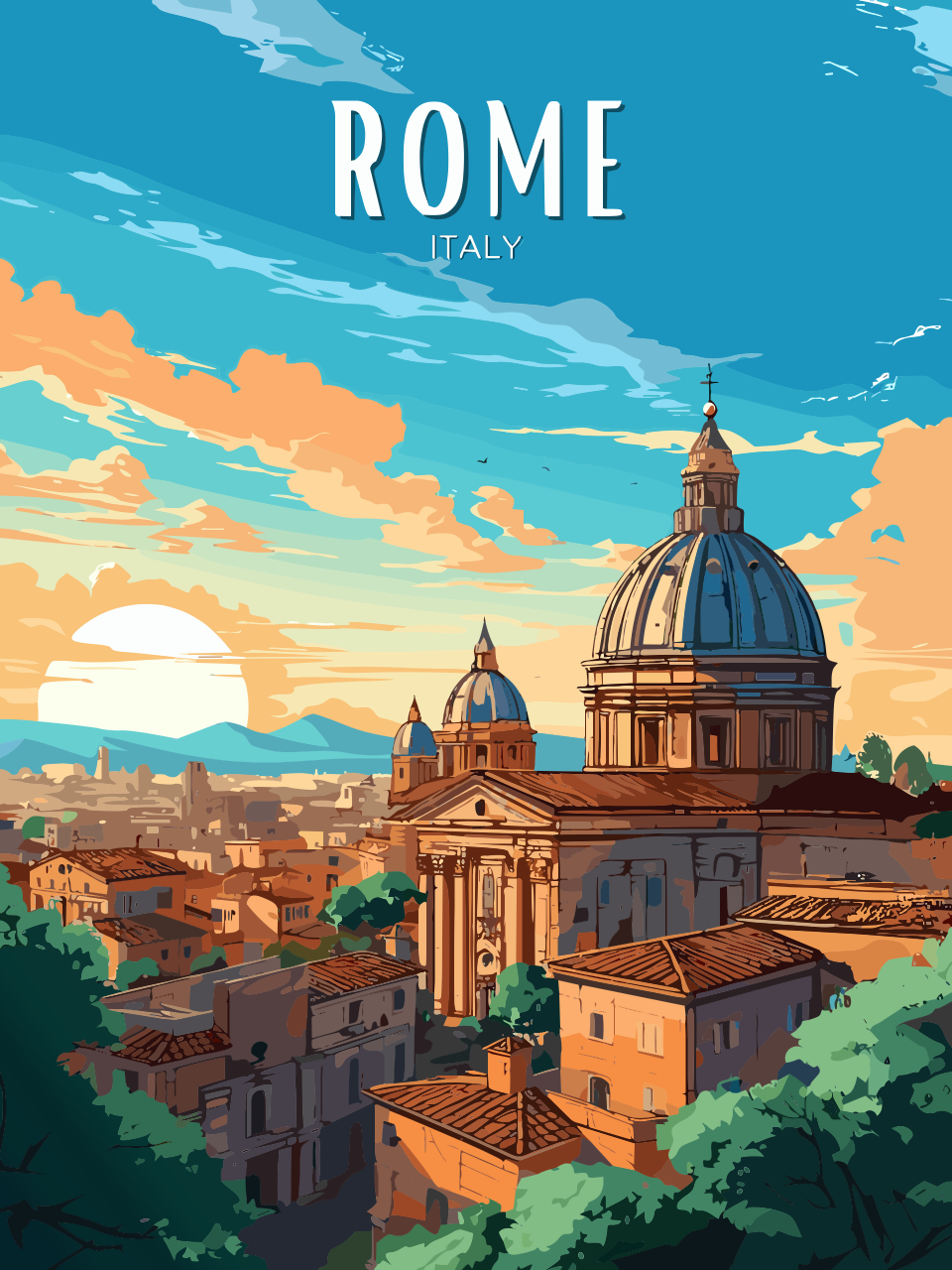
JPG files are commonly used for photographs, illustrations, and compressed digital images because they offer relatively small file sizes. However, photographs and complex images may not convert cleanly into editable vector artwork. A jpg to svg converter can analyse image boundaries, colours, and shapes to create vector paths from suitable source material. This process is especially effective for simple graphics, logos, symbols, and illustrations with clearly defined edges. The resulting SVG can be resized more freely, although the conversion quality depends on the original image, the selected settings, and the complexity of the artwork.
Converting PNG Images for Flexible Design
PNG images are popular because they support lossless compression and transparency, making them useful for logos, icons, screenshots, and web graphics. Designers who need scalable artwork may choose to change png to svg when a graphic contains clear shapes, limited colours, or defined outlines. Conversion software generally traces visible image features and translates them into paths that can be edited in compatible design applications. Transparent backgrounds may require special attention because conversion settings can affect how edges and empty areas are interpreted. Reviewing the output carefully helps ensure that the vector file retains the intended appearance.
Benefits of Using SVG for Digital Projects
SVG files provide several advantages when used for suitable graphics. Their resolution independence makes them valuable for responsive websites, mobile interfaces, presentations, and printed designs. Because SVG artwork is defined through paths and shapes, individual elements can often be edited without recreating the entire image. SVG files can also support crisp rendering on high-density displays. For simple illustrations, an optimised SVG may have a smaller file size than a high-resolution raster alternative. However, file size varies with the complexity of the artwork, and detailed photographs generally remain better suited to conventional raster formats.
Choosing the Right Conversion Tool
Selecting a suitable conversion tool involves considering image quality, ease of use, available editing features, and privacy practices. Some tools provide automatic tracing, while others allow users to adjust colour counts, smoothing, path accuracy, and background handling. These settings influence how closely the final vector resembles the original image. A straightforward interface can help beginners complete basic conversions, whereas more advanced controls may benefit designers working with detailed logos or illustrations. Before uploading sensitive graphics to an online service, users should review its privacy information and determine whether local software would be a more appropriate option.
Improving Conversion Quality Through Preparation
Preparing an image before conversion can improve the final result. Cropping unnecessary areas, increasing contrast, removing distracting backgrounds, and using a clear source image can help conversion software identify important edges. Low-resolution graphics may contain blurry outlines or compression artefacts that become visible in the traced output. After conversion, users should inspect curves, corners, small details, and transparent areas at different sizes. Editing the paths manually may be necessary for professional applications. Saving an original copy of the source image also makes it easier to compare results and repeat the process with different settings.
Common Limitations to Consider
Although vector conversion offers flexibility, it does not automatically transform every image into perfect artwork. Photographs contain complex textures, lighting variations, and subtle colour transitions that can generate large, complicated vector files. Automatic tracing may simplify details, create unwanted shapes, or produce uneven outlines. In these situations, keeping the original raster image may provide better visual quality and smaller storage requirements. Users should also check compatibility with their intended software, website, or printing process. Understanding these limitations helps prevent unnecessary editing work and encourages a practical choice based on the project's actual needs.
Conclusion: Making Image Conversion More Effective
Image conversion can improve design flexibility when the source material is appropriate for vector representation. Understanding file formats, preparing images carefully, choosing suitable conversion settings, and reviewing the final output can help produce cleaner graphics for websites, branding, and creative projects. During this process, tools and resources from Vectacle may be considered when evaluating available conversion options. The most effective approach is to match the format to the intended purpose rather than converting every image automatically. With careful preparation and quality checks, SVG files can support sharper visuals, easier editing, and more adaptable digital design workflows.
