Image Vectorization and SVG Conversion for Flexible Digital Design
Author : Vectacle - | Published On : 04 Nov 2026
Understanding the Importance of Scalable Digital Graphics
A logo that looks sharp on a business card may appear blurry when enlarged for a billboard, creating an inconsistent visual experience. This common design challenge highlights the importance of choosing suitable image formats for different applications. Vector graphics offer flexibility because they use mathematical paths rather than fixed pixels to represent shapes. Learning how to vectorize image files and manage different graphic formats helps designers, businesses, and content creators maintain visual consistency. Understanding these processes also makes it easier to prepare images for websites, presentations, printing, and other digital projects.
Understanding Raster and Vector Image Formats
Raster images, such as JPG and PNG files, consist of pixels arranged in a grid. Their appearance depends on resolution, so enlarging them excessively can reveal individual pixels and reduce sharpness. Vector images use points, lines, curves, and shapes defined through mathematical instructions. This structure allows graphics to scale without the typical loss of clarity associated with raster enlargement. SVG is a popular vector format used for logos, icons, diagrams, and illustrations. Understanding these differences helps users select appropriate formats according to image complexity, editing requirements, intended display size, and compatibility with different applications.
Why Image Vectorization Matters for Designers
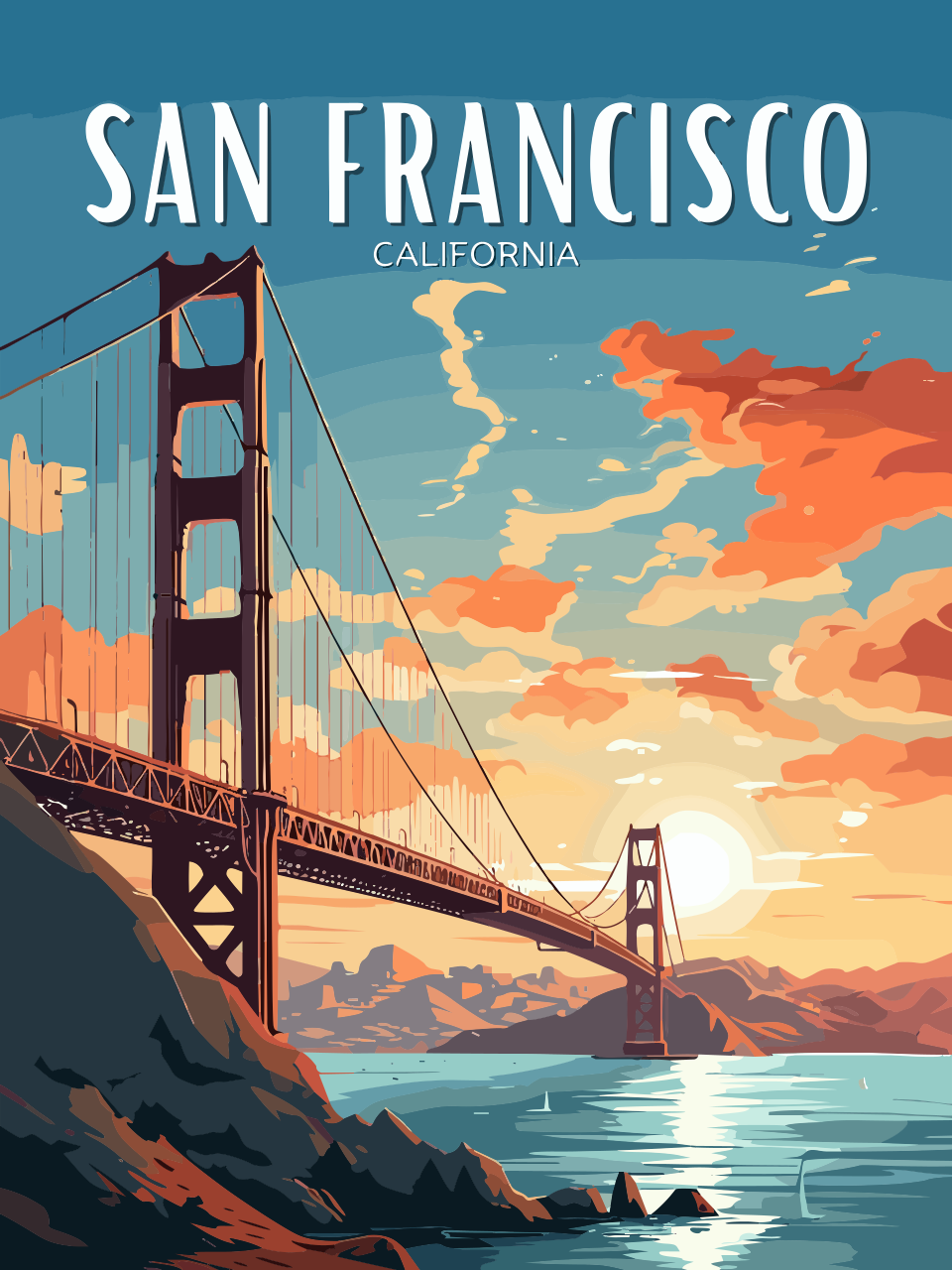
Image vectorization can make existing graphics more adaptable for professional and personal projects. Businesses often need logos in different dimensions for websites, promotional materials, packaging, and printed documents. A vector version allows the same design to be resized without repeatedly creating new raster files. The process generally involves tracing shapes, identifying boundaries, and converting visible elements into editable paths. However, the result depends on the original image quality and complexity. Simple graphics with distinct outlines usually convert more effectively than photographs containing intricate textures, shadows, and subtle colour variations.
Converting SVG Files into PNG Images
Although SVG files provide excellent scalability, some applications require conventional raster images. In these situations, users may need to convert svg to png for compatibility with presentation software, image editors, social media platforms, or websites that expect raster uploads. During conversion, the vector artwork is rendered into pixels at a selected width, height, or resolution. Choosing suitable dimensions is important because the resulting PNG cannot scale indefinitely without losing clarity. Transparent backgrounds can also be preserved when the export settings support them, making PNG a practical option for logos, icons, and graphics placed over different backgrounds.
Benefits of Using SVG for Modern Design
SVG offers several useful features for digital design workflows. Since its graphics are based on mathematical descriptions, artwork can remain crisp across screens with different resolutions. Individual shapes, paths, and colours can often be edited using compatible design applications. SVG can also support animations and interactive elements in suitable web environments. For simple graphics, a well-optimised SVG may occupy less storage space than a high-resolution raster alternative. However, file size depends on the complexity of the artwork, and highly detailed illustrations can produce large vector files. Selecting the right format therefore requires consideration of both appearance and performance.
Choosing Appropriate Tools for Image Conversion
Selecting an image conversion tool involves evaluating usability, output quality, editing options, and supported file formats. Some online converters focus on quick processing, while specialised design applications provide greater control over tracing, colour reduction, smoothing, and path adjustments. Users should consider whether automatic conversion is sufficient or whether manual editing will be necessary. Privacy is another important factor when uploading business logos, client artwork, or unpublished designs. Reviewing website policies and understanding how uploaded files are processed can help users make more informed choices. A suitable tool should match the project's technical requirements and the user's experience level.
Preparing Images for Better Results
Preparing the source image carefully can improve conversion quality. A clear image with strong contrast and well-defined edges is generally easier to trace than a blurry or heavily compressed file. Cropping unnecessary areas, removing unwanted backgrounds, and adjusting contrast can help conversion software identify important shapes. After processing, users should inspect the result at several sizes and check whether curves, corners, colours, and small details appear correctly. Some graphics may require manual adjustments to remove stray paths or improve alignment. Keeping an original copy of the source file also makes it easier to compare versions and repeat the process when necessary.
Understanding Common Conversion Limitations
Not every image benefits from vectorization or format conversion. Photographs contain complex textures, lighting, gradients, and colour transitions that may be difficult to represent efficiently through vector paths. Automatic tracing can create excessive shapes, distort small details, or produce a result that looks different from the original. Similarly, converting SVG artwork into a low-resolution PNG can reduce sharpness when the image is later enlarged. These limitations make it important to select export settings according to the intended application. Understanding the strengths and weaknesses of each format can reduce unnecessary editing and help preserve the original design's visual quality.
Conclusion: Building an Efficient Image Conversion Workflow
Effective image conversion depends on selecting the right format, preparing source files carefully, and reviewing the finished graphics before use. Vector formats provide scalability and editing flexibility, while raster formats remain valuable for photographs, compatibility, and everyday digital sharing. Resources available through Vectacle may be considered when exploring tools for managing these different graphic formats. The most suitable workflow depends on the artwork, the intended display size, and the requirements of the destination platform. By understanding conversion methods and their limitations, designers and businesses can create more consistent visuals and manage digital assets with greater confidence.
