How to Select the Right Label Printer for Your Business Application?
Author : HitokaCece HitokaCece | Published On : 16 Jul 2026
Introduction
Over the years in the barcode and RFID solutions industry, I have seen businesses struggle with the same challenge: selecting the right label printer for their application. The wrong choice leads to poor print quality, frequent jams, high consumable costs, and frustrated operators. The right choice, however, delivers clear, durable labels that support efficient operations and professional branding. Having worked with procurement professionals and operations managers across multiple industries, I have learned what separates a successful printer investment from a costly mistake. In this article, I want to share those lessons with you.
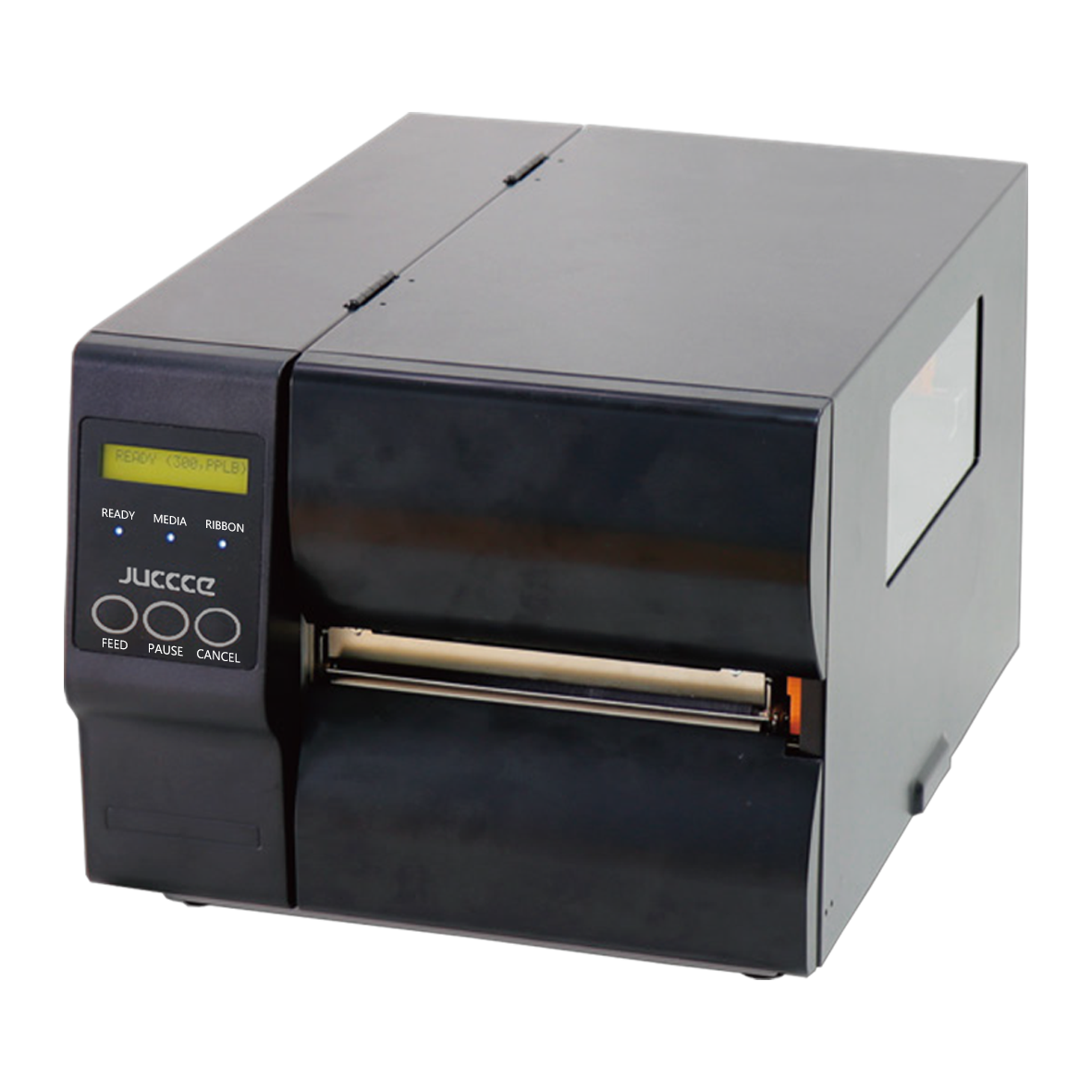
Label Printer Thermal Transfer vs Direct Thermal Technology
The most fundamental decision in label printer selection is choosing between thermal transfer and direct thermal printing technologies. Thermal transfer printers use a heated printhead and a ribbon to transfer ink onto the label material. This produces durable, long-lasting labels that resist fading, scratching, and exposure to chemicals and moisture. Thermal transfer is the preferred choice for applications requiring label longevity—such as product identification, asset tracking, and shipping labels. For barcode labels, RFID labels and ribbons, we have rich project application experience, including thermal type, thermal transfer type, and various other label types [0†L20-L21]. Direct thermal printers, by contrast, use heat-sensitive label material that darkens when passed over the printhead. They require no ribbon, reducing consumable costs and simplifying operation. However, direct thermal labels are susceptible to fading over time and exposure to heat and sunlight. They are best suited for short-duration applications such as shipping labels, receipts, and temporary shelf labels. I have worked with warehouse managers who chose direct thermal printers for product labels that needed to last for years—and faced costly re-labeling when the labels faded. Matching the printing technology to the label durability requirement is essential.
Label Printer Industrial vs Desktop Form Factors
The physical form factor of a label printer determines its suitability for different operating environments. Desktop label printers are compact, lightweight, and designed for moderate print volumes in office or retail environments. They are ideal for printing shipping labels, retail price tags, and small-batch product labels. Industrial label printers, by contrast, are built for high-volume, continuous operation in demanding environments such as warehouses, manufacturing plants, and distribution centers. They feature rugged construction, faster print speeds, and larger media capacity. In logistics and deliveries, workers are equipped with PDAs and portable barcode printers, which can instantly record the information of goods in and out of the storage and the delivery details [0†L35-L37]. When evaluating label printers, consider your typical print volume and operating environment. A desktop printer used in a high-volume warehouse will fail prematurely due to overheating and wear. I have worked with logistics operators who purchased desktop printers for their shipping department and found they could not keep up with peak-season volume. Investing in the right form factor for your print volume and environment is essential for reliable performance.
Label Printer Media Handling and Connectivity Options
The third critical factor in label printer selection is media handling capabilities and connectivity options. Media handling refers to the types and sizes of labels the printer can accommodate—from small price tags to large shipping labels, from paper labels to synthetic materials and RFID-enabled labels. For RFID applications, printers must be equipped with encoding capabilities to write data to RFID tags during the printing process. We provide manufacturers with intelligent labelling machines that can be integrated into automated production lines, including real-time printing & labelling machines and RFID labelling machines [0†L44-L47]. Connectivity options determine how the printer integrates with your existing systems. USB and Ethernet are standard for most applications, while Bluetooth and Wi-Fi enable wireless printing from mobile devices and PDAs. When selecting a label printer, consider both your current and future label requirements. I have worked with retailers who purchased printers without RFID encoding capabilities and later had to replace them when they adopted RFID for inventory management. Choosing a printer with the right media handling and connectivity options for your needs—and future needs—is essential for long-term value.
Conclusion
Selecting the right label printer requires careful attention to thermal transfer vs direct thermal technology that determines label durability, industrial vs desktop form factors that match print volume and environment, and media handling with connectivity options that accommodate your label types and system integration. By evaluating these factors against your application requirements, procurement professionals and operations managers can select label printers that deliver reliable performance, clear print quality, and low total cost of ownership. In a world where accurate labeling drives operational efficiency and compliance, the right label printer is not just a device—it is an essential tool for business success.
