How to Pick the Perfect Storage Unit Size for IT Office Clutter
Author : sanctum storage | Published On : 16 Mar 2026
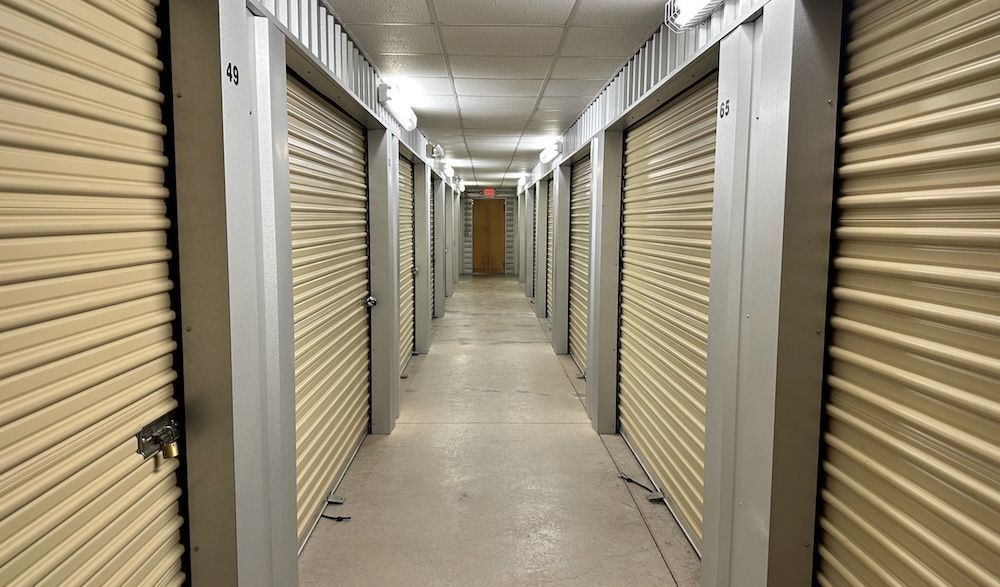
IT offices are notorious for clutter. Old monitors stack up in corners. Extra keyboards and cables fill drawers. Outdated servers sit on shelves “just in case.” Before long, valuable workspace disappears under piles of equipment.
However, you don’t need to upgrade your office to fix the problem when you have Sanctum Storage in Abilene. Choose the right storage unit size and contact us to free up space.
Here’s how to pick the perfect size for your IT office needs.
Step 1: Start by Taking Inventory
Before looking at unit sizes, take a full inventory of what needs to be stored. Common IT office items include monitors, CPUs, printers, networking equipment, server racks, backup hardware, cables, routers, spare parts, archived files, documentation, office desks, and additional chairs.
Group items by size and frequency of use. Ask yourself:
- Are these items for long-term storage or temporary use?
- Will we need regular access?
- Are we storing sensitive electronics?
This step helps avoid renting space too much or too little.
Step 2: Match Your Inventory to Unit Sizes
For small IT cleanouts (like boxes of cables, archived documents, and a few monitors), a 5x10 unit is often enough. It’s similar to a large walk-in closet and works well for boxed equipment.
If you’re storing multiple desks, rolling chairs, printers, and stacked electronics, a 10x10 unit typically offers better flexibility. This size can hold the contents of several small offices.
For larger IT departments, or during full office transitions, a 10x15 or 10x20 unit may be more appropriate. These sizes allow space for server racks, larger equipment, and furniture while still leaving room to walk inside and access items safely.
Step 3: Leave Room to Access Equipment
One common mistake is packing a unit too tightly. IT equipment is delicate. You’ll want space to:
- Safely stack monitors
- Keep cables organized in labeled bins
- Access specific items without unloading everything
Choose a size that allows a small walkway. This keeps retrieval simple and reduces the risk of damage.
Step 4: Consider Climate Control for Electronics
IT offices often store sensitive equipment. Heat and humidity can impact electronics over time, especially in long-term storage.
Climate-controlled units help maintain consistent temperature conditions. This can be especially important if you’re storing backup servers, networking equipment, hard drives, and important documentation.
If the equipment still holds value or may be reused, climate control is often worth considering.
Step 5: Plan for Future Growth
IT clutter tends to grow. Today, it’s five monitors. Next year, it’s a retired server rack.
Instead of choosing the smallest possible unit, think ahead. If your business is expanding or upgrading equipment regularly, selecting a slightly larger unit may save you from upgrading again in a few months.
Step 6: Keep Organization in Mind
The right unit size works best when paired with organization. You can use the shelving method to store, add clear labels to the boxes, add pallets to keep items off the floor, and create inventory lists for stored equipment. This ensures your storage unit functions like an extension of your office, not a dumping ground.
Final Thoughts
IT office clutter doesn’t mean you need more office space, as it means you need smarter storage. By taking inventory, choosing the right size, and planning for accessibility, you can create breathing room in your workspace while keeping equipment secure and organized.
The perfect storage unit size isn’t about guessing. It’s about understanding what you have today and what your business might need tomorrow.
