How to Clone an Access Card to iPhone: What Actually Works and What Doesn’t
Author : Jaming Wong | Published On : 16 Nov 2026
It’s a question that comes up surprisingly often.
Someone has a building access card, office key card, apartment fob, or hotel credential and wonders:
“Can I just copy this to my iPhone and stop carrying the card around?”
At first glance, it sounds simple. Modern iPhones have NFC, they can make payments, unlock cars, store tickets, and even replace physical keys in some situations.
So why can’t every access card simply be added to an iPhone?
The short answer is that it depends on the technology behind the card.
And in many cases, the limitation isn’t the phone—it’s the access control system itself.
The First Thing to Know: Not All Access Cards Are the Same
One of the biggest misconceptions is assuming all access cards work the same way.
In reality, access credentials can use several different technologies:
- Low-frequency RFID cards
- High-frequency RFID cards
- NFC-based credentials
- Encrypted smart cards
- Mobile access credentials
Two cards may look identical on the outside while using completely different communication methods internally.
That’s why one card may work with a smartphone solution while another cannot.
Can an iPhone Read an Access Card?
Sometimes.
Modern iPhones can read certain NFC tags and NFC-compatible cards.
However, reading a card is not the same thing as duplicating it.
When an iPhone scans an NFC tag, it may only be able to access public information stored on that tag.
Many access cards use secure authentication methods that prevent the actual credential data from being copied.
This is intentional. Access control systems are designed to stop unauthorized duplication.
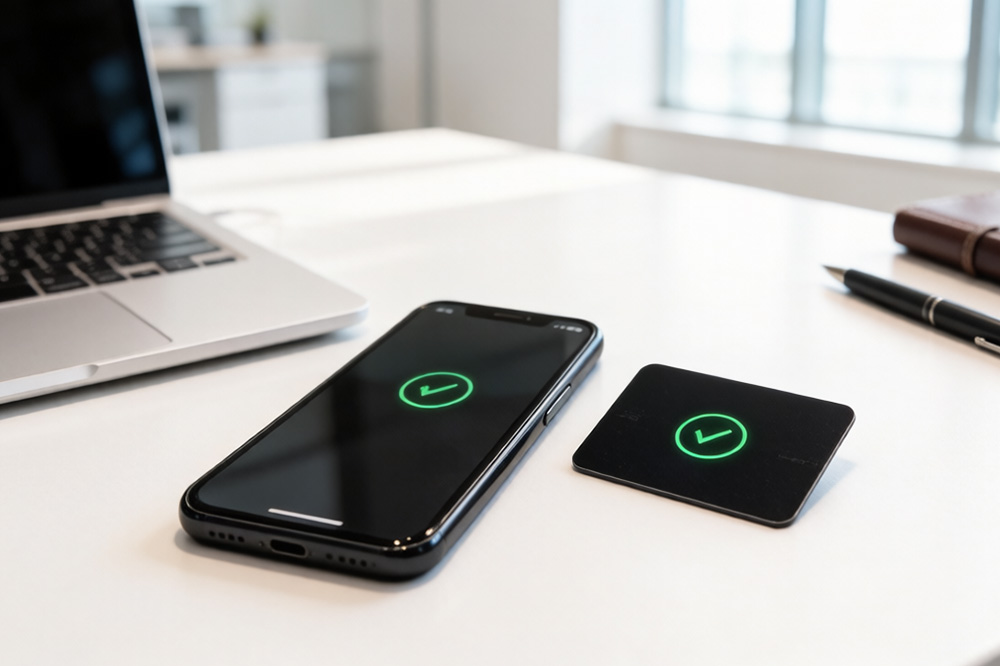
Why Most RFID Access Cards Cannot Simply Be Copied to an iPhone
This is where many people get confused.
A large percentage of building access cards still use RFID technologies that are not designed to be emulated by an iPhone.
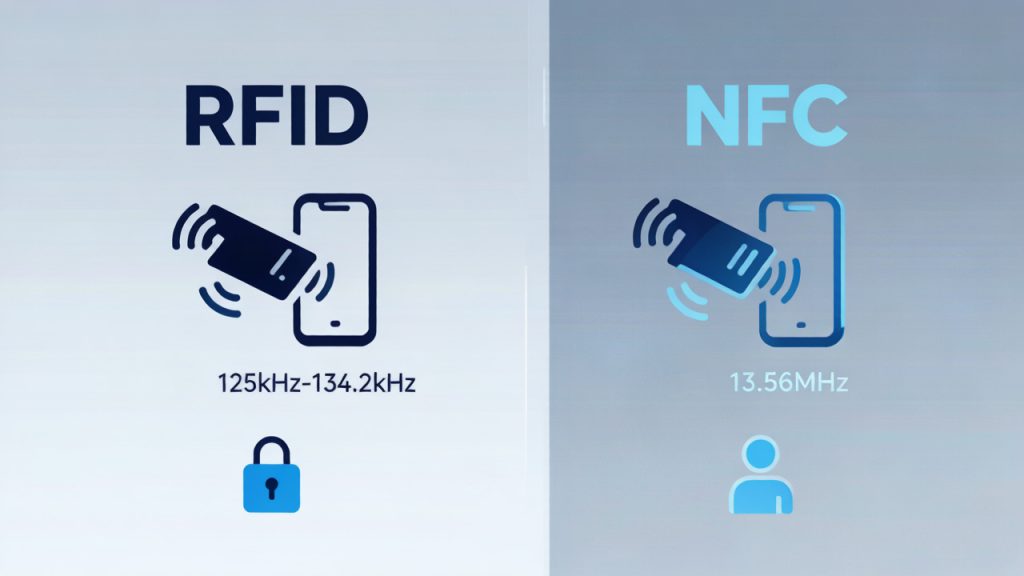
Even though an iPhone contains NFC hardware, NFC and RFID are not automatically interchangeable.
Some access cards operate on frequencies and protocols that smartphones do not support for card emulation.
Others use encrypted credentials that remain locked inside secure hardware.
As a result, the phone may detect the card’s presence but still be unable to act as a replacement credential.
What About Apartment Buildings and Office Access Systems?
Whether a card can be replaced by a phone often depends on the building’s access control infrastructure.
Many modern systems now support mobile credentials directly.
Instead of cloning the card, administrators issue a digital credential through a secure app or cloud platform.
The phone then becomes an officially authorized credential rather than a copied one.
This approach is generally more secure and easier to manage than traditional card duplication.
For property managers, it also eliminates many of the problems associated with lost or shared cards.
Can You Use Your iPhone as an RFID Card Emulator?
This is one of the most searched questions online.
The answer is: sometimes, but not universally.
An iPhone can emulate certain NFC-based credentials when supported by the access control platform.
However, it cannot magically replace every RFID card ever made.
The exact capabilities depend on:
- Card technology
- Frequency
- Encryption method
- Access control software
- Mobile credential support
Many older access systems were never designed to work with smartphones.
Related Reading
If you’d like a deeper explanation of RFID emulation and smartphone compatibility, check out this guide:
Can You Use Your iPhone as an RFID Card Emulator?
It explains the technical differences between RFID cards, NFC credentials, and mobile access solutions in greater detail.
How Do Professionals Identify Access Card Technology?
Before discussing cloning, professionals first identify what type of card they are dealing with.
Common information includes:
- Operating frequency
- Chip family
- Security level
- Encryption type
- Credential format
Without that information, it’s impossible to know whether mobile credential migration is even possible.
This is why access control providers typically analyze the existing card system before recommending upgrades.
Why Mobile Credentials Are Replacing Physical Cards
Over the last few years, many organizations have started moving away from traditional access cards altogether.
There are several reasons:
People rarely forget their phones.
Digital credentials can be issued remotely.
Lost credentials can be revoked instantly.
Access permissions can be managed centrally.
And users no longer need to carry additional cards or key fobs.
For new installations, mobile-first access control is becoming increasingly common.
The Better Question Isn’t “Can I Clone It?”
In many situations, cloning is actually the wrong goal.
A more useful question is:
“Can my access control system support mobile credentials?”
If the answer is yes, the transition can often be completed without copying any physical card at all.
Instead of duplicating old credentials, organizations can issue secure digital identities directly to users’ smartphones.
That approach is typically safer, easier to manage, and more scalable.
Final Thoughts
The idea of copying an access card to an iPhone sounds straightforward, but access control technology is rarely that simple.
Some cards can interact with smartphones.
Some credentials can be replaced by mobile access solutions.
Others cannot be duplicated because of hardware limitations, encryption, or system design.
Before investing time in cloning tools or workarounds, it’s worth understanding how the existing access system actually works.
For businesses planning an access control upgrade, mobile credentials often provide a more practical solution than traditional card duplication.
Related Article
Before choosing an RFID reader for your project, it is important to understand which tag types your smartphone can recognize. You can also learn more about how to identify an RFID tag.
Once you understand the basic differences between RFID tags, you may want to test whether your smartphone can recognize them. Our guide on how to test RFID tags with your smartphone without a scanner explains the practical steps.
RFID reading performance depends on tag frequency, antenna design, surrounding materials, and reader capabilities. To better understand smartphone limitations, explore our guide on testing NFC and RFID reader compatibility.
When your smartphone displays an NFC tag detected notification, it means the phone has recognized a compatible NFC tag nearby. If you want to understand why some tags are detected while others are not, check out our guide on how to check if NFC is working on your phone.
Once NFC is enabled, you may want to explore what happens when you scan different RFID tags. Our guide on what NFC tag detected means explains how smartphones recognize compatible NFC tags.
If you are comparing smartphone-based access credentials, Android devices offer another interesting perspective. Read our guide on how to copy an RFID card to Android to understand the compatibility differences between mobile platforms.
