GPU Cloud Providers: How to Choose the Right GPU Computing Solution
Author : 10petabyte 10PB | Published On : 28 Oct 2026
Modern computing workloads increasingly require more than conventional CPU processing. Artificial intelligence, machine learning, scientific simulations, video rendering, and large-scale data analysis can involve thousands of calculations performed in parallel. Graphics processing units (GPUs) are designed to handle many of these operations efficiently, making them an important part of today's computing infrastructure.
For organizations that need GPU resources without purchasing and maintaining physical hardware, cloud infrastructure can provide a flexible alternative. Evaluating gpu cloud providers involves understanding available hardware, performance requirements, storage, networking, security, and the total cost of running workloads.
This guide explains the main considerations businesses and developers should evaluate when choosing GPU computing resources.
What Is GPU Cloud Computing?
GPU cloud computing provides access to servers equipped with graphics processing units through a cloud service. Depending on the provider and service, customers may be able to rent virtual machines, dedicated GPU servers, or specialized computing environments.
Instead of buying GPUs and installing them in an on-premises data center, a business can provision suitable resources when required. This approach can reduce the need for upfront hardware investment and make it easier to experiment with different computing configurations.
GPU cloud infrastructure is commonly used for:
- Training and inference for machine learning models
- Generative AI development
- Image and video processing
- Three-dimensional rendering
- Scientific simulations
- Data analytics and parallel computing
- Research and development workloads
The best configuration depends on the software, dataset size, performance objectives, and expected workload duration.
1. Understand Your GPU Workload
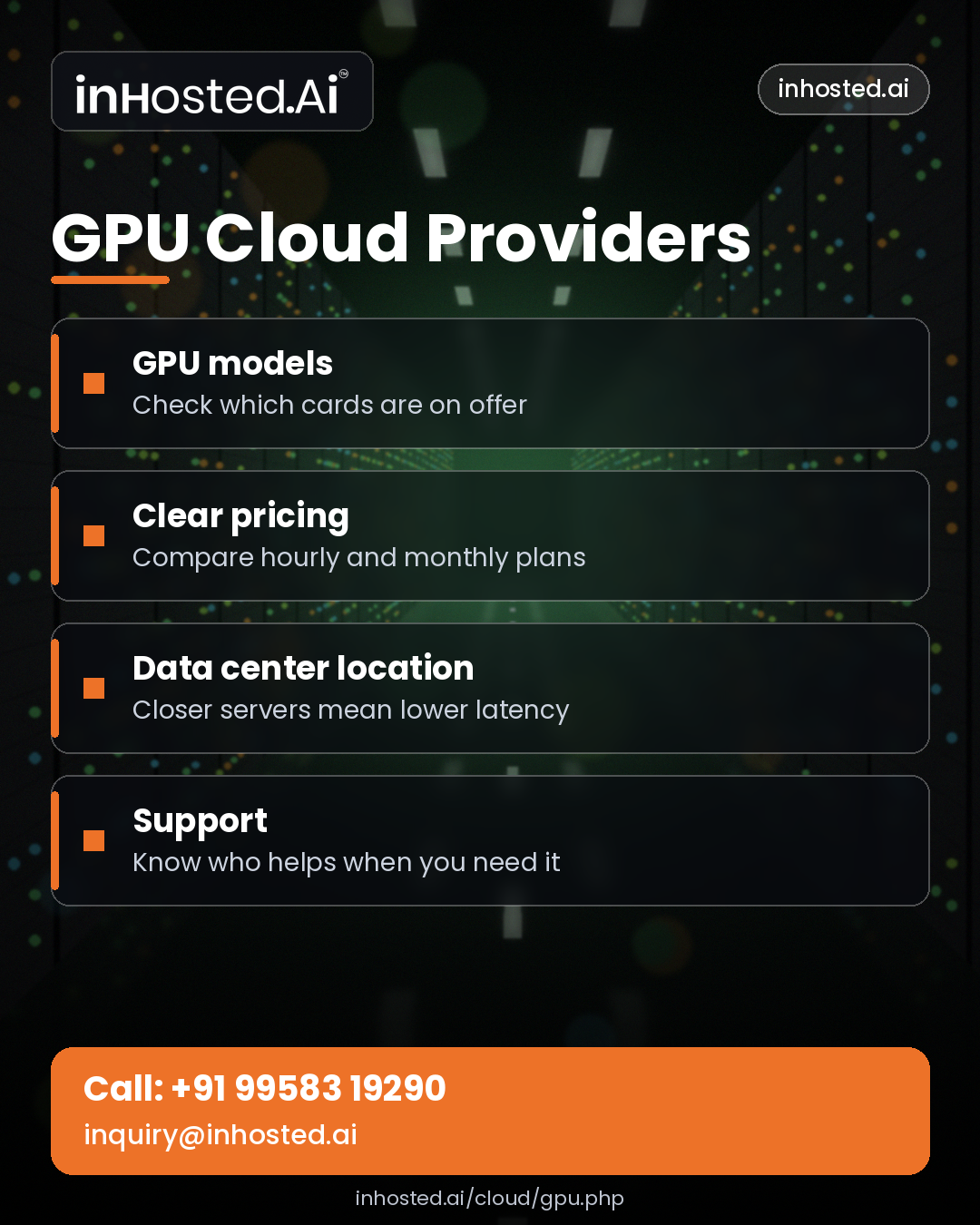
Before comparing providers, identify what you need the GPU to accomplish. Different applications have different hardware requirements, and a configuration that works well for one task may be unsuitable for another.
For example, training a large neural network may require substantial GPU memory and fast communication between accelerators. Video rendering may depend on the software's supported GPU architecture and rendering engine. Inference workloads may prioritize response time, throughput, and the number of simultaneous requests.
Consider the following questions:
- Is the workload for model training, inference, rendering, or scientific computing?
- How much GPU memory does the application require?
- Does the software support the available GPU architecture?
- Will you need one GPU or multiple GPUs?
- How much data must be transferred into and out of the environment?
- Will the workload run continuously or only for occasional projects?
Defining these requirements helps narrow down the available infrastructure options.
2. Compare GPU Models and Memory Capacity
GPU specifications can vary significantly. Different models offer different processing capabilities, memory capacities, memory bandwidth, and support for specialized computing features.
GPU memory is particularly important for AI and machine learning. If a model or dataset does not fit within available memory, the workload may require optimization, smaller batches, model partitioning, or a different GPU configuration.
When comparing hardware, review:
GPU memory: Determines how much data and model information can be held directly on the accelerator.
Processing capabilities: Influence performance for supported operations and numerical formats.
Memory bandwidth: Affects how quickly data can move between GPU memory and processing units.
Multi-GPU support: Matters for workloads that can distribute computation across several accelerators.
Software compatibility: Ensures that frameworks, libraries, drivers, and applications can use the selected GPU.
Do not choose a GPU solely because it has the highest theoretical performance. Test representative workloads whenever possible and compare the results against your actual requirements.
3. Consider CPU, RAM, and Storage
A GPU server is a complete computing system. Even a powerful accelerator can remain underutilized if the CPU, system memory, storage, or network cannot supply data quickly enough.
The CPU handles tasks such as application orchestration, preprocessing, data loading, and other general-purpose operations. System RAM provides working memory for processes and datasets. Storage performance influences how quickly training data, model files, and intermediate results can be accessed.
For data-intensive applications, evaluate whether the configuration can keep the GPU supplied with work. Slow data pipelines may reduce overall throughput even when the accelerator itself is capable of processing data quickly.
A balanced configuration should therefore include suitable CPU capacity, enough system memory, appropriate storage performance, and reliable connectivity.
4. Evaluate Networking and Multi-GPU Communication
Networking can become a major consideration when workloads involve large datasets, distributed training, or multiple servers.
Data must move between storage systems, computing nodes, and external services. Network throughput and latency influence how efficiently those operations can be completed.
For multi-GPU workloads, the communication method between accelerators can also affect performance. The benefits of adding more GPUs depend on how well the application distributes work and coordinates intermediate results.
Ask potential providers about available network speeds, data-transfer limits, supported interconnects, and connectivity options. For distributed workloads, review whether the infrastructure supports the communication patterns required by your framework.
5. Understand GPU Cloud Pricing
The cost of GPU computing can depend on the accelerator model, number of GPUs, system configuration, rental duration, storage, data transfer, and additional services.
Some services charge according to usage time, while others may offer reserved capacity or dedicated-server arrangements. Availability and pricing terms vary between providers.
When estimating total cost, consider:
- GPU usage charges
- CPU and system memory resources
- Storage capacity and performance
- Data-transfer fees
- Persistent storage between computing sessions
- Software licenses and support
- Idle time when resources remain allocated but unused
A lower hourly rate does not necessarily mean a lower total cost. A faster configuration may complete a job in less time, while a cheaper option may require a longer run. Compare the total cost of completing the workload, not only the headline rate.
Scheduling jobs, stopping unused instances, monitoring consumption, and optimizing software can help control spending.
6. Scalability and Resource Availability
Computing requirements can change rapidly during product development, research projects, or periods of increased demand. Cloud infrastructure can make it easier to adjust resources without purchasing additional physical hardware.
However, scaling depends on actual GPU availability, service limits, workload architecture, and provider policies. High-demand GPU models may not always be available in every location or configuration.
Before committing to a provider, understand how resources are provisioned, whether capacity can be increased when needed, and what happens when a requested configuration is unavailable.
For production systems, develop a capacity plan that accounts for expected demand, deployment timelines, and possible resource constraints.
7. Security and Data Protection
GPU workloads may process proprietary datasets, customer information, research material, or valuable machine learning models. Security should therefore be considered alongside performance and cost.
Review the provider's identity and access management options, network controls, encryption capabilities, monitoring facilities, and backup arrangements. Determine how data is stored, who can access the environment, and what happens to stored information when a computing resource is terminated.
Useful practices include:
- Use strong authentication and role-based permissions.
- Restrict administrative access to authorized users.
- Encrypt sensitive data where appropriate.
- Keep operating systems, drivers, and software updated.
- Store important results and model files in appropriate persistent storage.
- Monitor resource activity and investigate unexpected usage.
- Establish clear data-retention and deletion procedures.
Organizations with regulatory or contractual requirements should verify that the chosen service and configuration meet their obligations.
8. Software Compatibility and Developer Experience
Hardware availability is only one part of a productive GPU environment. Developers also need compatible drivers, computing libraries, frameworks, and deployment tools.
Common considerations include support for machine learning frameworks, container environments, development workflows, and monitoring tools. The precise requirements depend on the application and the versions of its dependencies.
A provider that offers an appropriate software environment can reduce setup time and help teams concentrate on their projects. Nevertheless, verify version compatibility before deploying production workloads.
Teams should also consider how they will reproduce environments, manage dependencies, track experiments, and transfer applications between development and production.
9. Dedicated GPU Servers or Flexible Cloud Instances?
GPU computing resources may be offered through dedicated physical servers or cloud instances, depending on the provider.
A dedicated GPU server can be suitable for sustained workloads that need a specific hardware configuration or predictable access to assigned resources. Flexible cloud instances may be convenient for experiments, temporary jobs, and workloads that need resources for varying periods.
The right option depends on utilization patterns, performance requirements, management preferences, and pricing.
Before deciding, compare the available GPU hardware, resource allocation, performance consistency, operating-system access, storage options, and service terms. Confirm whether the selected configuration provides the level of control and isolation required by your application.
10. How to Evaluate GPU Cloud Providers
A structured evaluation process can make infrastructure selection easier.
Step 1: Define technical requirements. Identify the workload, framework, GPU memory needs, storage requirements, and performance targets.
Step 2: Compare compatible hardware. Check GPU models, memory capacity, CPU resources, and multi-GPU capabilities.
Step 3: Estimate the complete cost. Include computing time, storage, transfer, support, and unused-resource costs.
Step 4: Verify availability. Confirm that the required configuration can be provisioned when the project needs it.
Step 5: Review security and support. Understand access controls, data handling, service documentation, and technical assistance.
Step 6: Run a representative test. Measure processing time, throughput, reliability, and total cost for a realistic workload.
Step 7: Plan for growth. Determine how the infrastructure can accommodate larger datasets, more users, or additional computing requirements.
This process helps businesses compare services based on measurable requirements rather than marketing claims alone.
Frequently Asked Questions
What are GPU cloud providers used for?
They provide access to GPU-equipped computing infrastructure for applications such as AI training, machine learning inference, scientific computing, rendering, and parallel data processing.
How much GPU memory do I need?
The required capacity depends on the model, dataset, batch size, framework, and application. Review the software requirements and test the workload before selecting a configuration.
Is GPU cloud computing suitable for small businesses?
It can be useful for small businesses that need accelerated computing without investing in physical GPU hardware. Costs and suitability depend on the workload and how efficiently resources are used.
Should I choose a dedicated GPU server or a cloud instance?
A dedicated server may suit sustained workloads that require a particular physical configuration. Flexible instances may be convenient for temporary jobs and variable demand. Compare performance, availability, control, and total cost.
How can I reduce GPU computing costs?
Optimize the application, schedule jobs efficiently, monitor usage, stop idle resources, select suitable hardware, and compare the total cost of completing a workload.
Conclusion
GPU computing can support demanding workloads that benefit from parallel processing, including artificial intelligence, research, rendering, and data analysis. Choosing among gpu cloud providers requires careful consideration of accelerator specifications, memory, CPU and storage resources, networking, security, availability, and pricing.
The most effective approach is to begin with clear workload requirements, compare compatible configurations, and test realistic applications before making a long-term commitment. By evaluating performance and cost together, organizations can select GPU infrastructure that supports their technical objectives and future growth.
