Estimate and Invoice App for Contractors: Field Workflow
Author : wei yi | Published On : 04 Nov 2026
A site variation turns into lost money when an approved change order never reaches the invoice. Trial an estimate and invoice app for contractors from the first estimate through final payment.
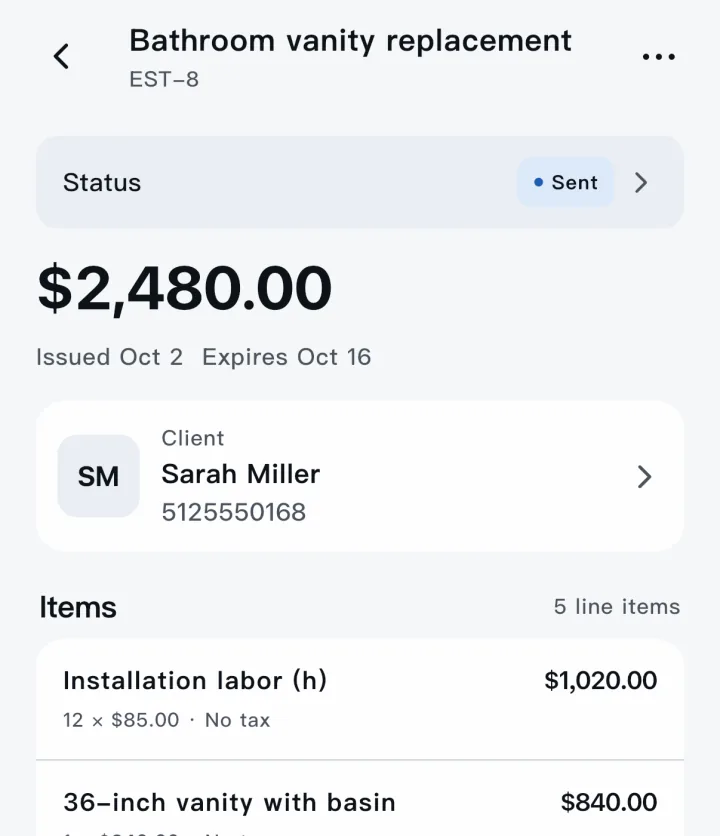
Build an estimate from a real job with materials, labour and a clear scope of work. A reusable line item still needs quantity and description changes for the exact property and repair. Save reusable line items but allow room for site-specific quantities and notes. Deposits, discounts and taxes should appear in the document in a way the customer can understand. Check how taxes, discounts and deposits appear on the customer-facing document. Attach photos that justify exclusions or unforeseen repair work. Photographs can explain a hidden repair condition before it becomes an argument about extra labour.
Invoice and payment follow-through
Record customer approval and the date before scheduling the job. Test how an approved estimate becomes a job and later an invoice without retyping. Test what happens when the contractor loses reception partway through a site visit. Check whether partial payments and outstanding balances are easy to reconcile.
Verify the export and backup options for customer history and business records. Partial payments must be distinguishable from total invoices so the outstanding balance stays clear. Use the app on a phone with poor reception to understand the real field workflow. Ask how the current beta handles data privacy, support and future product changes. Export and retention options matter when a business later changes software or works with an accountant.
Do not treat job-estimate software as a replacement for tax or accounting advice.
