Edge Data Center Providers for Multiple Business Locations
Author : NPOD Data Center Solutions | Published On : 09 Oct 2026
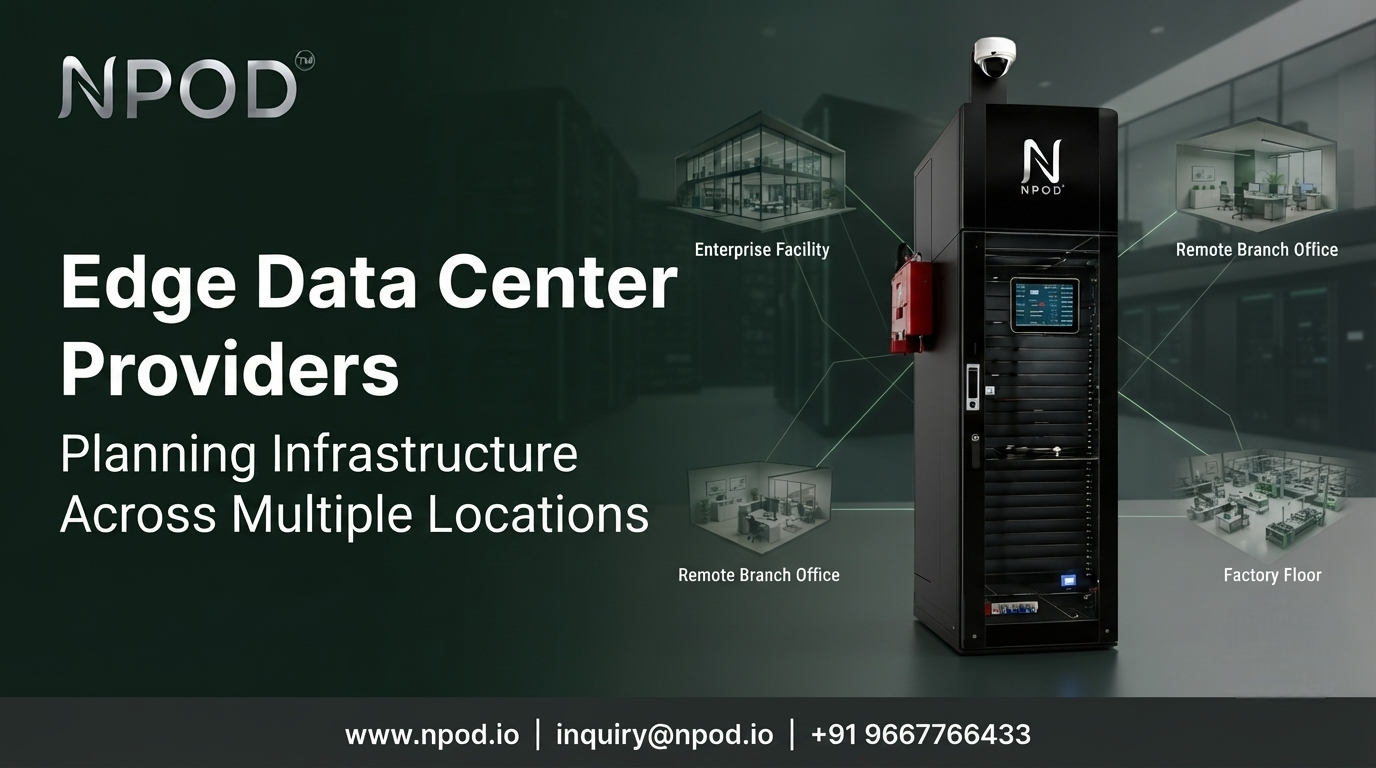
When a company opens another factory, branch or remote office, its IT requirements do not always grow in the same way. One location may need local processing for connected equipment while another may only need access to centralized applications. Choosing edge data center providers becomes more complicated when the infrastructure has to support several sites with different needs.
The challenge is not simply installing computing equipment at each location. It is deciding where processing should happen, what each site needs and how the entire setup will be managed.
A practical plan starts by treating every location as part of one connected IT environment rather than building separate infrastructure without a common strategy.
Why One Infrastructure Design Cannot Fit Every Site
Imagine a business operating three manufacturing plants and a network of regional offices. The plants collect operational data from machinery while the offices mainly support employees and business applications.
Giving every location the same infrastructure would be an expensive way to solve different problems. A production facility may need local processing for time-sensitive applications. An office with lighter workloads may work perfectly well with centralized systems.
This is where workload planning becomes useful.
Before deciding on hardware or capacity, identify what each location does. Look at the applications it runs, the data it produces and how quickly it needs to respond to requests.
Some workloads benefit from being closer to their source. Others depend on centralized databases or services and may be better kept in an existing data center or cloud environment.
The objective is not to move everything to the edge. It is to place each workload where it makes the most practical sense.
Identify Which Workloads Need Local Processing
Not every application requires a local data center. The decision should follow operational requirements rather than a general preference for distributed infrastructure.
For example, a factory using machine vision may need to analyse production data close to the equipment generating it. A remote site may need to process information locally when network connectivity is inconsistent. A retail location could have connected devices that produce more data than it makes sense to send continuously to a central facility.
These cases call for different designs.
Start by asking what happens if communication with the central environment becomes slow or temporarily unavailable. Would the application stop working? Could local processing keep essential tasks running? How much data must remain on site and how much can be transferred later?
The answers help establish the capacity and network requirements for each deployment.
They also prevent unnecessary infrastructure spending. A site should not receive additional computing resources simply because another branch needs them.
Assess the Physical Limits Before Installation
Once the workloads are understood, the next step is to check whether each site can support the planned infrastructure.
Power is an obvious consideration but it is not the only one. A location may have enough floor space for a rack while lacking the electrical capacity needed to operate it safely. Cooling requirements can introduce further constraints.
Remote and industrial sites can also present less obvious challenges. Dust, moisture and high ambient temperatures may affect equipment conditions. Limited delivery access or restricted maintenance space can influence the installation design.
These differences matter when a business is planning several deployments.
A standardized design can simplify procurement and maintenance but it should not ignore local conditions. Some sites may need adjustments to power distribution, cooling or physical protection. Others may need a different capacity altogether.
It is better to identify these requirements during planning than to discover them after equipment has arrived.
Build a Consistent Approach to Remote Operations
Distributed infrastructure changes how IT teams monitor and maintain equipment.
When servers are located in one central facility, technical staff can usually access the equipment within the same site. When infrastructure is spread across factories, branches and remote locations, the team needs a clear process for identifying and resolving problems without always travelling to the installation.
Remote monitoring can provide visibility into equipment status, temperatures, power conditions and system alerts. However, monitoring alone is not enough. The organization also needs to decide who reviews alerts and who takes responsibility when something goes wrong.
Maintenance procedures should be defined for all locations. The team must understand how software updates are handled, how failed components are replaced and when a site issue requires an on-site visit.
Consistent documentation becomes particularly valuable as the number of locations increases. If each deployment uses a completely different design and operating process, routine support becomes harder to coordinate.
A manageable distributed environment combines local infrastructure with clear central oversight.
Plan Expansion Without Duplicating Infrastructure
Business requirements change over time. A new production line may need additional processing capacity. A branch may introduce new applications or connected devices. A remote location may become more important to daily operations.
Planning for these changes does not mean installing excess capacity everywhere from the beginning.
Instead, determine which components can be expanded and which constraints might limit future growth. Consider the available space, power supply, cooling capacity and expected workload changes at each location.
This is also where the deployment model matters. Some businesses may extend existing server rooms while others may benefit from integrated edge data center solutions that bring key infrastructure components together in a planned environment.
The appropriate choice depends on the site and the way the business operates. Expansion should follow actual requirements rather than an assumption that every location will grow at the same rate.
Choose a Model That Works Across the Business
Comparing providers becomes more useful once the organization understands its workload and site requirements.
Look at how each proposed solution fits the wider IT architecture. Check what infrastructure is included, how remote monitoring will work and what support is available after installation. Make sure the design can connect with existing networks and applications.
Consistency is valuable but flexibility matters too. A business may want a common deployment approach across its sites without forcing identical specifications on locations that perform different jobs.
For businesses evaluating integrated infrastructure, NPOD's edge data center solutions provide a starting point for understanding how localized computing infrastructure can support distributed environments. The appropriate configuration still needs to match each site's operational requirements.
The final decision should be based on how well the proposed approach fits the workload and how manageable it will remain as the business grows.
Conclusion: Plan the Network of Sites as One System
Deploying infrastructure across multiple locations requires more than repeating the same installation. Each site has its own applications, physical limitations and operational responsibilities.
Businesses that assess these differences early can make better decisions about which workloads belong at the edge and which should remain centralized. They can then compare providers using practical requirements rather than equipment specifications alone.
A successful edge strategy connects different locations through one clear infrastructure plan while giving each site the resources it actually needs.
FAQs
What should businesses consider before deploying edge infrastructure across multiple sites?
Start with workload requirements, local power and cooling capacity, network connectivity, environmental conditions and maintenance responsibilities. Assess each location separately before selecting a deployment design.
Do all business locations need an edge data center?
No. Some locations may benefit from local processing while others can continue using centralized infrastructure or cloud services. The decision depends on application requirements and operational constraints.
How can businesses manage edge infrastructure across remote locations?
Centralized monitoring, consistent documentation, defined alert escalation procedures and planned maintenance can help IT teams manage distributed equipment more effectively. Local support arrangements should also be considered where remote resolution is not possible.
