Data Archiving Software: A Complete Guide to Lo
Author : 10petabyte 10PB | Published On : 30 Oct 2026
Businesses generate a significant amount of digital information every day. Customer records, financial reports, emails, contracts, application logs, and operational documents all contribute to continuously growing data volumes. While some information is needed for daily activities, other records must be preserved for future reference, compliance, or business analysis.
Managing this information efficiently requires a structured storage strategy. Data archiving software helps organizations organize historical records, preserve important information, and manage storage resources according to their operational requirements.
What Is Data Archiving Software?
Data archiving software helps businesses identify, organize, and preserve information that is no longer accessed frequently but must remain available for a specified period.
Instead of keeping every historical record in primary storage, organizations can move eligible information into an appropriate archival environment. This approach helps separate active business data from information retained mainly for future reference.
Depending on the solution, archived information may include emails, financial documents, customer records, completed project files, application data, and historical databases.
The goal is to ensure that important information remains organized and accessible without unnecessarily consuming resources intended for active workloads.
Why Is Data Archiving Important?
As organizations expand, managing older information becomes increasingly challenging. Unstructured storage practices can make it difficult to locate records, control storage costs, and maintain consistent retention policies.
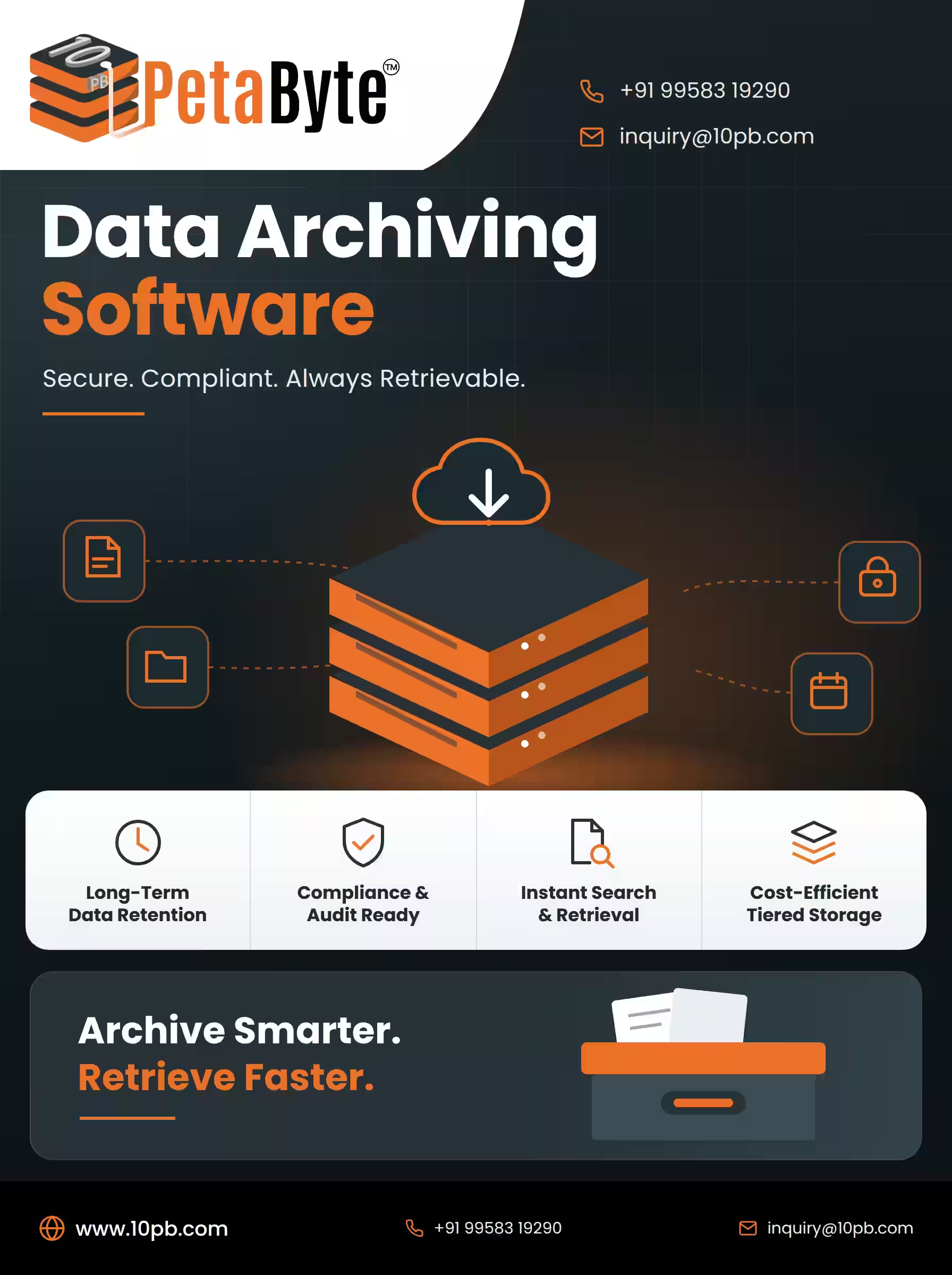
A structured archiving strategy addresses these challenges in several ways.
1. Better Storage Utilization
Frequently accessed information may require faster storage, while historical records can often be maintained in more economical storage environments.
Archiving helps businesses allocate resources according to access frequency and performance requirements. This can reduce pressure on primary storage systems and support more efficient infrastructure planning.
Actual savings depend on storage architecture, data volume, retrieval patterns, and service costs.
2. Organized Historical Records
Businesses often need historical information for audits, customer inquiries, financial reviews, and internal reporting.
A properly organized archive helps employees locate records using categories, dates, metadata, and other available search features.
This reduces dependence on manual file searches and makes historical information easier to manage.
3. Long-Term Information Preservation
Older information may remain valuable even when it is no longer part of daily operations.
For example, a company might need previous financial statements to compare performance across years or retrieve completed project documentation during a later review.
Archiving provides a structured approach to retaining these records for as long as they are required.
4. Support for Retention Policies
Different types of business information may have different retention requirements.
A structured archiving process can help organizations apply retention periods, restrict access, and identify records that are eligible for deletion.
Businesses should configure these policies according to applicable regulations, contractual obligations, privacy requirements, and internal governance standards.
Essential Features to Consider
Choosing the right data archiving software involves evaluating how effectively a solution handles information throughout its lifecycle.
Automated archiving: Rules based on file age, access frequency, or other criteria can help reduce repetitive manual work.
Search and retrieval: Indexing and metadata-based search capabilities make it easier to locate historical information when required.
Access controls: Permissions and identity management help ensure that only authorized users can access sensitive records.
Encryption and monitoring: Appropriate security measures help protect archived information and support visibility into access activity.
Scalability: The solution should accommodate growing data volumes without creating unnecessary management complexity.
Retention management: Configurable retention policies help businesses manage how long records are preserved and when they become eligible for deletion.
Integration: Compatibility with existing business applications and storage infrastructure can simplify implementation and ongoing administration.
Organizations should compare these features against their specific operational and compliance requirements before making a decision.
How Cloud Technology Supports Data Archiving
Cloud infrastructure offers organizations another option for storing historical information without depending entirely on locally maintained storage equipment.
Depending on the selected architecture, cloud storage can provide flexible capacity, centralized management, and access to different storage tiers.
Businesses can choose storage options according to their data retention requirements, retrieval frequency, and performance expectations.
However, cloud archiving requires careful planning. Organizations should evaluate data transfer charges, retrieval costs, security controls, service availability, and the provider's retention capabilities.
For companies managing expanding datasets, exploring cloud data archiving solutions can help identify suitable approaches to long-term information storage.
The best architecture depends on the type of information being preserved, the required retention period, and how quickly users may need to retrieve archived records.
Data Archiving and Data Backup: Understanding the Difference
Data archiving and backup are both important components of information management, but they serve different purposes.
Archiving focuses on preserving information for long-term reference. Backup focuses on maintaining recoverable copies that can help restore information after accidental deletion, corruption, hardware failure, or other incidents.
For example, a business may archive completed financial reports for future audits while maintaining regular backups of its active accounting systems.
An effective data management strategy should establish separate policies for retention, recovery, and deletion. This helps organizations preserve historical information while maintaining appropriate protection for active business operations.
Best Practices for Implementing an Archiving Strategy
Businesses can make their archiving processes more effective by following a consistent approach.
Classify information: Identify which records are actively used and which are suitable for archival storage.
Define retention periods: Establish how long each category of information must be retained according to business and regulatory requirements.
Choose appropriate storage: Evaluate capacity, accessibility, security, scalability, and total cost.
Automate repetitive tasks: Use predefined rules to move eligible information into archival storage where appropriate.
Protect sensitive records: Apply encryption, access restrictions, monitoring, and suitable security policies.
Test retrieval procedures: Regularly confirm that authorized users can locate and retrieve archived information within acceptable timeframes.
Review storage requirements: Monitor data growth, retrieval patterns, retention policies, and costs to keep the strategy aligned with changing business needs.
These practices help transform archiving from an occasional administrative task into a consistent part of business data management.
How to Select the Right Data Archiving Solution
Every organization has different information management requirements. A small business may prioritize simplicity and predictable costs, while a large enterprise may require extensive retention controls, application integrations, and support for large datasets.
Before selecting a solution, businesses should evaluate the amount of data they need to retain, how frequently it will be accessed, and how long it must remain available.
Security requirements, retrieval performance, scalability, and compatibility with existing systems should also influence the decision.
Organizations should consider the total cost of ownership rather than storage capacity alone. Data transfer, retrieval, administration, and ongoing management can all affect the overall expense.
A solution that aligns with current requirements while accommodating future growth can help businesses establish a more sustainable data management strategy.
Conclusion
Historical information remains valuable to businesses even when it is no longer accessed regularly. Without an organized approach, growing data volumes can increase storage pressure, complicate record management, and make important information harder to retrieve.
Data archiving software helps organizations preserve historical records, improve storage organization, establish retention policies, and manage information throughout its lifecycle.
By combining appropriate technology with clear policies, security controls, and reliable retrieval procedures, businesses can create a practical foundation for long-term data management.
Organizations looking to improve their archival storage strategy can explore 10PB's cloud data archiving solutions to understand approaches to preserving and managing growing volumes of business information.
Frequently Asked Questions (FAQs)
1. What is data archiving software used for?
It helps businesses organize and preserve historical information that must remain available but is not accessed frequently. Common examples include financial documents, emails, completed project files, and historical databases.
2. Can data archiving reduce storage costs?
It can help reduce pressure on primary storage by moving eligible information into more appropriate archival environments. Actual cost savings depend on storage options, data volume, retrieval frequency, and transfer charges.
3. Is cloud storage suitable for long-term archiving?
Cloud storage can be suitable when its security, retention capabilities, availability, retrieval performance, and costs meet an organization's requirements.
4. Does archiving replace data backups?
No. Archiving supports long-term information retention, while backups provide copies used to restore data after loss or corruption. Organizations may need both approaches.
5. What should businesses consider before choosing an archiving solution?
Businesses should assess data volume, retention periods, security requirements, retrieval speed, scalability, compatibility, and total cost of ownership.
6. How does archiving support data management?
It helps businesses separate active information from historical records, apply consistent retention policies, improve record organization, and maintain access to information required for future reference.
