Cloud Storage Device Solutions for Surveillance Data Management
Author : 10petabyte 10PB | Published On : 19 Oct 2026
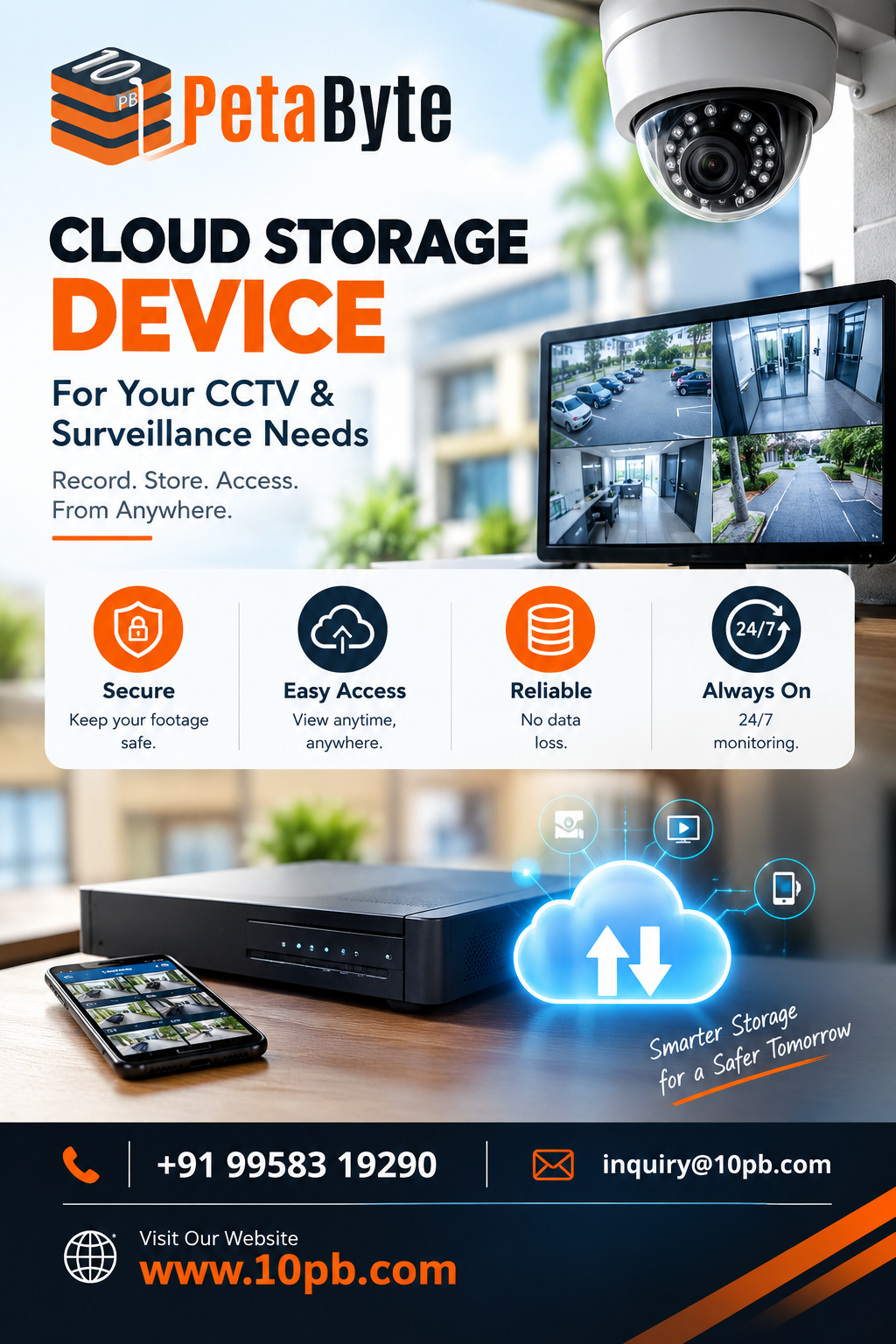
Businesses increasingly use surveillance systems to protect their premises, monitor operations, and review security incidents. These systems can generate substantial amounts of video data, making storage planning an important part of an organization's security infrastructure. Choosing a suitable Cloud Storage Device solution can help businesses evaluate how their recordings are stored, accessed, managed, and retained.
The right storage approach depends on several factors, including the number of cameras, video quality, recording schedules, network connectivity, retention requirements, and security policies. Understanding these considerations helps organizations choose a practical solution for their operational needs.
Understanding Cloud Storage for Surveillance
Traditional surveillance systems often store recordings on local hard drives, network video recorders, or dedicated storage appliances. These arrangements can work well, but businesses must account for available capacity, hardware maintenance, data retention, and the consequences of equipment failure.
Cloud storage offers another approach by using storage infrastructure accessed over a network. Depending on the service architecture, recordings or selected data can be transferred to remote storage systems and accessed by authorized users through supported applications.
A Cloud Storage Device strategy may involve compatible recording equipment, local storage, cloud infrastructure, or a combination of these components. The exact arrangement depends on the surveillance system and the service being used.
Businesses should verify compatibility with their existing cameras and recording software before adopting a new storage solution.
Why Storage Planning Matters
Surveillance footage can consume considerable storage space, especially when cameras operate continuously or capture high-resolution video.
Organizations should estimate their storage needs before selecting a solution. The main factors include:
- Number of connected cameras
- Video resolution and frame rate
- Compression settings
- Hours of recording each day
- Required retention period
- Expected growth in camera coverage
For example, a small office with a few cameras will have different requirements from a warehouse or commercial facility with dozens of cameras.
Estimating these requirements helps businesses plan capacity, compare storage options, and avoid unexpected shortages.
Potential Benefits of Cloud-Based Storage
1. Flexible Capacity Planning
Businesses may need more storage as camera coverage expands or retention requirements change. Depending on the provider, cloud storage services can offer options for adjusting capacity without relying exclusively on additional local storage equipment.
Organizations should review the available capacity options and any associated charges before choosing a service.
2. Access to Stored Recordings
Cloud-based systems may allow authorized users to access stored information remotely through supported applications and network connections.
Access policies should be configured carefully so that only approved personnel can view or manage surveillance footage.
3. Centralized Management
Organizations operating several offices or facilities may benefit from a consistent approach to managing stored recordings.
A well-planned storage system can support clearer administrative procedures, access controls, and retention policies across locations.
4. Additional Data Protection Options
Cloud storage may form part of a broader data protection strategy. Depending on the service, businesses may have options for redundancy, backup, or recovery.
These capabilities should be verified rather than assumed. Organizations should understand what protection is provided and what additional responsibilities remain with them.
5. Support for Business Growth
As a business adds cameras or expands its operations, its storage needs may change. Regularly reviewing capacity, retention requirements, and recording activity helps organizations adapt their infrastructure.
Cloud storage can be considered as part of this planning process, alongside local storage and other available approaches.
Choosing the Right Cloud Storage Solution
Selecting a solution requires more than comparing advertised storage capacity.
Compatibility: Confirm that the service supports the existing cameras, recorders, video management software, and recording workflow.
Network bandwidth: Uploading video requires suitable network capacity. Evaluate available upload speeds and determine how network interruptions may affect recording or data transfer.
Storage requirements: Estimate the total volume of footage and establish how long recordings need to be retained.
Security controls: Review authentication, permissions, encryption options, and access logging.
Reliability: Understand the provider's service availability, redundancy arrangements, and procedures for handling infrastructure failures.
Recovery procedures: Determine how recordings can be restored or retrieved following accidental deletion, system failure, or other incidents.
Cost: Consider storage capacity, data transfer, retrieval, retention, and any additional service charges.
Evaluating these factors helps businesses choose a solution that fits their actual requirements.
Security and Privacy Considerations
Surveillance footage can contain sensitive information about employees, customers, visitors, and business operations. Protecting that information should be a priority throughout its storage lifecycle.
Businesses should use strong authentication and limit access to authorized personnel. Administrative privileges should be restricted, and access permissions should be reviewed periodically.
Where supported, encryption can help protect information during transfer and storage. Organizations should also maintain appropriate software updates, monitor access activity, and document procedures for responding to security incidents.
Retention policies are equally important. Recordings should be retained according to legitimate business needs and applicable legal requirements, then deleted when they are no longer required.
Cloud storage does not automatically guarantee complete security. Effective protection depends on the service's capabilities, the organization's configuration, and consistent operational practices.
Local Storage and Cloud Storage: Finding the Right Balance
Local storage and cloud storage each have potential advantages.
Local storage can provide convenient access to recordings within a facility and may reduce dependence on internet connectivity for certain operations. However, local equipment has finite capacity and requires maintenance.
Cloud storage can provide an additional storage destination and remote access options, depending on the service. It also introduces considerations such as bandwidth, connectivity, data transfer, and recurring costs.
Some organizations may benefit from a hybrid approach that combines local recording with selected cloud-based storage or backup. The appropriate design depends on operational priorities, security requirements, recovery objectives, and budget.
Businesses should compare these approaches before making infrastructure changes.
Monitoring and Maintaining the Storage Environment
Storage systems require ongoing monitoring to remain useful and reliable.
Organizations should monitor available capacity, recording status, connectivity, and system alerts. Regular checks can help identify storage shortages or interrupted transfers before they affect normal operations.
Backup and recovery procedures should also be tested. A backup strategy is useful only when the organization understands how to retrieve the information when needed.
Businesses should document system configurations, assign maintenance responsibilities, and periodically review whether the current setup meets changing operational requirements.
Exploring 10PB Storage Solutions
Businesses evaluating storage options for surveillance recordings can explore the information available from 10PB.
Before selecting a solution, organizations should identify their camera configuration, storage capacity requirements, network conditions, retention policies, and access needs. They should then confirm that the proposed service supports their intended use case.
A structured evaluation can help businesses compare storage options and make decisions based on their operational requirements.
Conclusion
Surveillance systems produce valuable information that needs to be stored and managed appropriately. A Cloud Storage Device strategy can help businesses assess additional options for capacity planning, remote access, centralized management, and data protection.
The best solution depends on camera requirements, network connectivity, security practices, retention policies, compatibility, and total cost.
By evaluating these factors and reviewing storage needs regularly, businesses can develop a surveillance data management approach that supports their operational and security objectives.
Frequently Asked Questions
What is a cloud storage device for surveillance?
It refers broadly to a storage arrangement that uses cloud infrastructure to store or manage surveillance data. The actual system may include compatible cameras, recording equipment, and network connectivity.
Can surveillance recordings be stored in the cloud?
Yes, when the selected service and recording equipment support the required workflow and network capacity.
What determines CCTV storage requirements?
Camera count, video resolution, frame rate, compression, recording hours, and retention period all influence storage needs.
Is cloud storage more secure than local storage?
Neither approach is automatically more secure. Security depends on system configuration, access controls, monitoring, physical protection, and recovery procedures.
Should businesses keep local storage as well?
Some organizations use both local and cloud storage. The right arrangement depends on access speed, connectivity, retention, recovery needs, and budget.
