Cloud GPU: Powering Modern AI and High-Performance Computing
Author : 10petabyte 10PB | Published On : 23 Oct 2026
Modern businesses increasingly depend on computing power to process large datasets, train artificial intelligence models, develop applications, and perform complex calculations. Traditional CPU-based systems remain essential for many applications, but certain workloads benefit from the parallel processing capabilities of graphics processing units.
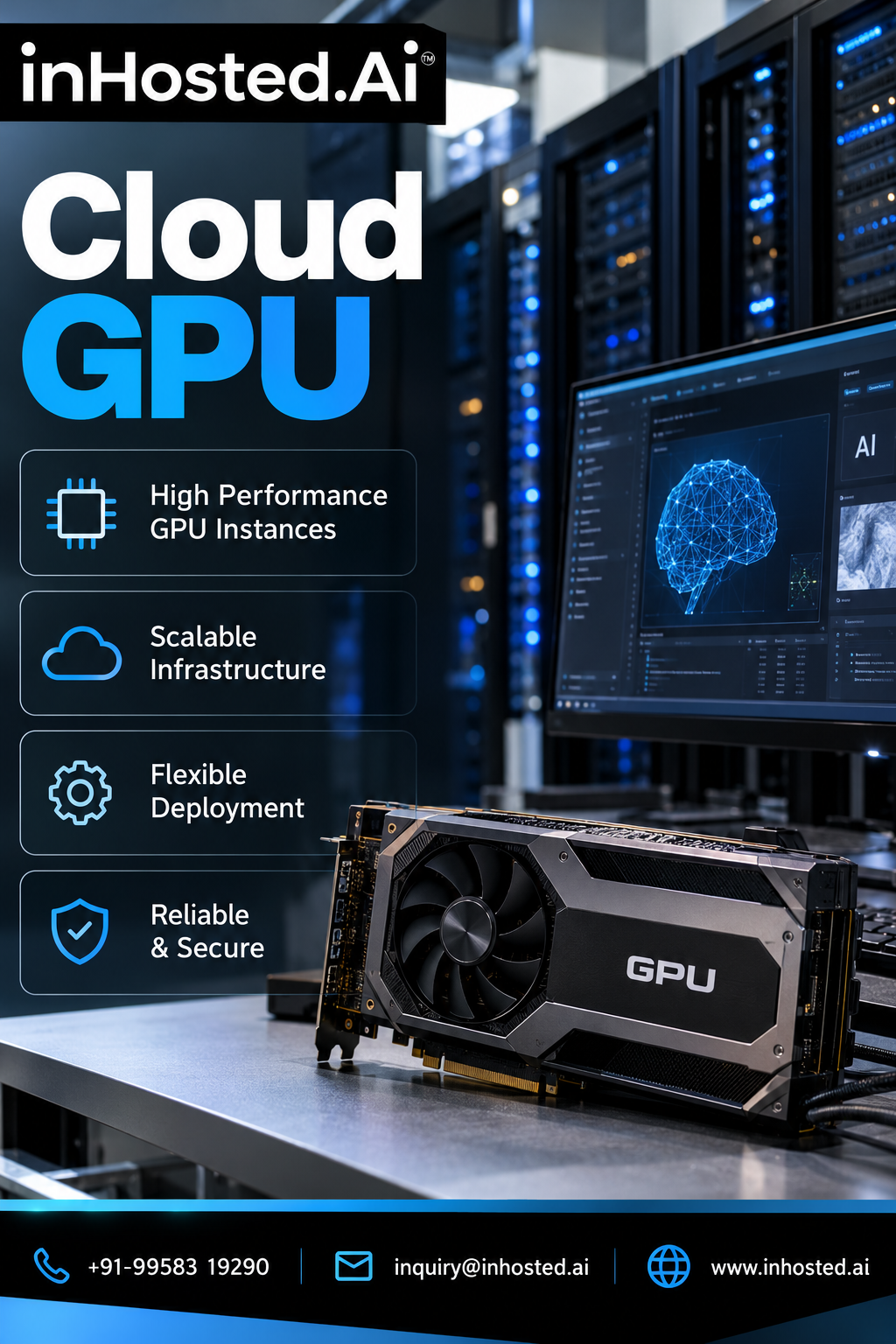
A cloud GPU provides access to GPU-powered computing resources through cloud infrastructure. Instead of purchasing and maintaining dedicated physical hardware, organizations can use GPU resources remotely according to their workload requirements and the options offered by their provider.
This approach can help development teams, researchers, startups, and enterprises access specialized computing capabilities while maintaining flexibility in how they deploy and manage applications.
What Is a Cloud GPU?
A cloud GPU is a graphics processing unit made available through a cloud computing environment. Users connect to remote infrastructure to run supported applications, process data, render graphics, or train machine learning models.
GPUs contain many processing cores designed to handle numerous operations in parallel. This architecture makes them useful for workloads such as deep learning, scientific computing, image processing, and certain forms of data analytics.
Cloud-based access allows organizations to use GPU resources without necessarily purchasing, installing, and maintaining their own physical servers.
The available hardware, memory, networking, storage, and software configuration depend on the provider and selected instance.
Why Are Cloud GPUs Important?
1. Artificial Intelligence and Machine Learning
AI development often involves computationally intensive operations. Training and running certain machine learning models can require substantial parallel processing capacity.
Cloud GPU infrastructure can provide the resources needed for supported AI workloads. Teams can experiment with models, process training datasets, and scale their computing environment according to project requirements.
The appropriate GPU depends on model size, memory requirements, software compatibility, and expected performance.
2. Flexible Computing Resources
Purchasing physical GPU servers may require significant upfront investment and ongoing maintenance. Cloud infrastructure offers an alternative for organizations that want to access computing resources remotely.
Depending on the service, users may be able to choose different configurations and adjust their resources as workloads change.
This flexibility can be especially useful for projects with variable computing requirements.
3. High-Performance Data Processing
Some analytics and scientific workloads involve large numbers of calculations that can benefit from GPU acceleration.
Examples include simulations, image analysis, numerical computing, and processing large datasets. However, not every application benefits equally from a GPU. Performance depends on how the application is designed and whether its operations can be accelerated effectively.
4. Graphics and Visualization
GPU resources are also valuable for graphics-intensive tasks, including rendering, visualization, and certain engineering applications.
Remote GPU infrastructure can help teams run supported software without installing high-end graphics hardware on every workstation. Network performance and remote display requirements should be considered when evaluating this approach.
5. Development and Testing
Software teams can use GPU-equipped environments to test applications, benchmark models, and experiment with different configurations.
Access to suitable hardware can help teams evaluate performance before making longer-term infrastructure decisions.
Common Applications of Cloud GPU Infrastructure
Cloud GPU environments can support several technical workloads.
- AI model training: Accelerating compatible machine learning operations.
- Deep learning inference: Running trained models for supported applications.
- Scientific computing: Performing parallel calculations and simulations.
- Computer vision: Processing images and video using GPU-accelerated frameworks.
- 3D rendering: Supporting graphics production and visualization.
- Data analytics: Accelerating suitable computational workloads.
- Research and experimentation: Providing computing resources for specialized projects.
Before choosing a configuration, organizations should identify the workload and verify that the application supports the selected GPU architecture.
Cloud GPU vs. Traditional CPU Computing
CPUs and GPUs serve complementary purposes.
A CPU is designed to handle a wide variety of tasks, including sequential operations, operating system processes, and general application logic. A GPU is designed to execute many operations in parallel, making it useful for certain computationally intensive workloads.
For example, an application that performs repeated matrix operations may benefit from GPU acceleration. A simple website or routine business application may run efficiently on CPU-based infrastructure without needing a GPU.
The best solution depends on the workload rather than the hardware category alone. Some systems combine CPUs and GPUs so that each component handles the tasks it is best suited for.
How to Choose the Right Cloud GPU
Selecting a GPU configuration requires more than comparing model names or processing power.
Assess the Workload
Determine whether the primary requirement is model training, inference, rendering, simulation, or another application. Different workloads have different processing and memory requirements.
Review GPU Memory
Large models and datasets may require substantial GPU memory. Insufficient memory can limit model size, batch size, and application performance.
Check Software Compatibility
Confirm that the GPU architecture supports the required frameworks, libraries, drivers, and application versions.
Evaluate CPU, RAM, and Storage
GPU performance can be limited by insufficient system memory, slow data loading, or inadequate CPU resources. The complete server configuration should match the workload.
Consider Network Requirements
Distributed training and data-intensive applications may depend on network bandwidth and latency. Organizations should evaluate how data will move between storage, compute resources, and connected systems.
Understand Total Cost
Compare hourly or monthly charges, storage, data transfer, support, and any additional services. Monitor utilization to avoid paying for resources that remain idle.
Why Consider Cloud GPU Services from InHosted.ai?
Businesses evaluating GPU infrastructure should look for a configuration that matches their workload, software requirements, and operating budget.
InHosted.ai provides a place to explore GPU cloud computing options. Before deployment, review the available GPU configurations, memory specifications, supported software, pricing terms, and service conditions to determine whether a particular option suits your project.
Learn more about the available options on the InHosted.ai GPU cloud page:
https://www.inhosted.ai/cloud/gpu.php
Frequently Asked Questions
What is a cloud GPU used for?
Cloud GPUs are used for workloads that can benefit from parallel processing, including AI, machine learning, scientific computing, image processing, and rendering.
Are cloud GPUs suitable for small businesses?
They can be. Small businesses may use cloud GPU resources for specific projects without purchasing physical GPU servers, depending on availability and budget.
Do all applications need a GPU?
No. Many applications run efficiently on CPUs. GPU acceleration is most useful when the application's workload can take advantage of parallel processing.
How much GPU memory do I need?
Requirements depend on the model, dataset, batch size, and application. Workload testing can help identify an appropriate configuration.
Can cloud GPUs support AI model training?
Yes. Compatible cloud GPU configurations can support many AI training workloads. The required resources depend on the model architecture, dataset, and training approach.
Conclusion
GPU acceleration has become an important part of modern computing, particularly for AI, machine learning, visualization, and scientific applications. A cloud GPU gives organizations a way to access specialized computing resources remotely instead of relying entirely on locally owned hardware.
The key to success is selecting a configuration that matches the workload, verifying software compatibility, and monitoring performance and cost. With appropriate planning, cloud GPU infrastructure can help development teams and businesses experiment, build, and run demanding applications more flexibly.
