Can You Copy RFID with iPhone? The Answer Is More Complicated Than You Think
Author : Jaming Wong | Published On : 03 Nov 2026
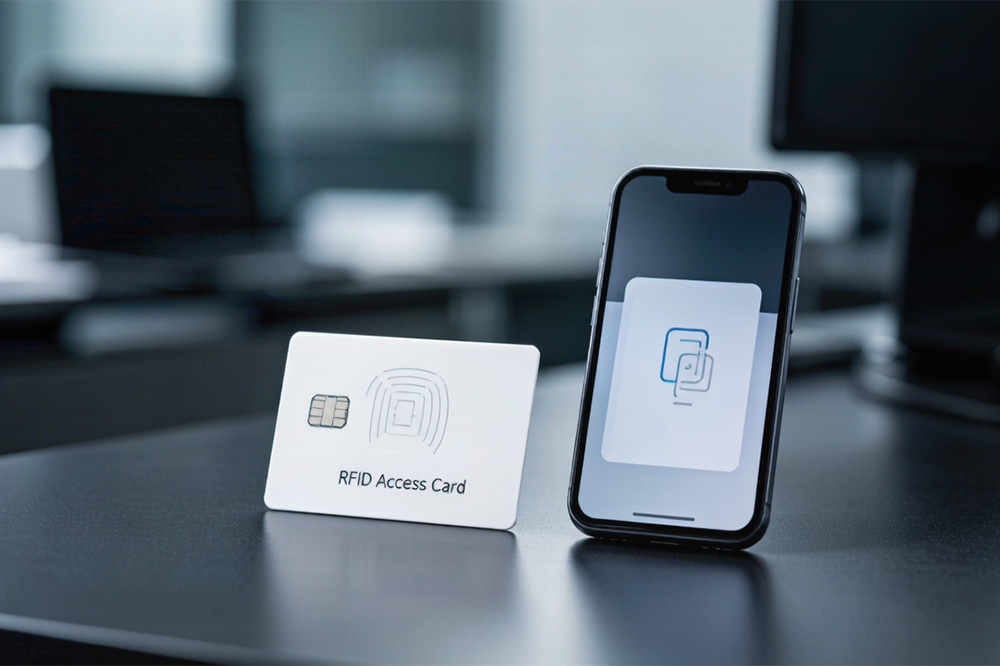
If you’ve ever carried an office badge, apartment access card, or parking credential, you’ve probably wondered the same thing:
“Can I just copy this RFID card to my iPhone?”
It’s a reasonable question.
After all, modern phones can replace credit cards, boarding passes, car keys, and even hotel room keys. Carrying one less card sounds convenient.
Unfortunately, when it comes to RFID access cards, things aren’t always that simple.
In fact, whether an iPhone can replace an RFID card depends on the type of card, the security system behind it, and the limitations of smartphone hardware itself.
Why People Think It Should Work
Most people know that iPhones have NFC technology.
They use it every day for contactless payments.
So the assumption is usually:
“My card uses RFID. My phone has NFC. They’re basically the same thing, right?”
Not exactly.
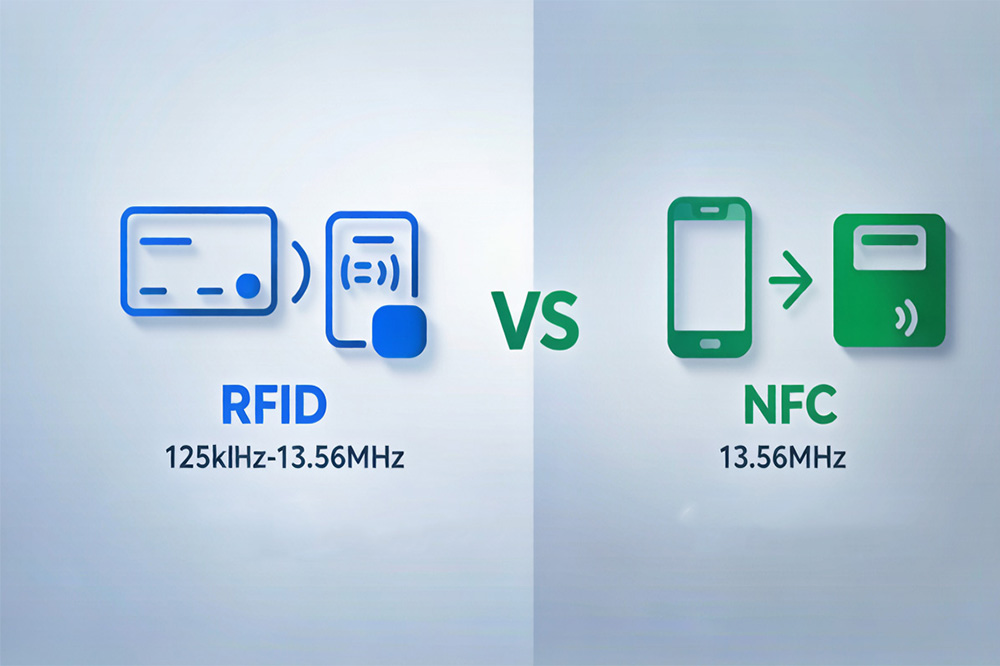
While NFC is related to RFID technology, not every RFID system works with NFC devices.
Think of it like different languages.
Two devices may both use radio signals, but that doesn’t automatically mean they can communicate with each other.
RFID and NFC Are Not Always Interchangeable
This is where most confusion begins.
RFID is a broad category covering several technologies and frequency ranges.
Some access cards operate at low frequencies.
Others operate at high frequencies.
Some use encrypted communication.
Others use simple identification numbers.
Meanwhile, smartphones are designed to support only specific NFC functions.
As a result, an iPhone may successfully read one credential while completely ignoring another.
That doesn’t necessarily mean the card is broken.
It simply means the technologies are not compatible.
Can an iPhone Read an RFID Card?
Sometimes.
If the credential uses a supported NFC standard, the phone may be able to detect it and read certain information.
But reading data and copying a credential are two very different things.
Many secure access cards store protected information that cannot simply be extracted and duplicated.
In those situations, the phone may recognize the card exists but still be unable to reproduce its access credentials.
Why Most Access Cards Cannot Be Added to Apple Wallet
One of the most common questions online is whether an RFID card can be added directly to Apple Wallet.
People often imagine scanning the card once and instantly turning their phone into a replacement badge.
In reality, Apple Wallet works with supported credential systems that have been specifically integrated into mobile access platforms.
It is not a universal RFID card storage tool.
If the building’s access system doesn’t support mobile credentials, simply owning an iPhone won’t change that.
The limitation is usually on the infrastructure side rather than the phone itself.
What About Cloning the Card?
This is where internet discussions often become misleading.
Technically speaking, some RFID cards can be duplicated under certain circumstances.
Others cannot.
Several factors determine whether duplication is possible:
- Card frequency
- Chip type
- Encryption method
- Security configuration
- Access control platform
Modern secure credentials are specifically designed to resist unauthorized copying.
For that reason, the answer is rarely a simple yes or no.
A card that appears identical to another card may use completely different security technology inside.
Why Many Organizations Are Moving to Mobile Credentials Instead
Rather than copying physical cards, many organizations are taking a different approach.
They’re replacing cards altogether.
Newer access systems can issue credentials directly to smartphones through mobile access platforms.
Instead of cloning an RFID card, users receive a secure digital credential managed by the access control system.
For facility managers, this offers several advantages:
- Faster credential issuance
- Easier user management
- Remote access control
- Reduced card replacement costs
- Better security auditing
This is one reason smartphone-based access control has become increasingly common in offices, apartments, universities, and commercial buildings.
Can an iPhone Act Like an RFID Card?
Sometimes, but only in specific situations.
An iPhone can emulate certain NFC-based credentials when supported by compatible systems.
However, it cannot universally replace every RFID card ever produced.
Whether emulation works depends on:
- Access system compatibility
- Credential format
- Security requirements
- Mobile credential support
This is why two seemingly similar access cards may behave very differently when tested with the same phone.
Related Reading
Many people confuse RFID cloning, NFC emulation, and mobile credentials because the terms are often used interchangeably online.
If you want a deeper explanation of how iPhones interact with RFID systems, this guide is worth reading:Can You Use Your iPhone as an RFID Card Emulator?
It breaks down what an iPhone can actually emulate, where the limitations come from, and why some access cards simply cannot be replaced by a smartphone.
What Businesses Should Consider Before Upgrading
For companies still relying on traditional access cards, the better question may not be:
“Can we copy RFID cards to phones?”
Instead, ask:
“Can our access control system support mobile credentials?”
Many organizations discover that upgrading to a smartphone-friendly platform is more practical than trying to duplicate existing cards.
The result is often a better experience for users and simpler management for administrators.
Final Thoughts
The idea of copying an RFID card to an iPhone sounds straightforward, but the technology behind access control is more complex than most people realize.
Some credentials can interact with smartphones.
Some can be replaced by mobile access systems.
Others remain tied to dedicated RFID hardware.
The key point is that an iPhone is not a universal RFID cloning device.
Whether a credential can be used on a smartphone depends on the card technology, security architecture, and access control platform involved.
For businesses planning new deployments, mobile credentials are increasingly becoming the preferred alternative to traditional access cards.
