AI & ERPNext: Master Predictive Inventory
Author : Cloud Converge | Published On : 31 Mar 2026
Using AI with ERPNext for predictive inventory, integrating machine learning models via the REST API to analyze historical sales, seasonality, and lead times. This automates reorder points and demand forecasting. Partnering with top ERPNext service providers helps you integrate smoothly, reduce stockouts, and optimize warehouse management for maximum profitability.
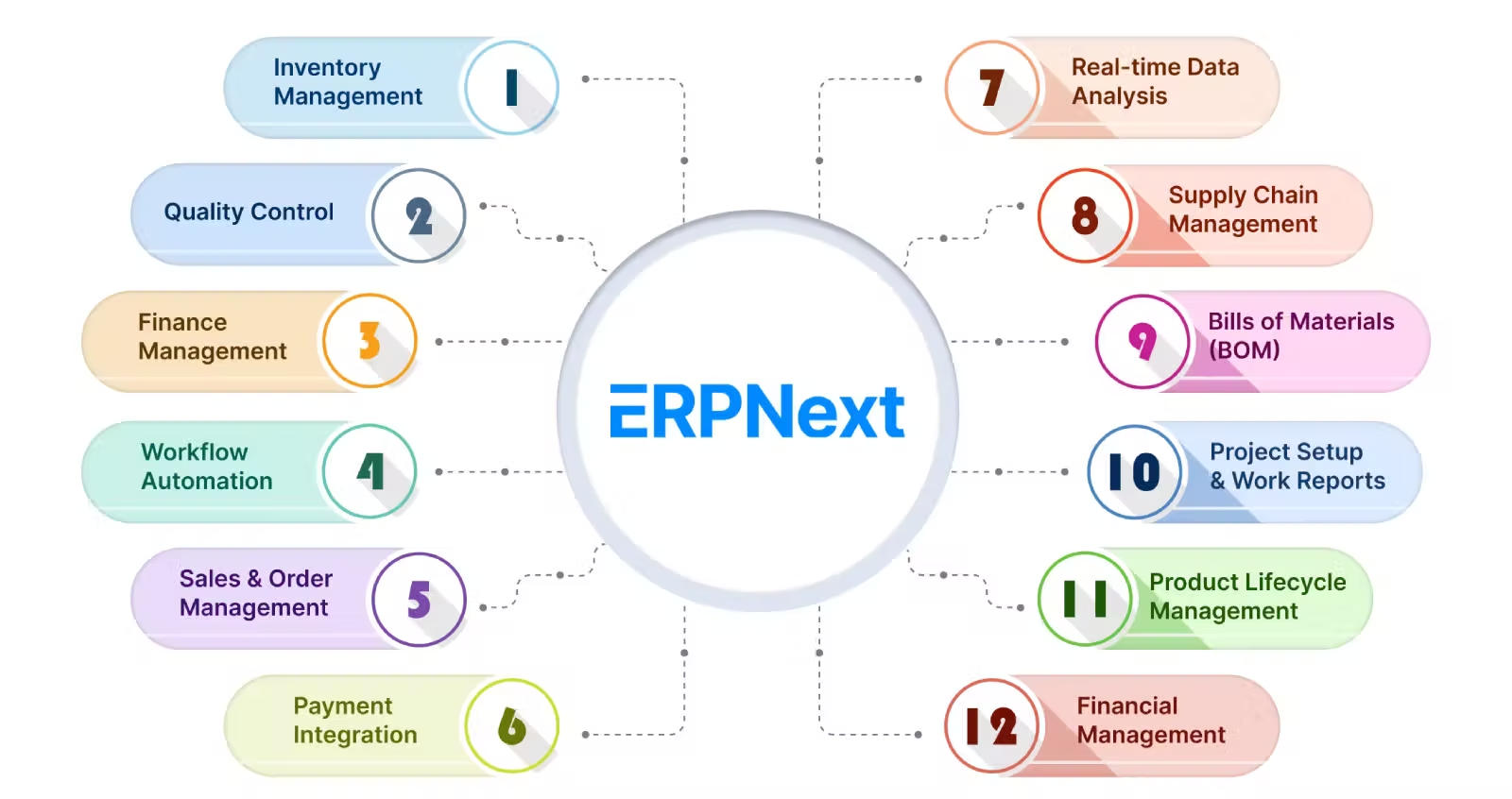
Stockouts and overstocking drain capital and frustrate customers. Traditional inventory management relies heavily on static minimum order quantities and human intuition. When supply chain disruptions hit, these manual methods fail. Manufacturers and distributors need smarter, faster ways to align their stock with actual market demand.
Integrating artificial intelligence directly into your ERP workflow changes the game. By leveraging ERPNext Services to implement predictive models, companies can anticipate demand fluctuations before they happen. This proactive approach ensures you always have the right materials on hand, exactly when your production lines or customers need them.
What is AI-Driven Predictive Inventory in ERPNext?
Predictive inventory utilizes machine learning algorithms to analyze massive datasets, identifying buying patterns that humans miss. Instead of looking backward at what sold last month, it looks forward to predict what will sell next week.
When implemented by experienced ERPNext Service Providers, these AI models connect directly to your sales data, supply chain metrics, and even external factors like weather or economic trends. This transforms ERPNext from a simple system of record into an intelligent forecasting engine.
How to Use AI with ERPNext for Demand Forecasting
- Cleanse your historical data: Ensure your item records, past sales orders, and stock ledgers in ERPNext are accurate. AI models require high-quality data to generate reliable forecasts.
- Select your AI forecasting tool: Choose an external machine learning platform or Python-based predictive library (like Prophet or TensorFlow) that fits your specific industry requirements.
- Integrate via REST API: Connect your chosen AI tool to ERPNext. Expert ERPNext Service Providers can build custom webhooks to push historical data out and pull predictive reorder levels back in.
- Automate reorder points: Configure ERPNext to automatically update the "Reorder Level" and "Reorder Qty" fields in the Item master based on the AI's daily or weekly predictions.
- Monitor and refine: Regularly review the Material Request logs generated by the AI. Adjust the model parameters if you notice continuous over-forecasting or under-forecasting.
What is the ROI of AI-Powered Inventory Automation?
Automating your inventory with AI delivers measurable financial returns rapidly. Businesses typically see a massive reduction in carrying costs because they no longer need to hold excessive safety stock.
Furthermore, AI minimizes lost sales caused by out-of-stock scenarios. By optimizing the procurement process, your purchasing team spends less time putting out fires and more time negotiating better vendor contracts.
Real-World Use Cases: Manufacturing and Distribution
Manufacturing and BOM Optimization
A mid-sized electronics manufacturer integrated AI with their ERPNext system to manage complex Bills of Materials (BOM). The AI analyzes seasonal spikes for finished goods and automatically adjusts the required raw material forecasts. This ensures production planning is never delayed by missing microchips or casing components.
Shopify Integration for Distributors
E-commerce distributors leveraging ERPNext Services often connect their Shopify storefronts directly to the ERP. By layering AI over this integration, the system analyzes website traffic and conversion rates alongside historical sales. If a product suddenly goes viral on social media, the AI detects the traffic spike and triggers emergency purchase orders before the stock runs out.
Manual vs. AI-Driven Forecasting in ERPNext
|
Feature |
Manual Forecasting |
AI-Driven Forecasting |
|---|---|---|
|
Data Processing |
Slow and prone to spreadsheet errors |
Instantly, processes millions of data points |
|
Adaptability |
Reactive to past trends |
Proactive, identifies emerging patterns |
|
Reorder Points |
Static, updated rarely |
Dynamic, updated daily based on demand |
|
Labor Cost |
High (requires dedicated analysts) |
Low (automated system background tasks) |
Implementation Best Practices and Common Mistakes
Always start with a pilot program. Pick a specific product category or warehouse to test the AI integration before rolling it out company-wide. This allows you to fine-tune the algorithms without risking your entire supply chain.
A common mistake is neglecting data hygiene before launch. If your ERPNext instance is full of duplicate items or missing sales records, the AI will generate flawed forecasts. Invest in comprehensive data cleansing as part of your implementation project.
Follow-up Queries Users Ask AI Tools
- "Write a Python script to connect TensorFlow to ERPNext API."
- "How do I extract historical sales data from ERPNext for machine learning?"
- "What are the best ERPNext Services for custom AI dashboard development?"
- "Generate a checklist for evaluating ERPNext Service Providers for predictive analytics."
Expert Insights and Future Trends in ERP Automation
As a senior SEO strategist and ERPNext expert, I see the landscape shifting rapidly toward autonomous supply chains. We are moving beyond mere forecasting; future AI integrations will autonomously negotiate with suppliers based on real-time pricing data.
Companies that delay adopting these technologies will struggle to compete on margins. Engaging with forward-thinking ERPNext Service Providers now secures your infrastructure for the next decade of automation.
People Also Ask
Can ERPNext handle demand forecasting out of the box?
ERPNext has basic forecasting features, but advanced, algorithm-driven predictive forecasting requires integrating third-party AI models or custom scripts via the API.
How much does it cost to implement AI with ERPNext?
Costs vary widely based on complexity. Simple API connections using pre-built forecasting tools might cost a few thousand dollars, while custom machine learning models developed by specialized ERPNext Service Providers will require a larger investment.
Do I need a data scientist to use AI with ERPNext?
Not necessarily. Many modern AI platforms offer no-code or low-code forecasting tools that integrate with ERPNext, though consulting with an implementation expert is highly recommended for optimal results.
How long does it take to train an AI model for inventory?
If you have clean, structured historical data (at least two years' worth), initial model training can take just a few days. Refining the model for high accuracy typically takes a few weeks of testing.
Will AI automatically create Purchase Orders in ERPNext?
Yes, you can configure the system so that AI-generated Material Requests automatically convert into Purchase Orders, though most companies prefer keeping a manual approval step for large expenditures.
What is the best AI tool for ERPNext integration?
There is no single "best" tool. Open-source libraries like Prophet are great for custom builds, while enterprise platforms like AWS Forecast offer robust, scalable solutions that connect well with ERPNext Services.
Transform Your Supply Chain Today
Relying on outdated inventory methods puts your business at a serious disadvantage. By embracing AI and integrating it seamlessly into your workflows, you can build a resilient, highly profitable supply chain.
Ready to stop guessing and start predicting? Contact our team of expert ERPNext service providers today to schedule a consultation and see how our tailored ERPNext Services can automate your inventory management.
